Run service from the phone you already own.
Apero runs in your phone's browser, on the host stand iPad and on any computer. Your team works from whichever screen is closest.
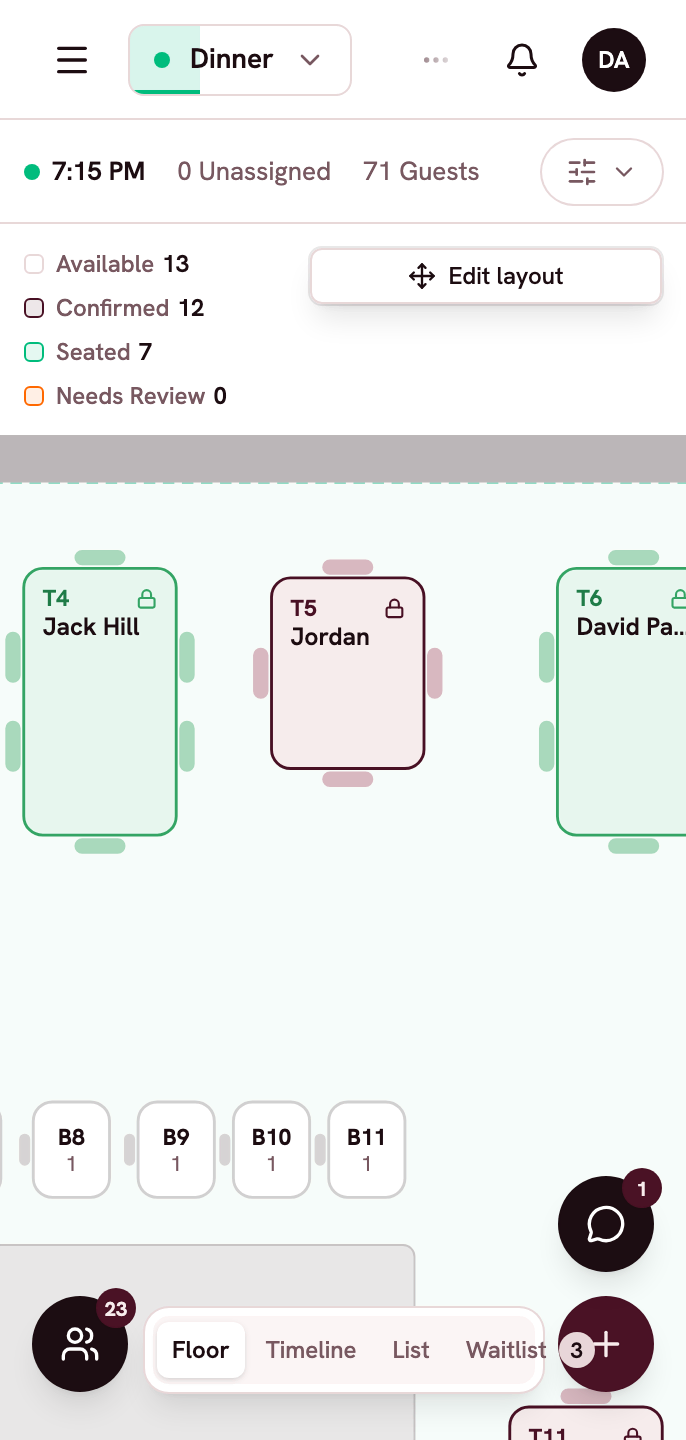
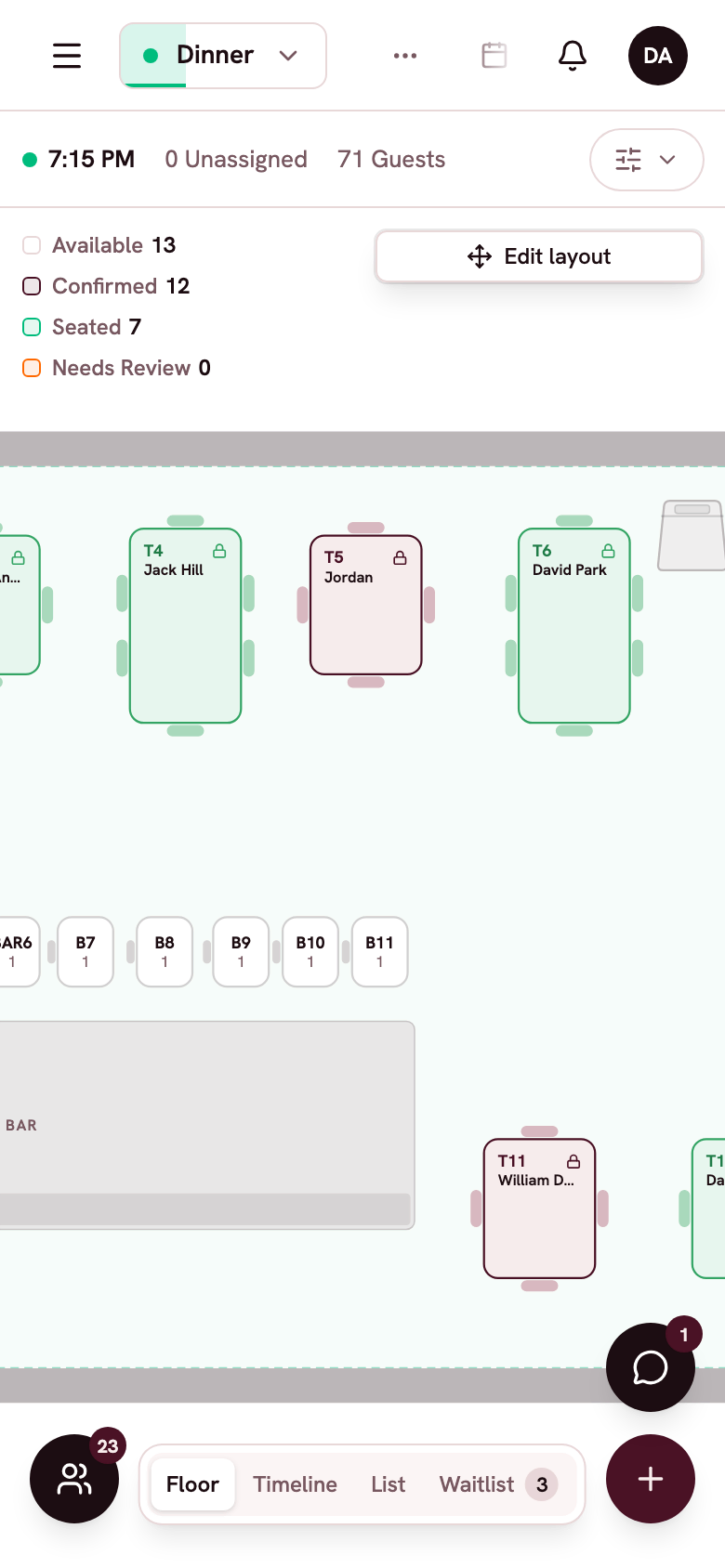
Tonight's service fits in your pocket.
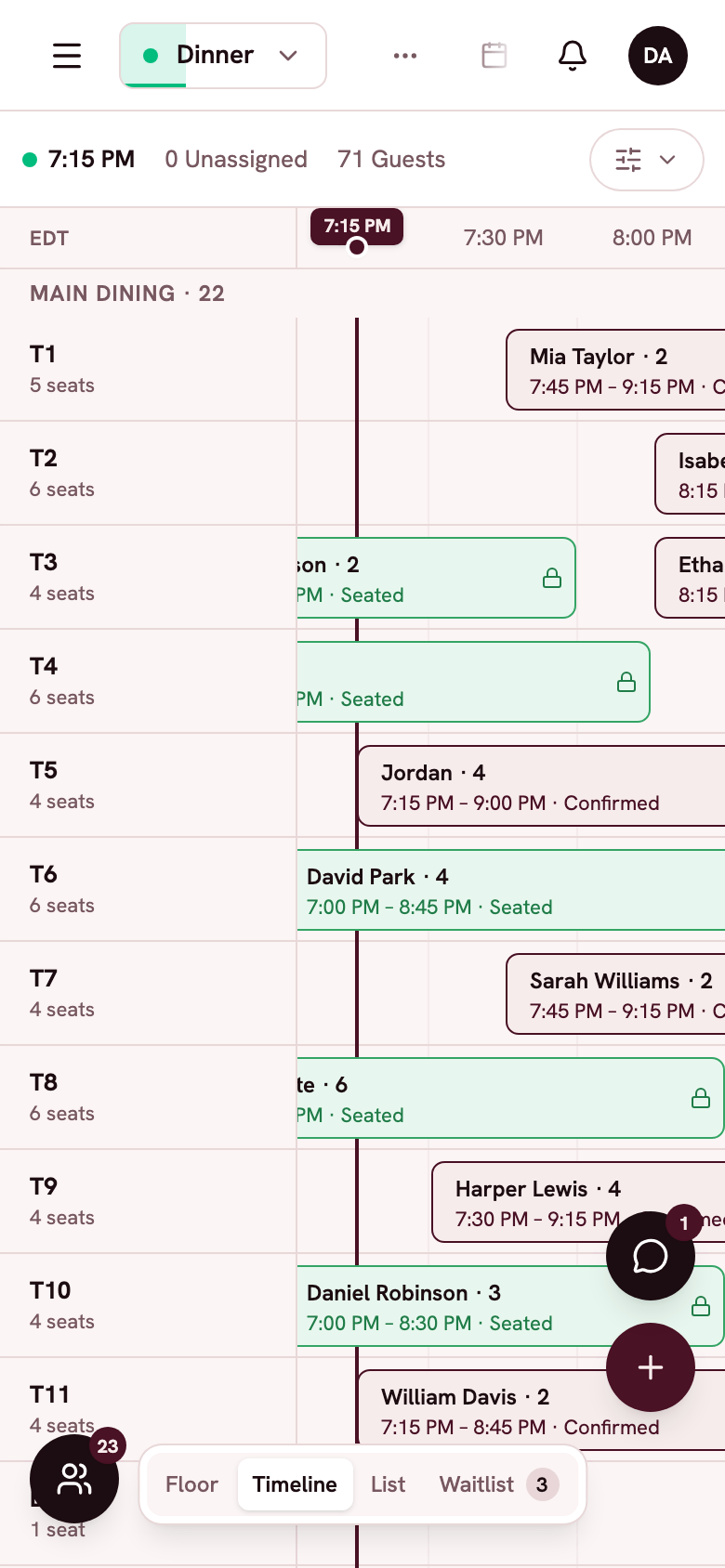
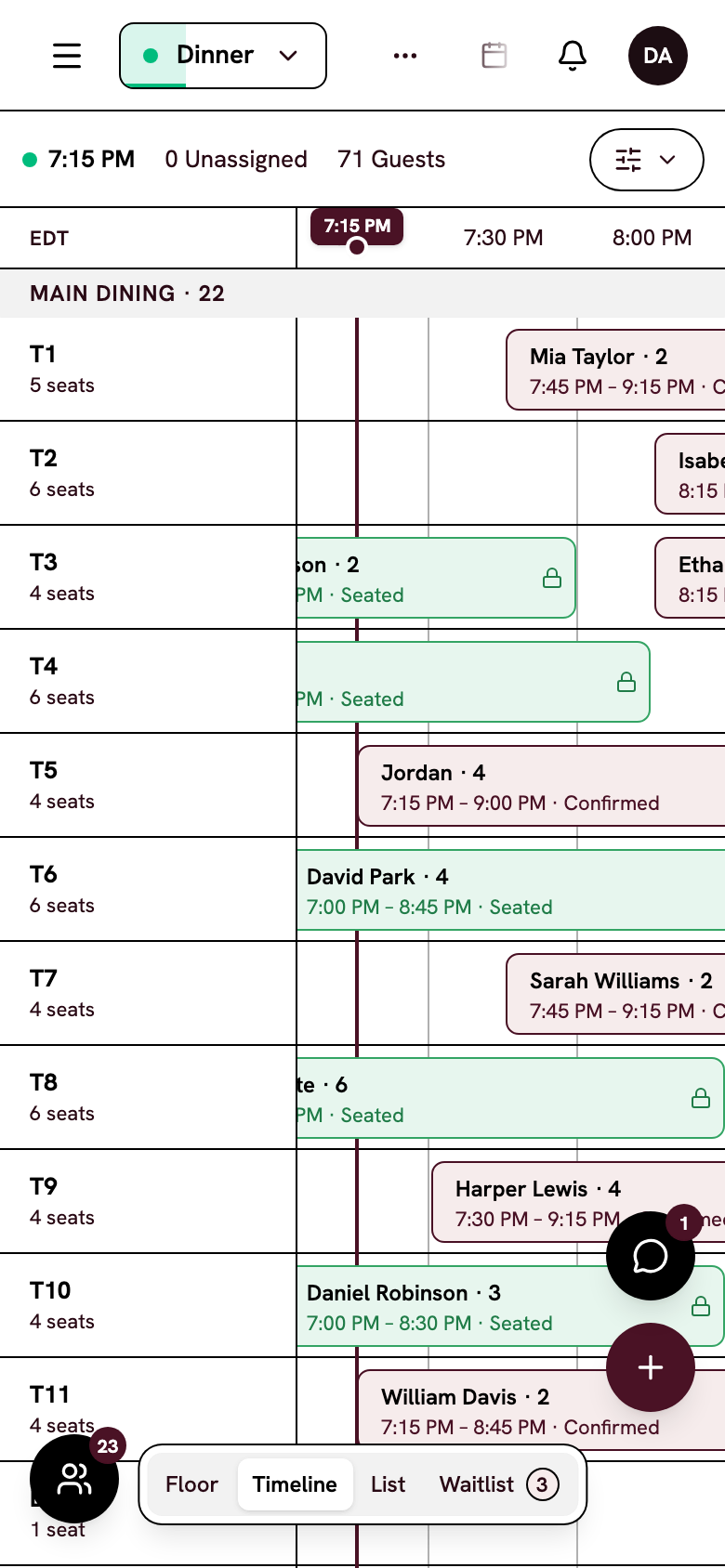
Check covers, seat a party or text a guest from your phone, wherever you are.
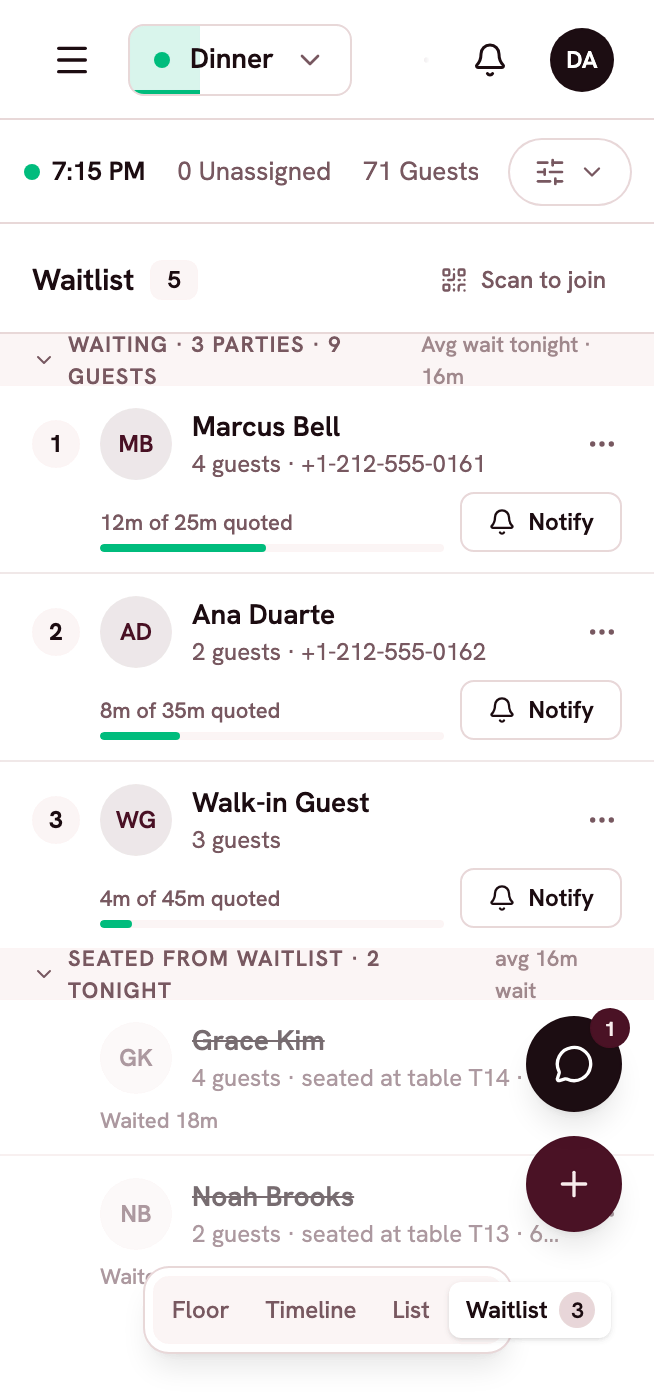
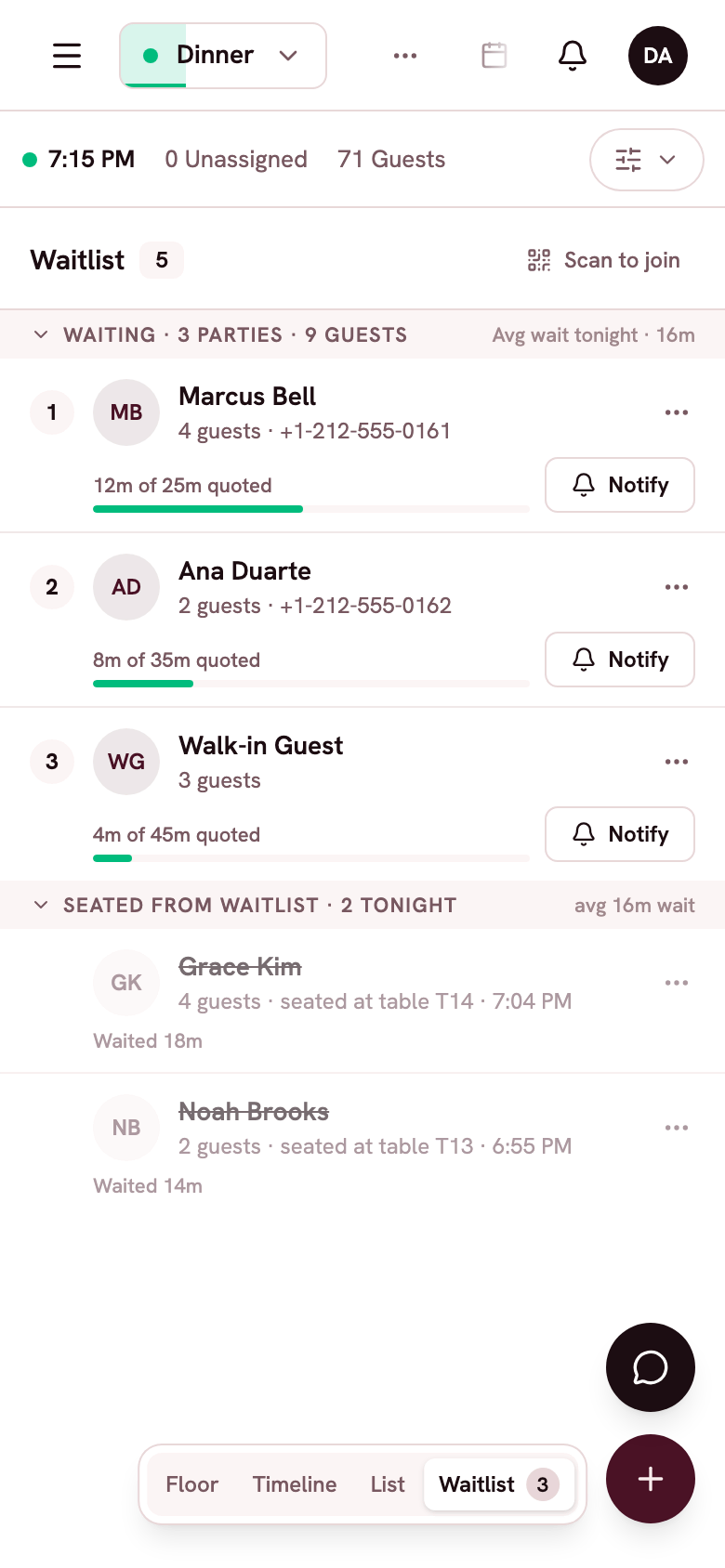
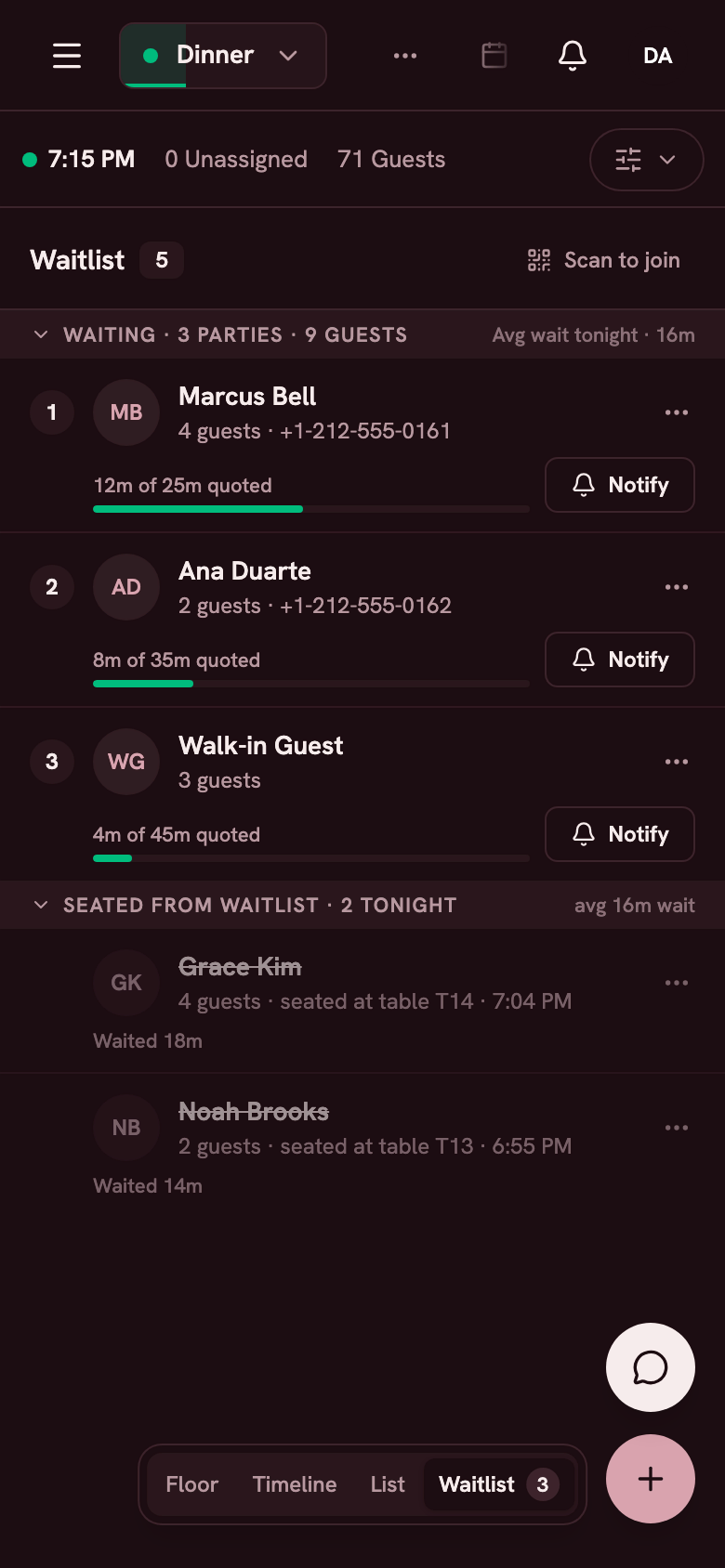
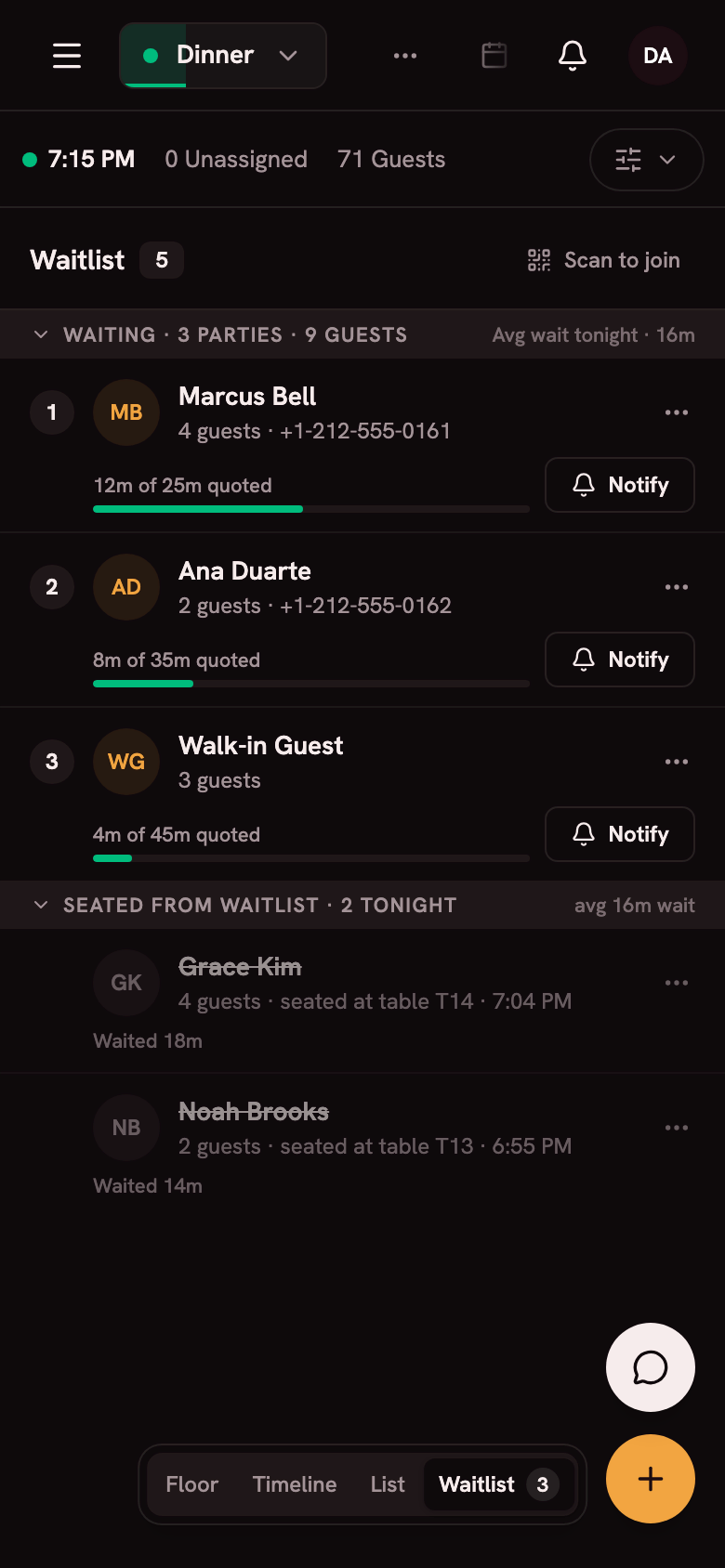
Tonight at a glance
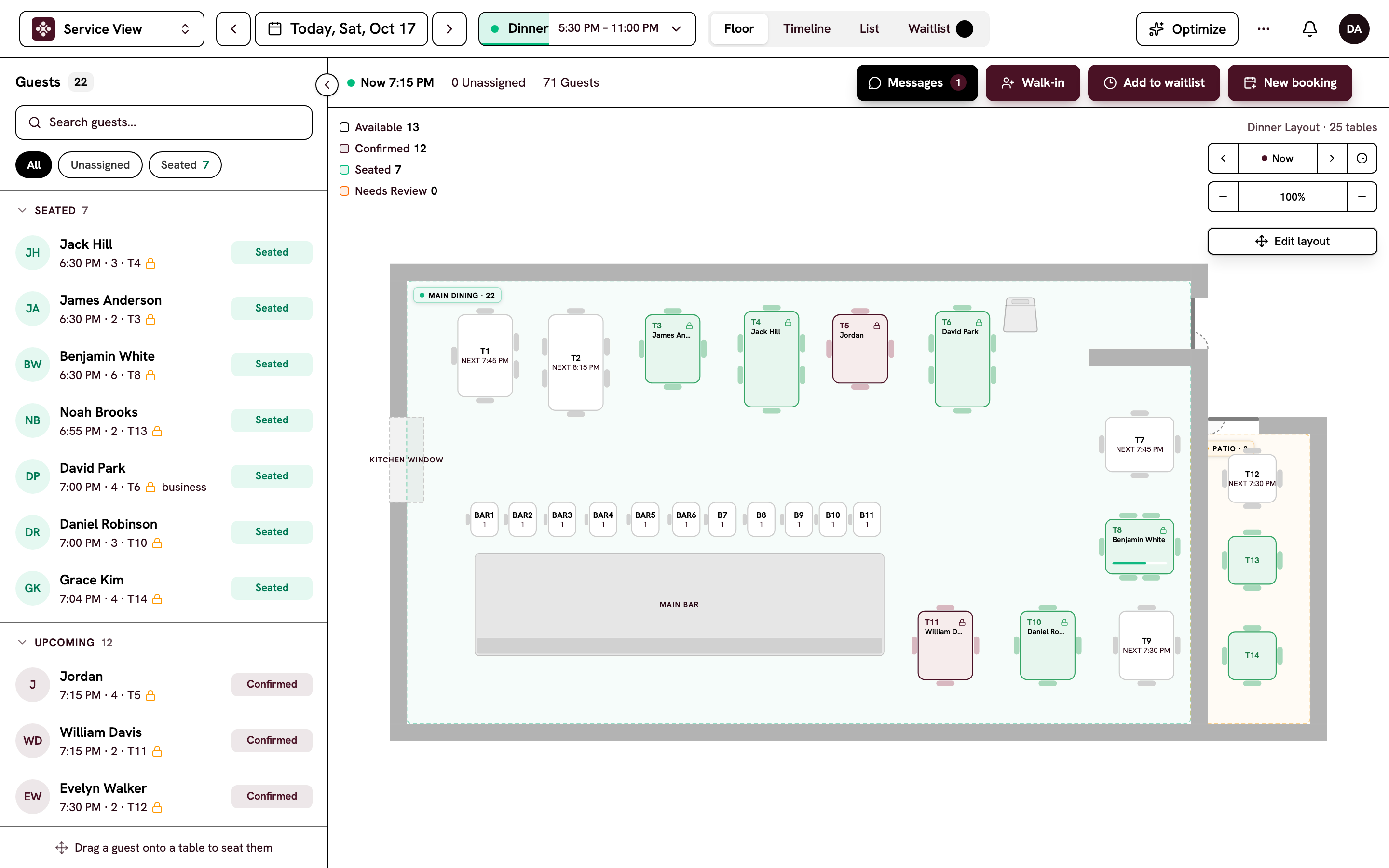
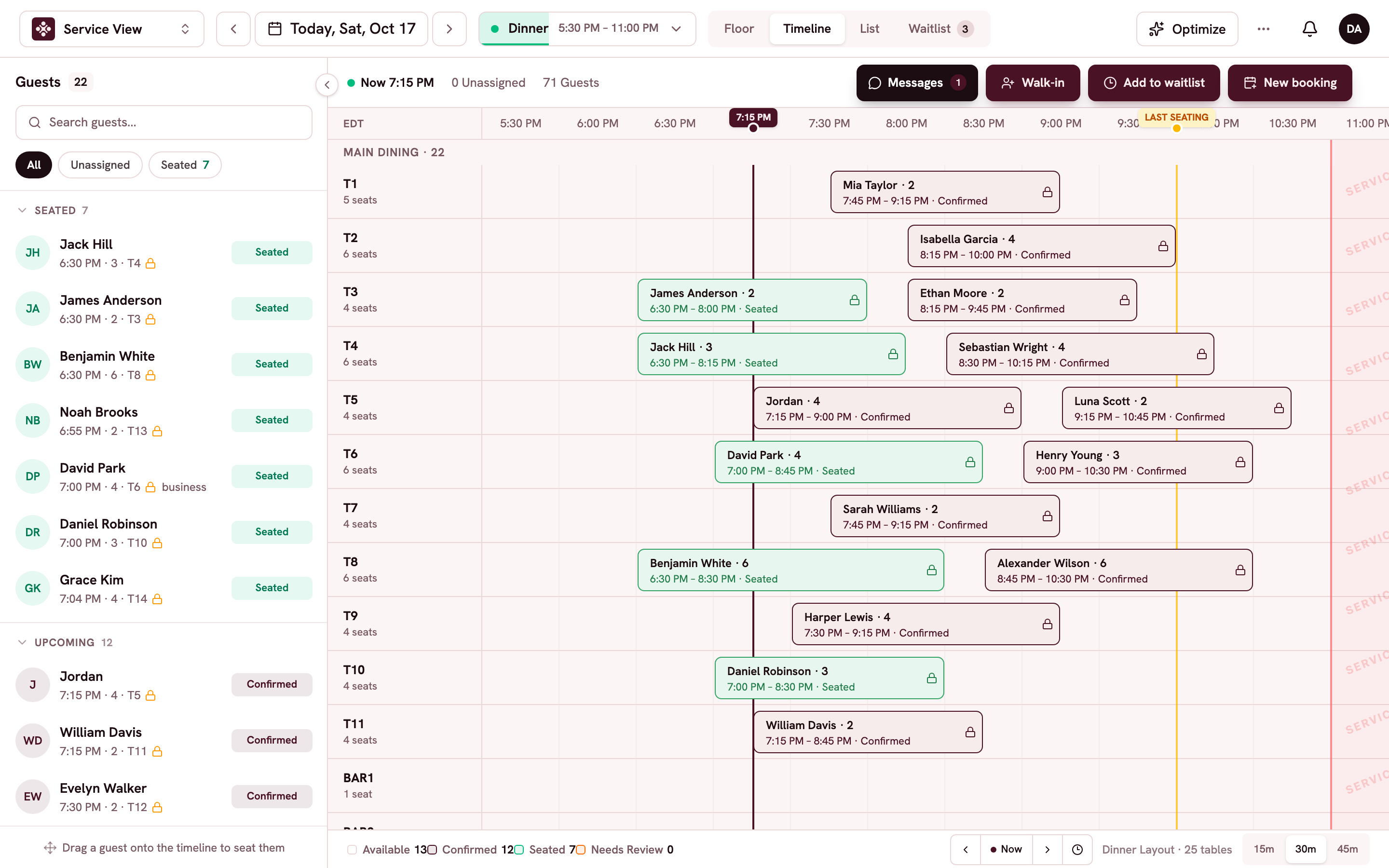
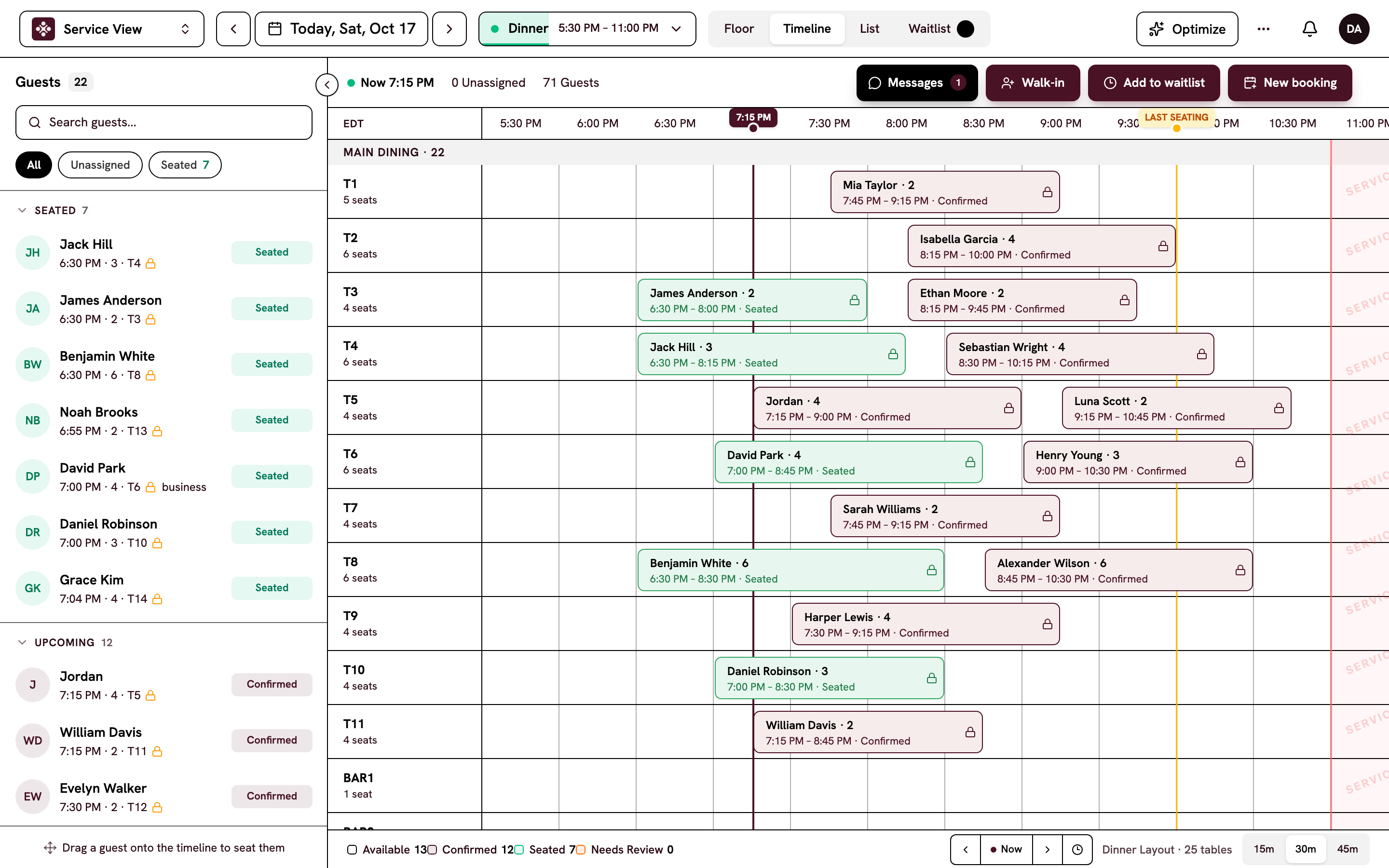
Floor, timeline, list and waitlist for the service you're in.
Bookings and guests
Find a booking, open the guest's profile and see allergies before they arrive.
One thread per guest
Texts, emails and Mise's call summaries with each guest, in one thread.
New booking alerts
A chime and an alert the moment a booking comes in online.
Native apps for iPhone and Android are available by invitation, with Face ID or fingerprint unlock and push notifications.
A host stand that works by touch.
On iPad, Apero has bigger touch targets and works whichever way you hold it. Your host seats a party with a tap.
Drag to seat
Drag a party to a table, or tap a table to seat the next guest from the waitlist.
Edit the floor by touch
Change the floor plan on iPad, even during service, without losing a booking.
Time travel
Step the clock forward and watch the room fill before it happens.
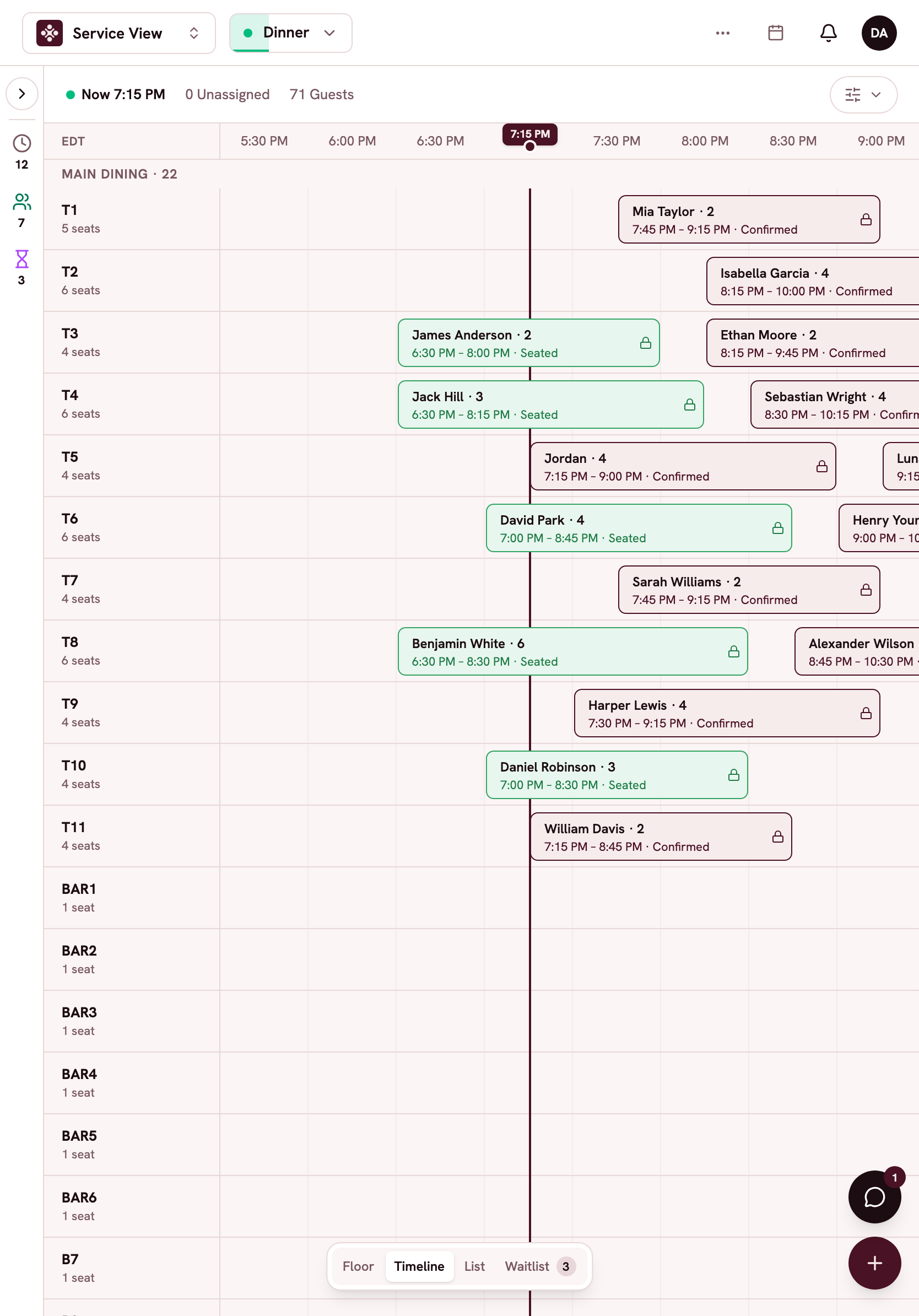
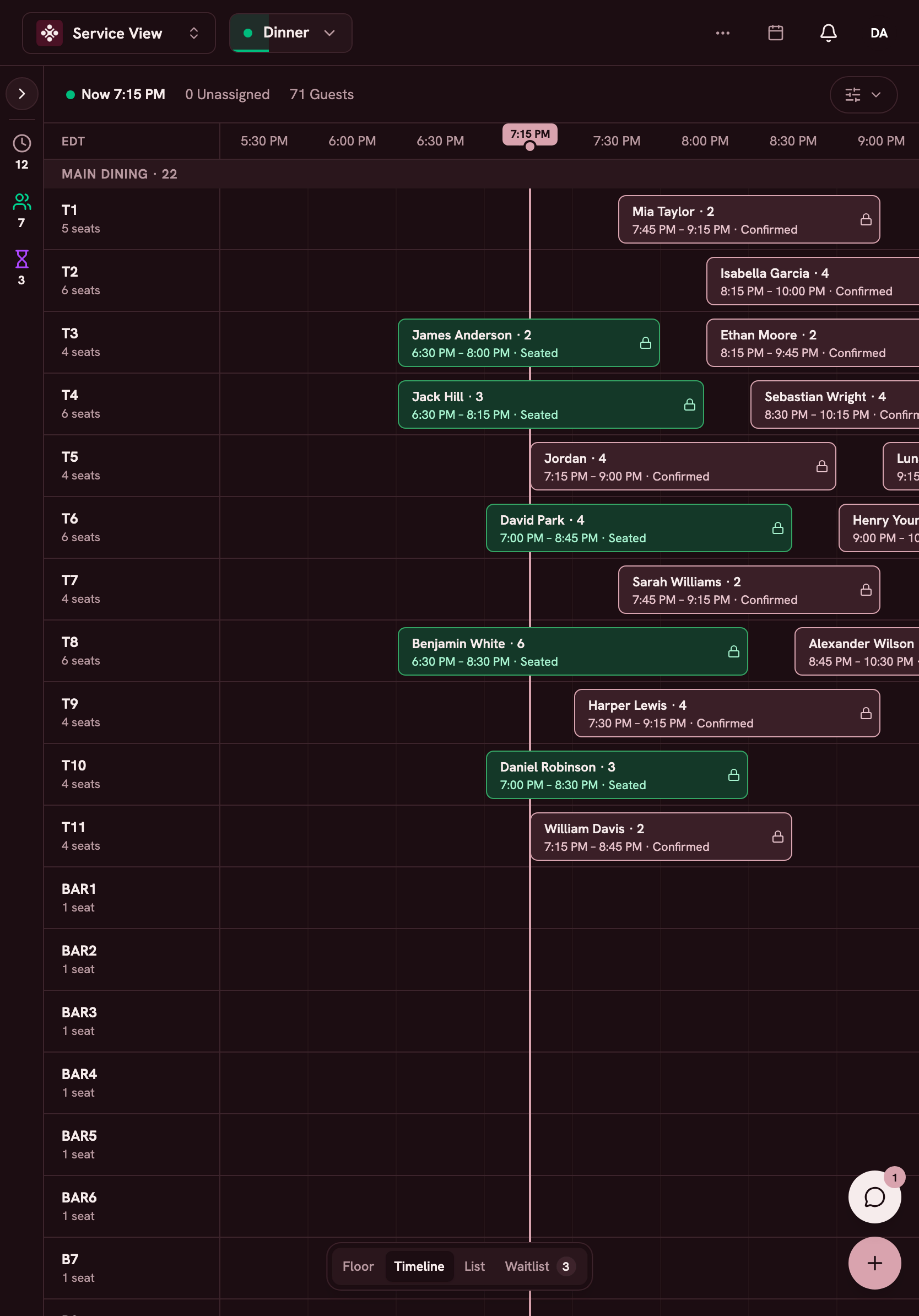
Set everything up from your computer.
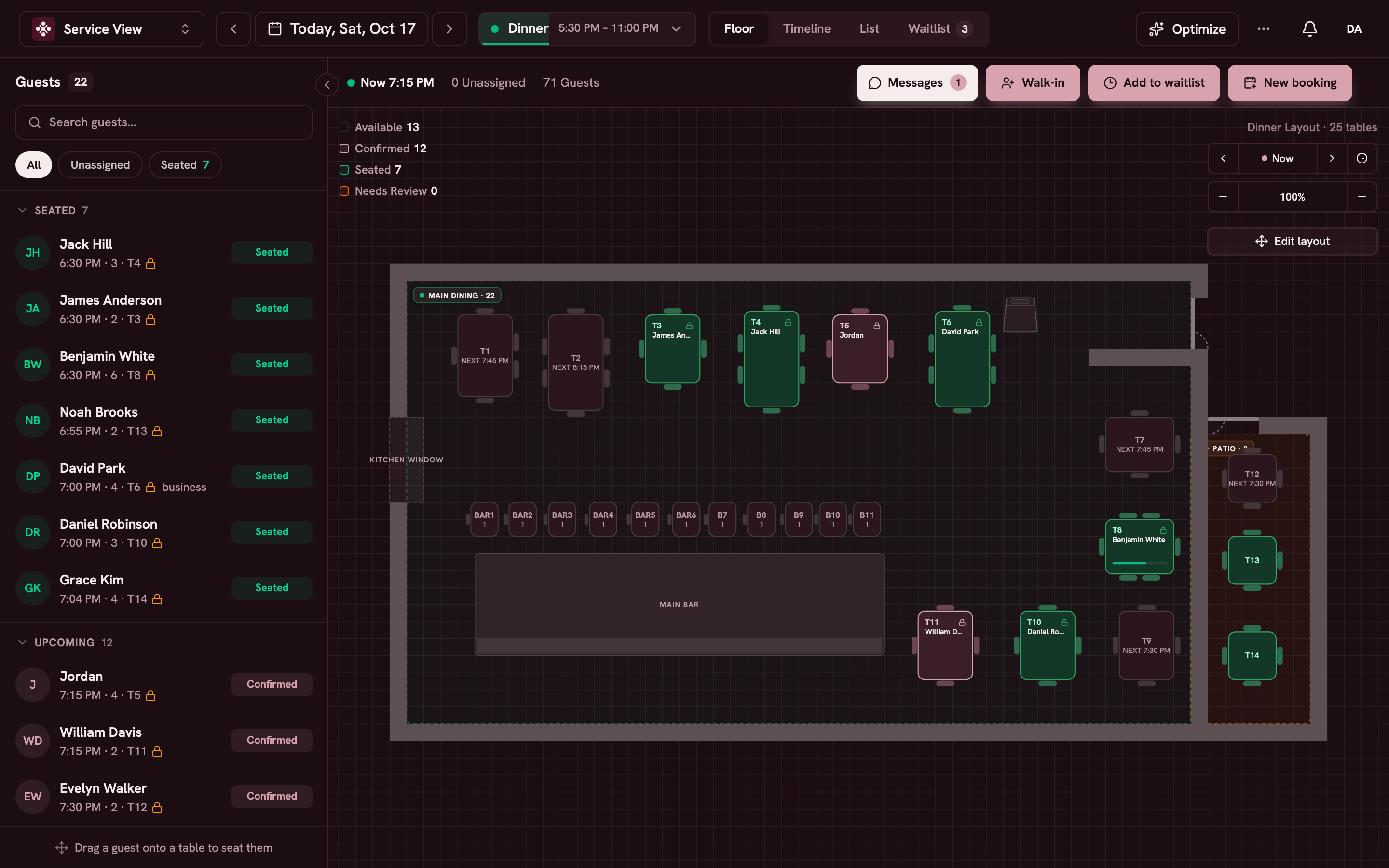
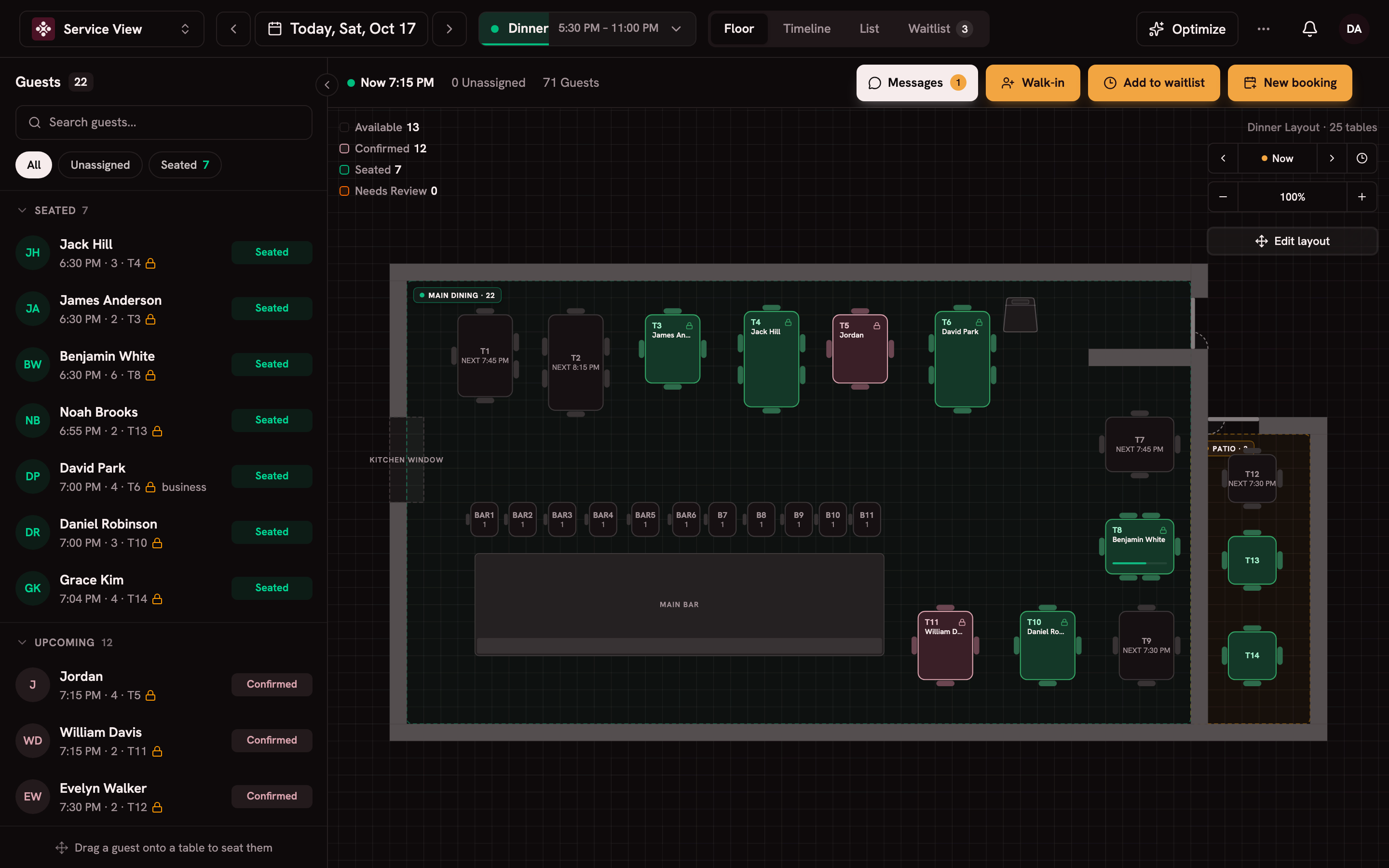
On a computer, set your services, draw your floor plan and style what guests see.
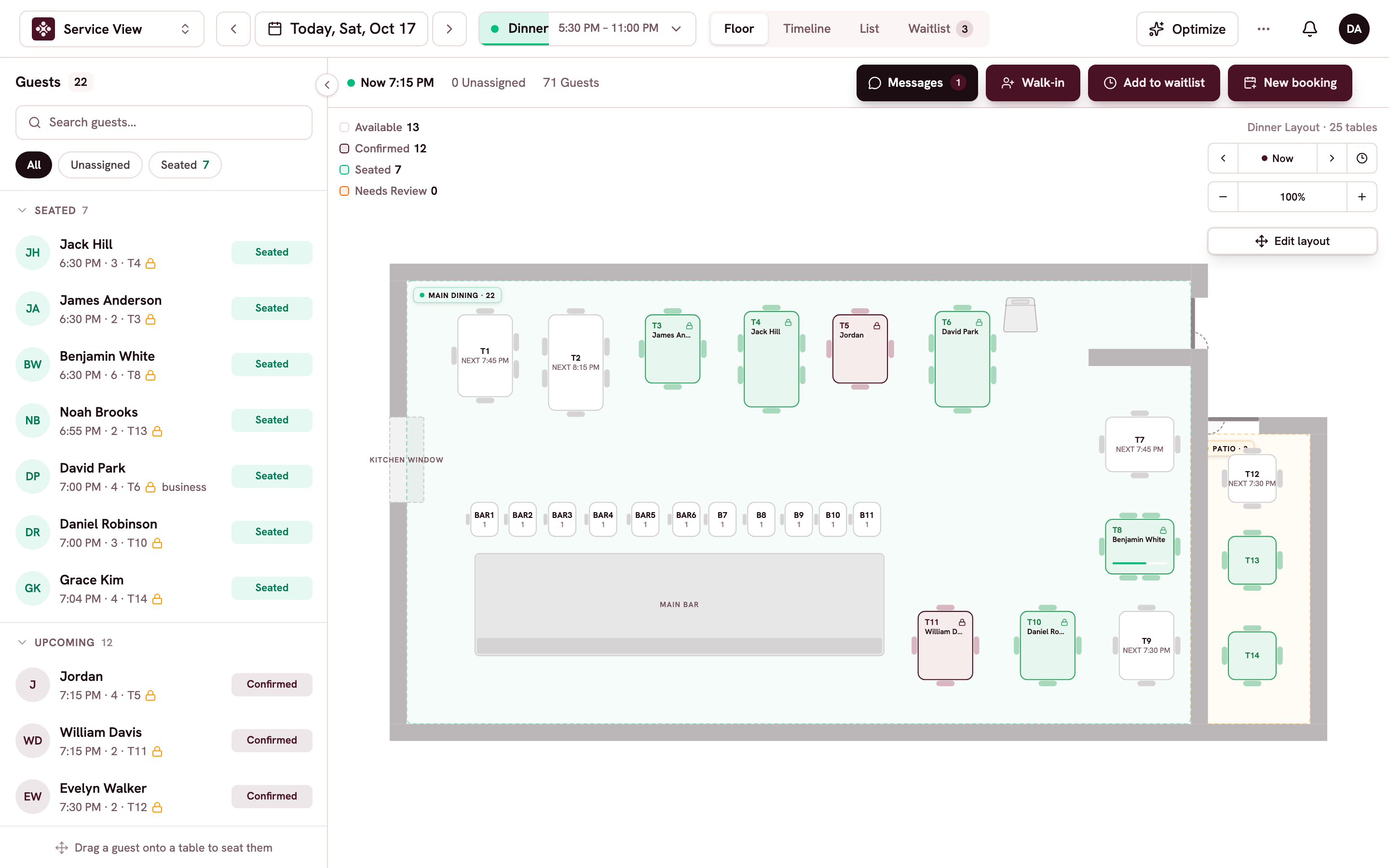
Services and pacing
Hours, pacing and closures for brunch, lunch and dinner.
Floor plans
Draw your room with zones, several floors and combined tables.
Studios
Style your website widget, emails and wallet passes in your colours.
Reports
Covers, no-shows, channels and calls, with CSV export.
Every screen shows the same book.
A booking from Mise, your website or the host stand appears on every screen right away.
Your whole team
Invite your team by email and give each person a role.
Several locations
Switch between locations in one account, with a shared guest file.
Each person's language
Each person works in English, French, Spanish, Portuguese or Arabic.
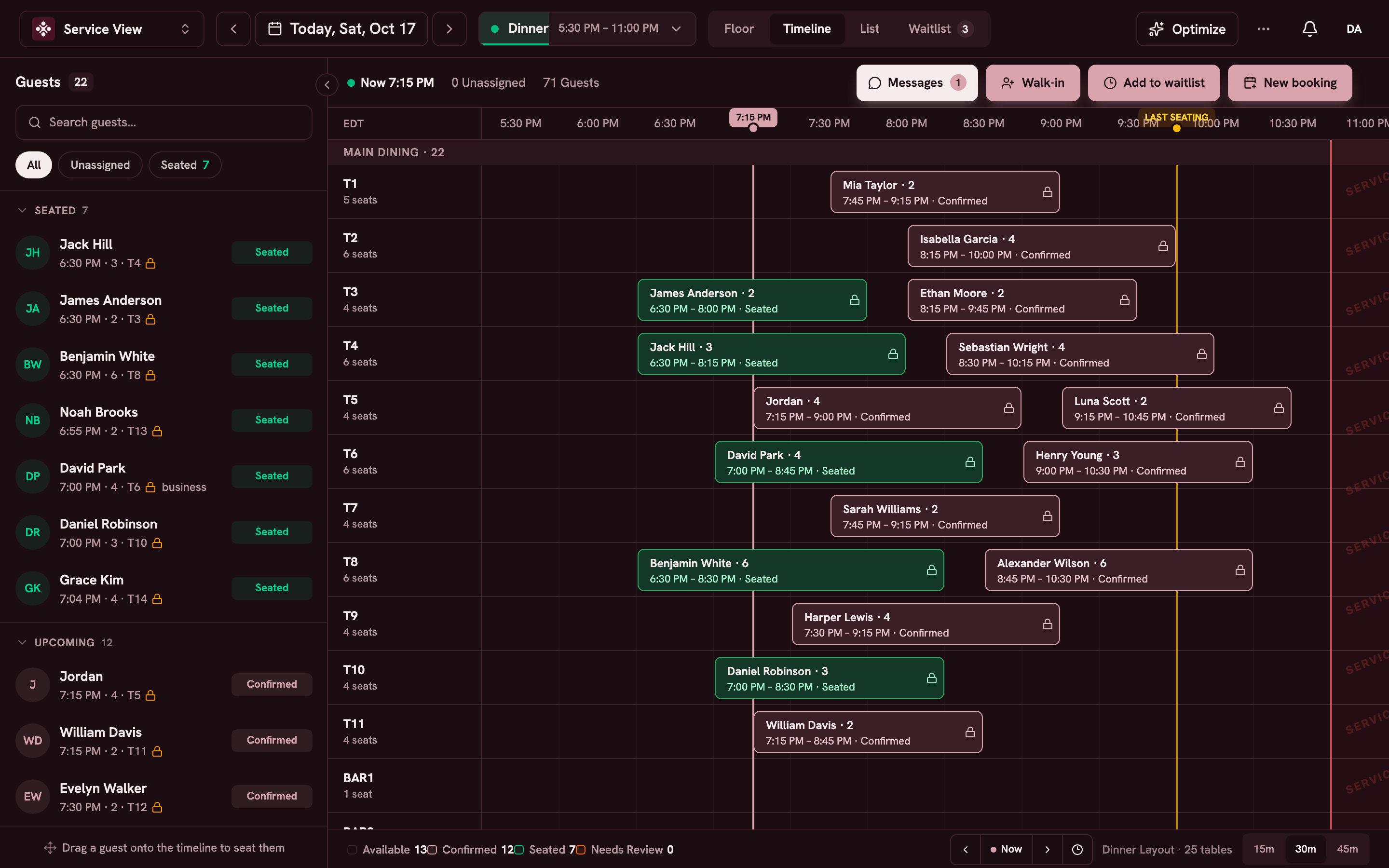
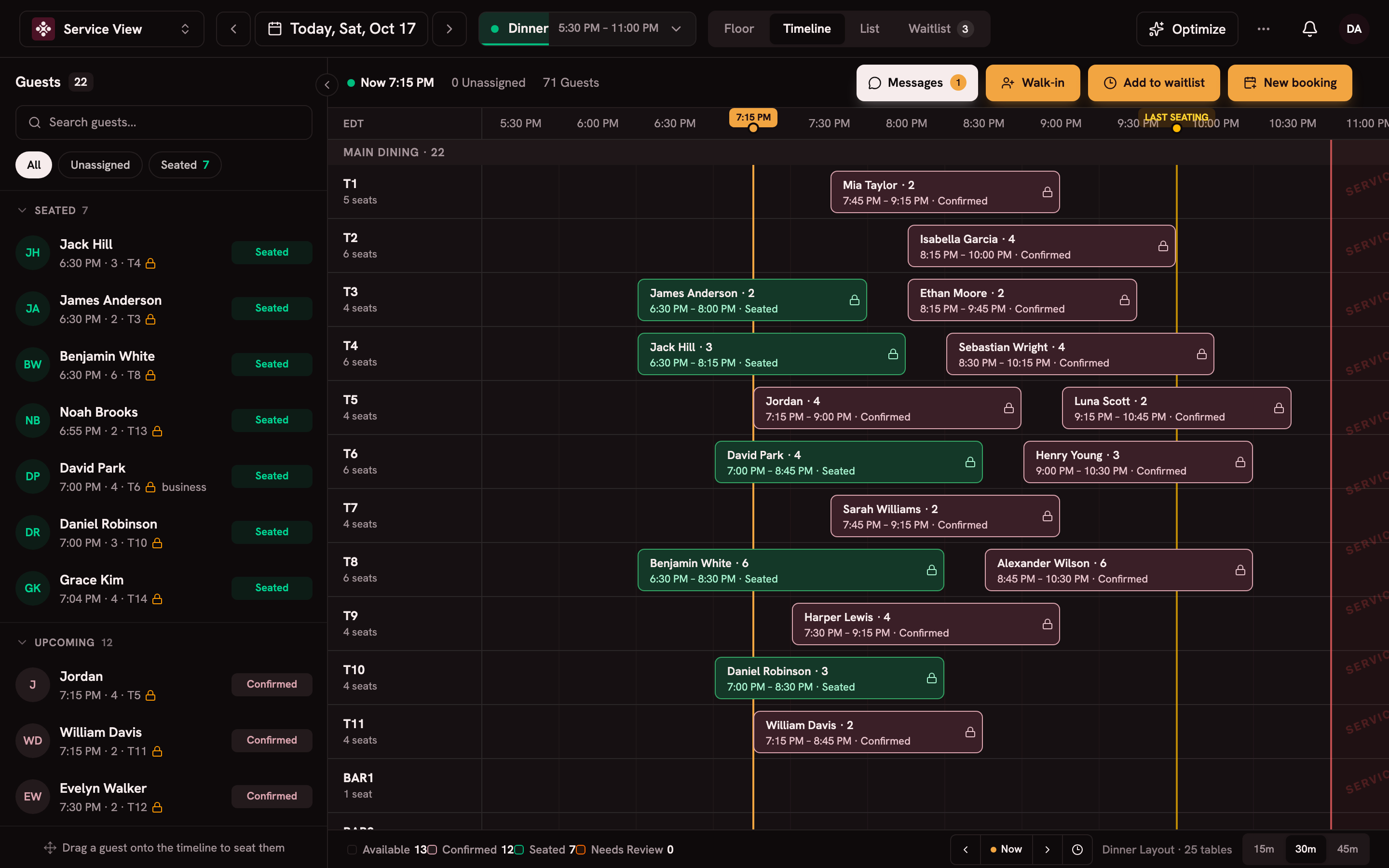
Your choice of theme
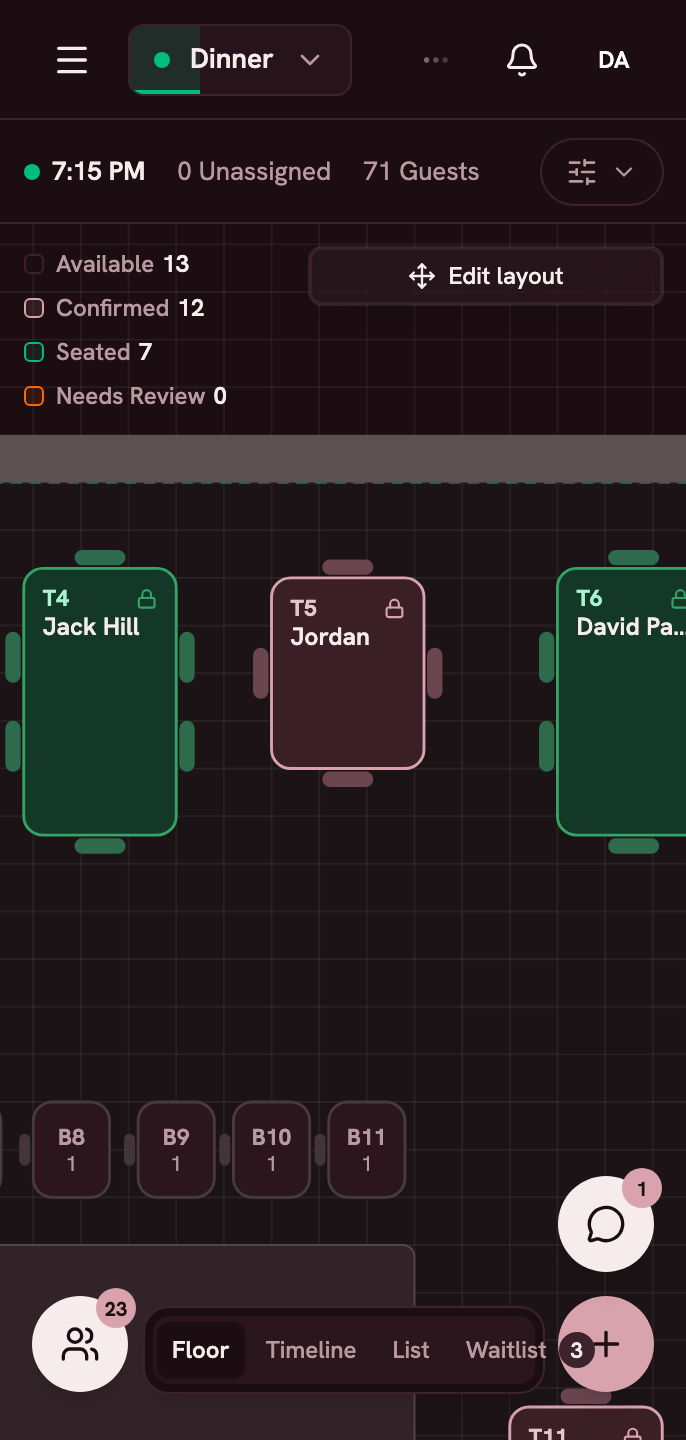
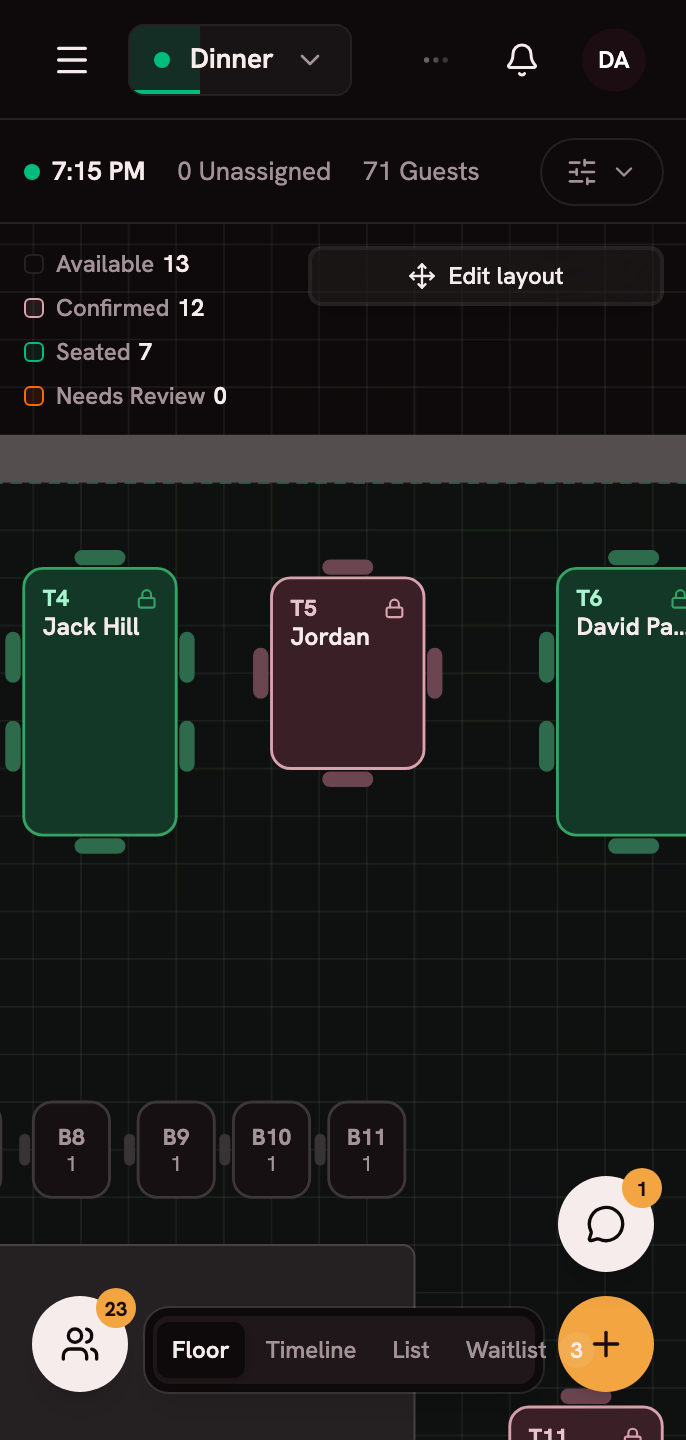
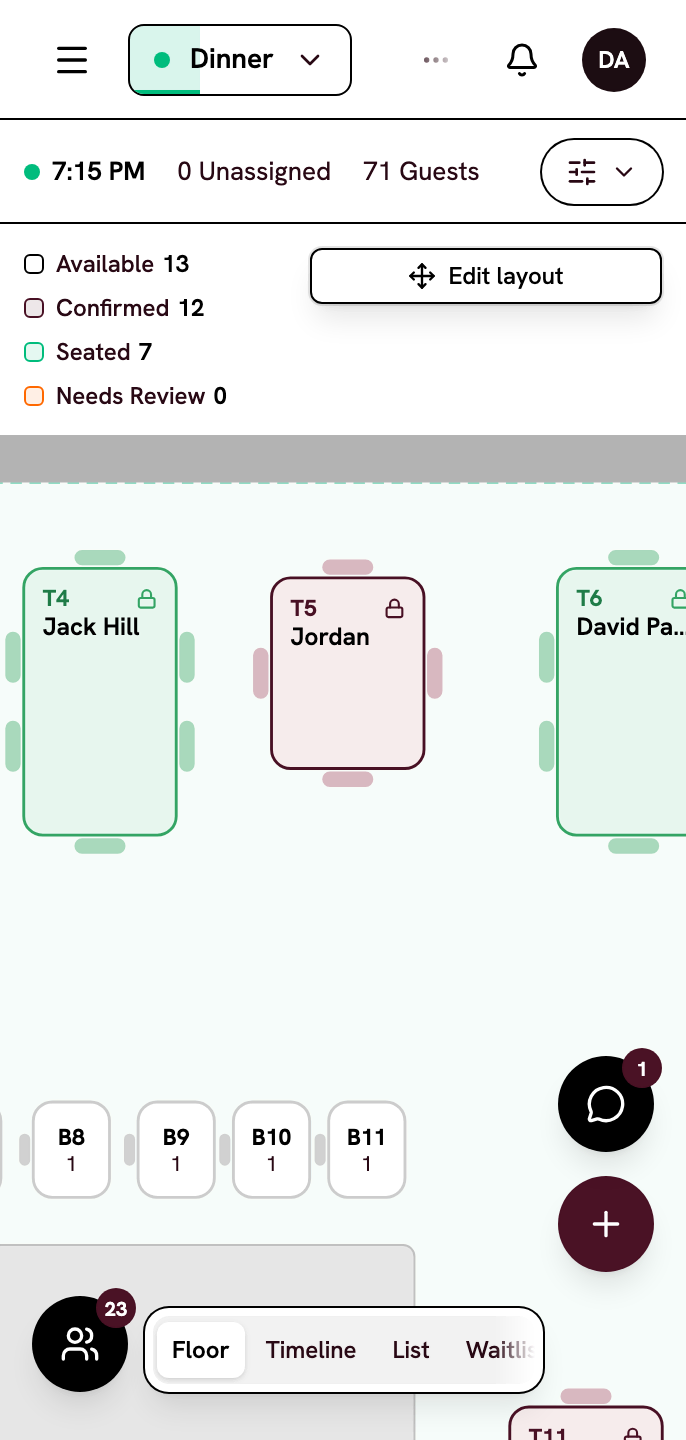
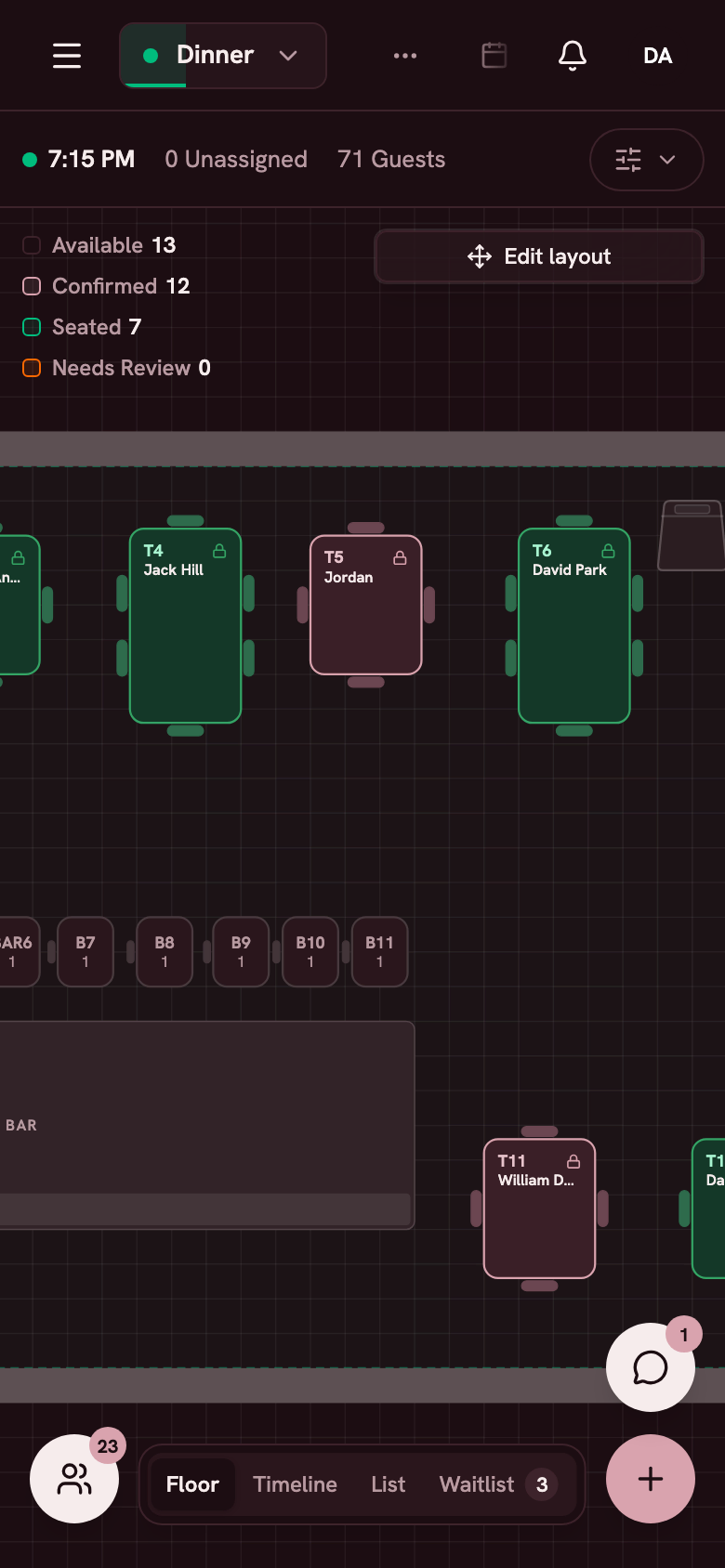
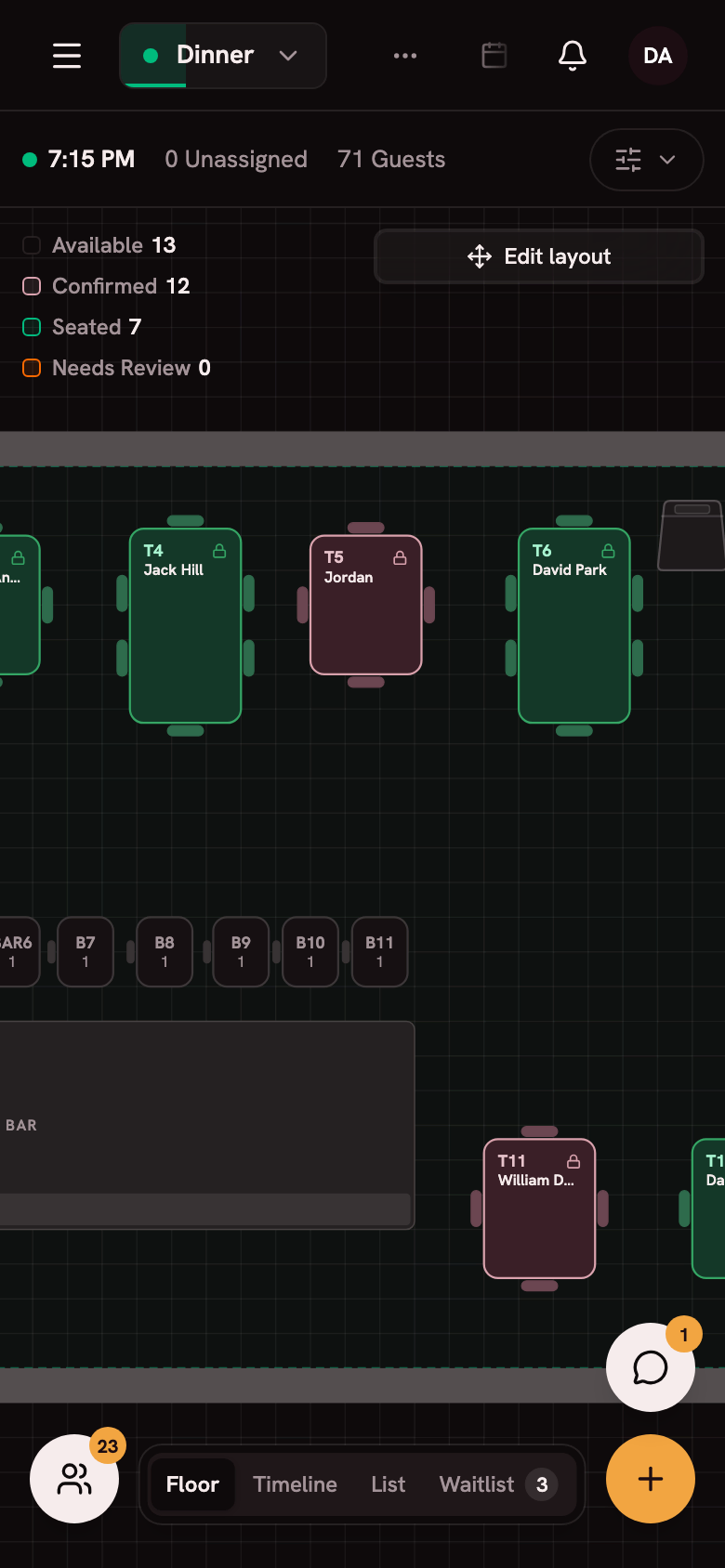
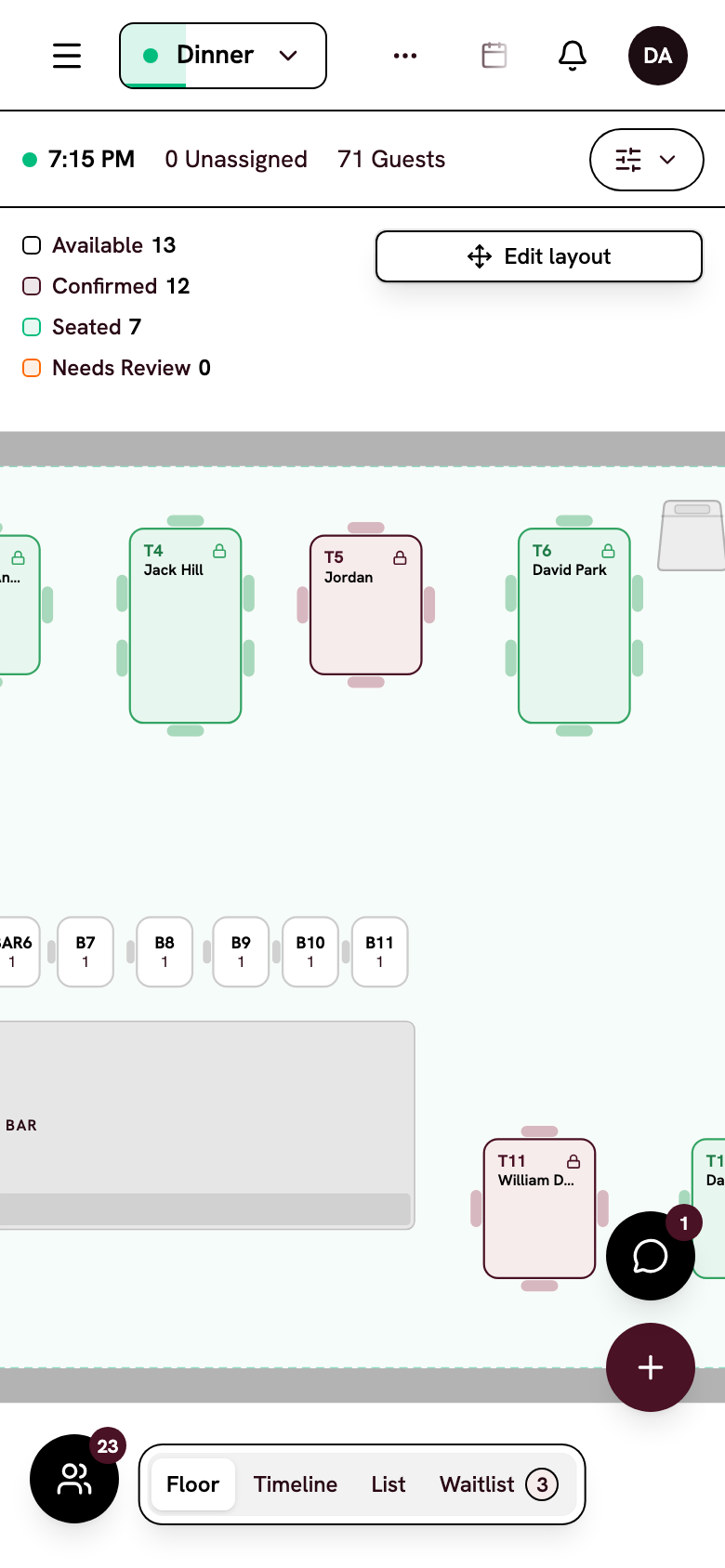
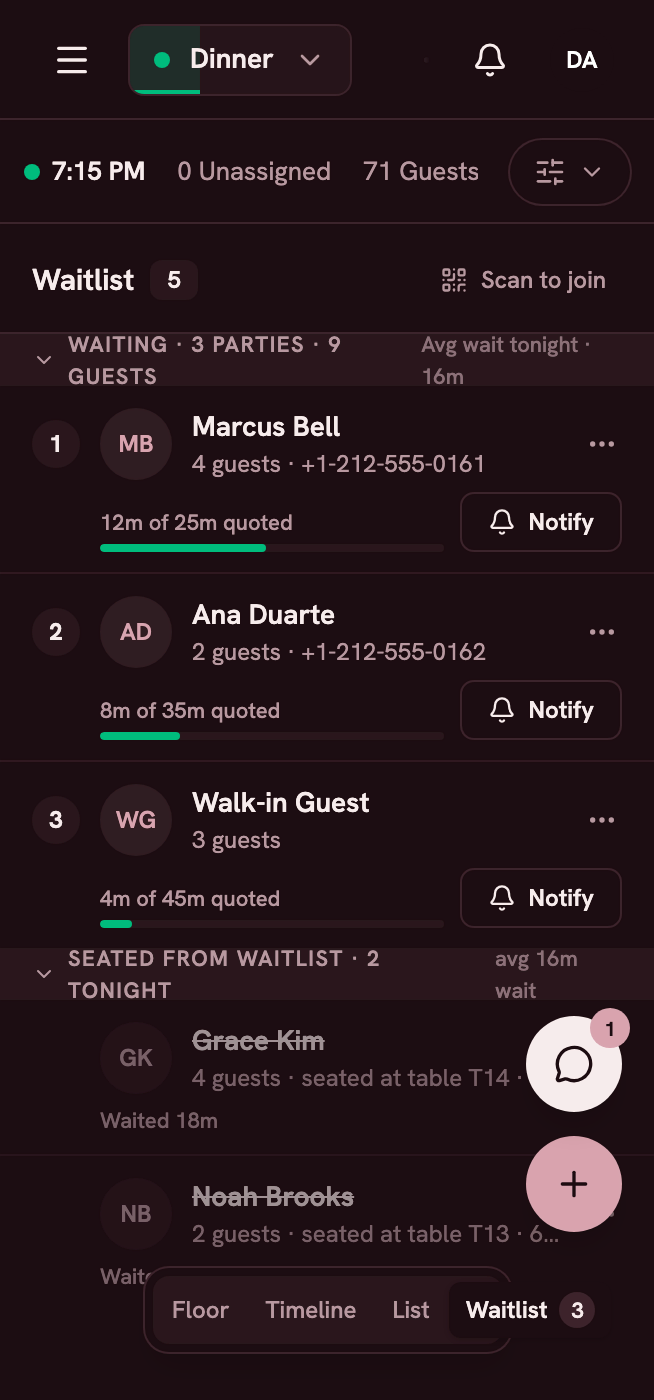
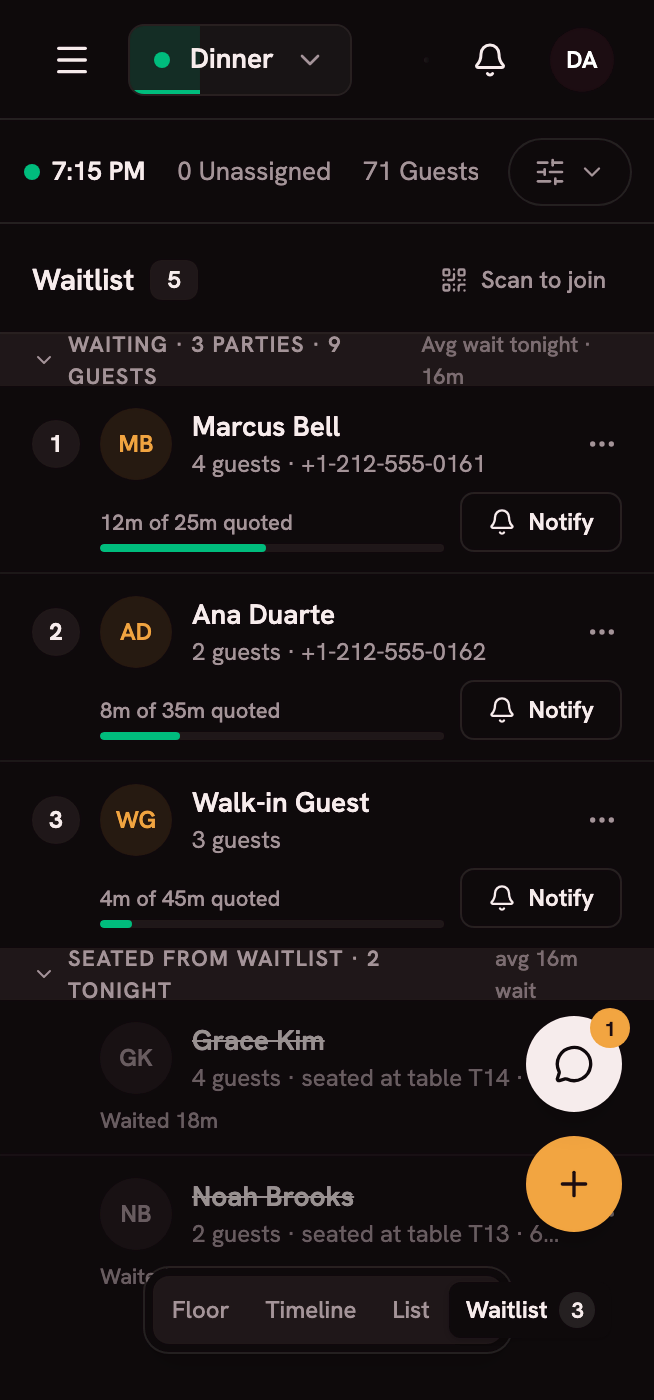
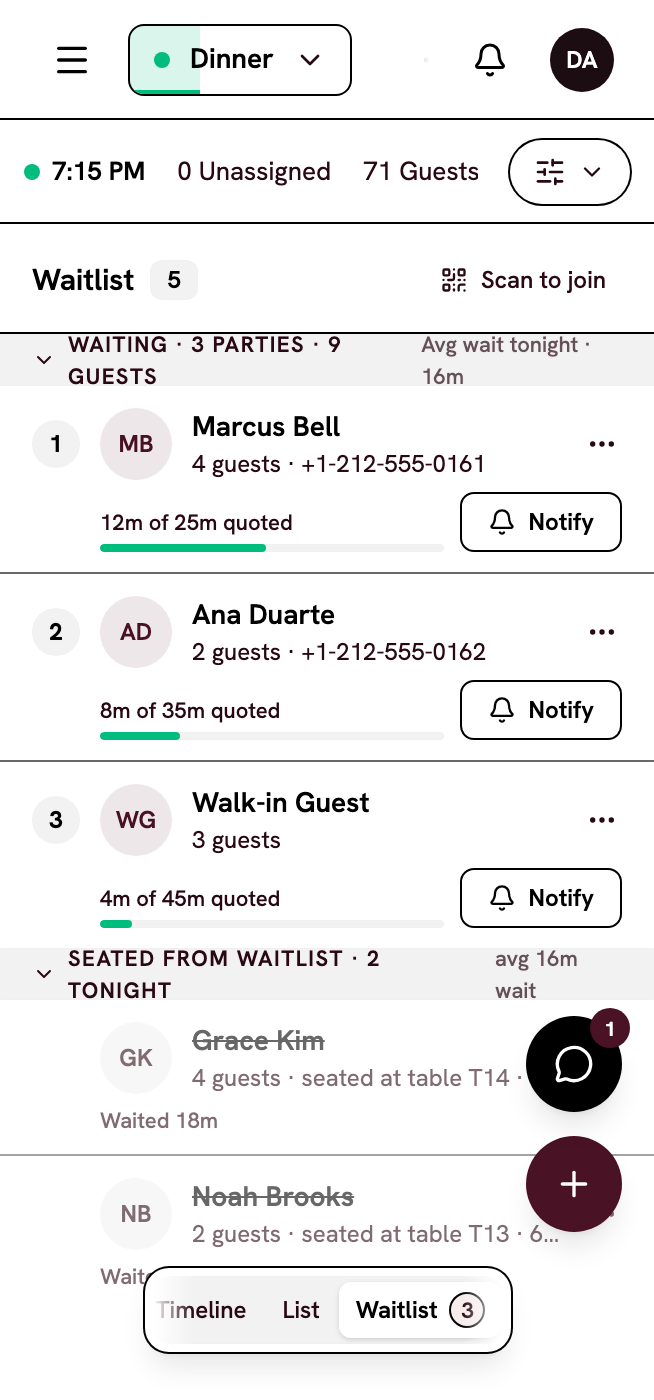
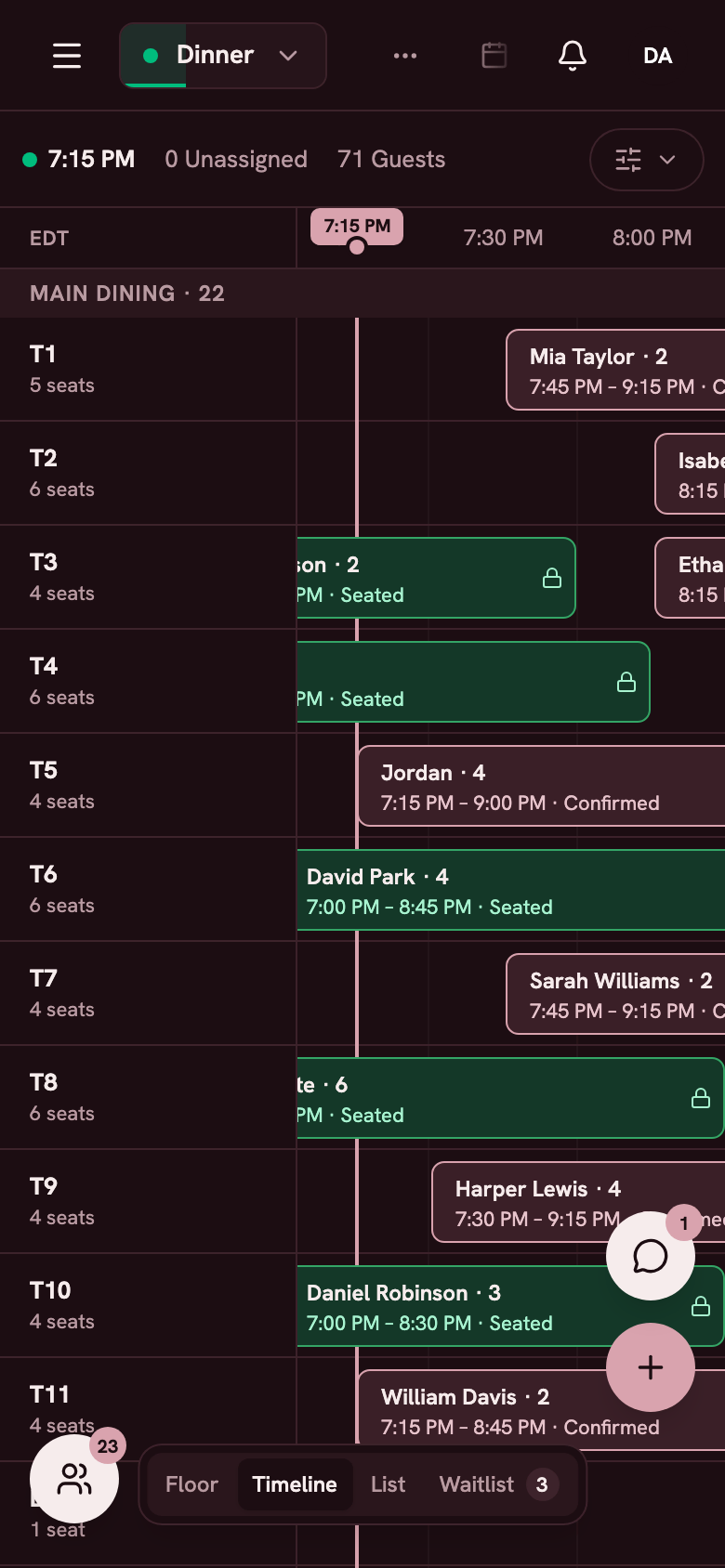
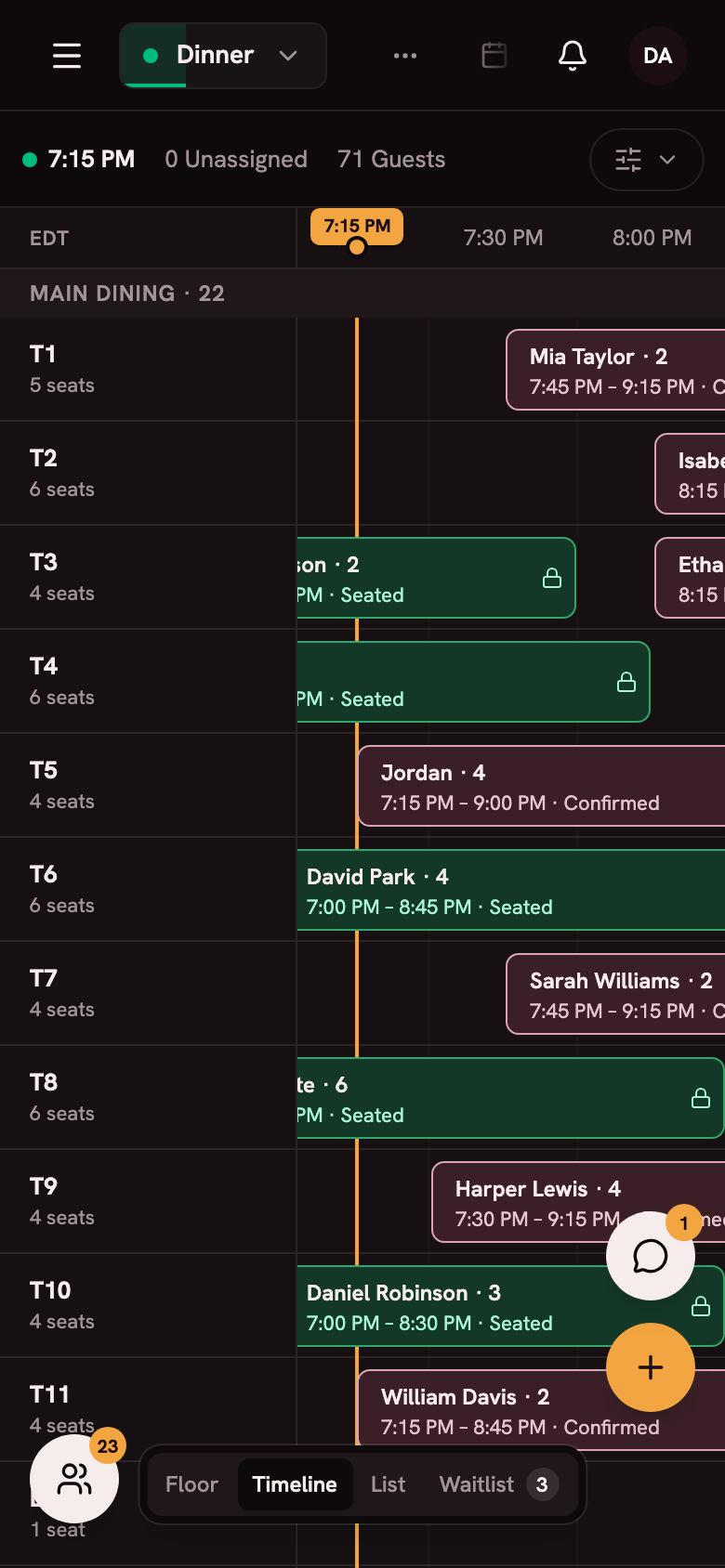
Light, dark, techy or high contrast, whatever suits your room.
Questions about phone, iPad and web
Do I need to buy a tablet?
No. Apero runs on the phone you already own, so there's no tablet to buy. An iPad at the host stand works too.
Is there an app to download?
You don't need one. Apero opens in any browser, and native apps for iPhone and Android are available by invitation.
Can my whole team use it at once?
Yes. Everyone works in the same book at the same time, and changes appear on every screen.
Can I edit the floor plan on my phone?
Use a computer or an iPad. Floor plans are edited in the browser there, and the native app is built for running service.
Does Apero work in French?
Yes. Your team can use Apero in French, and guests book and get their messages in French.
See Apero on your own phone.
Book a demo and we'll run a service together on the phone in your pocket.