Online booking
Guests book on your website, in your colours.
Share one booking link, or add the widget to your own website. Every booking lands in the same book as your calls and walk-ins.
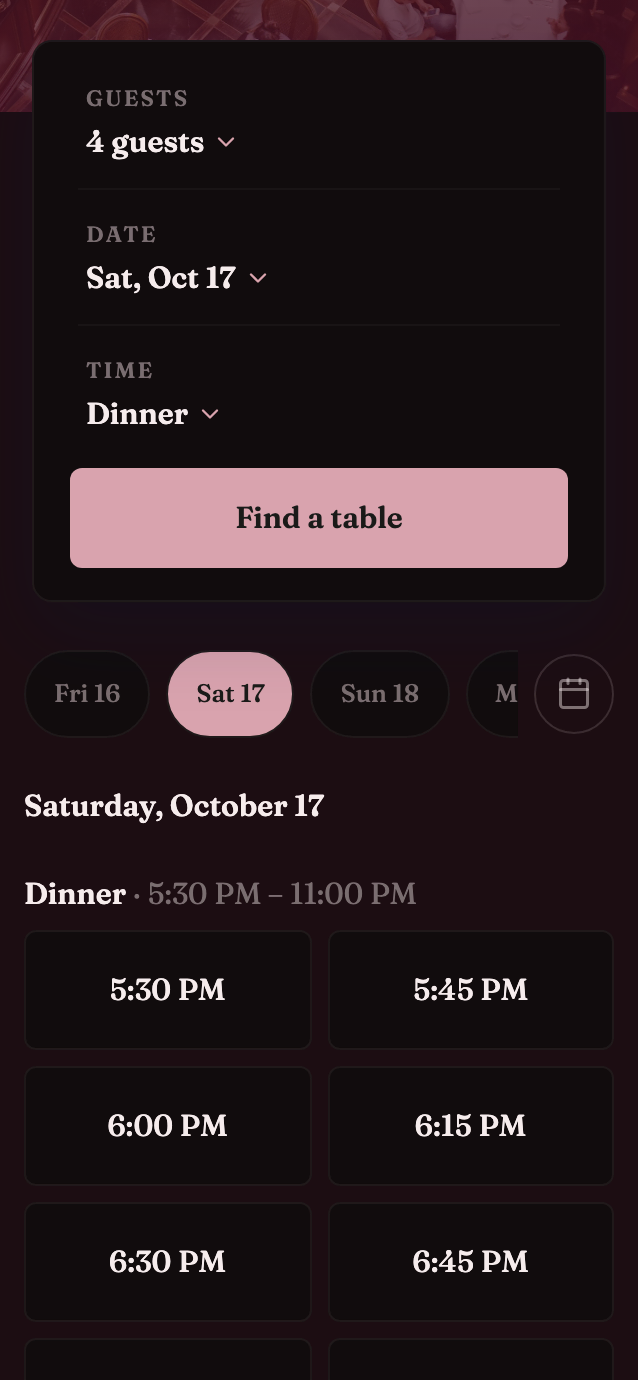
One link that sells your real availability.
Your booking page has its own link, in your colours. When you share it, the preview shows your photo and name.
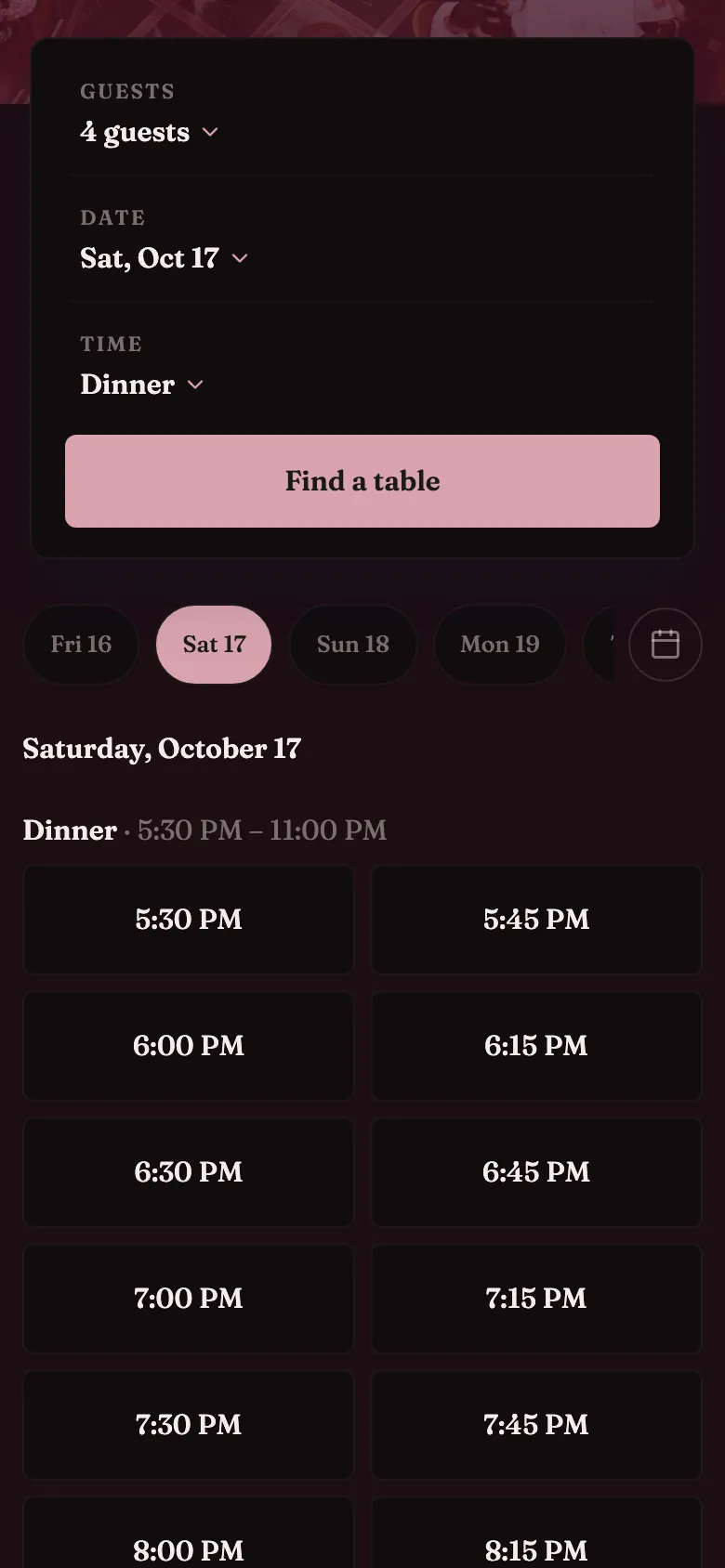
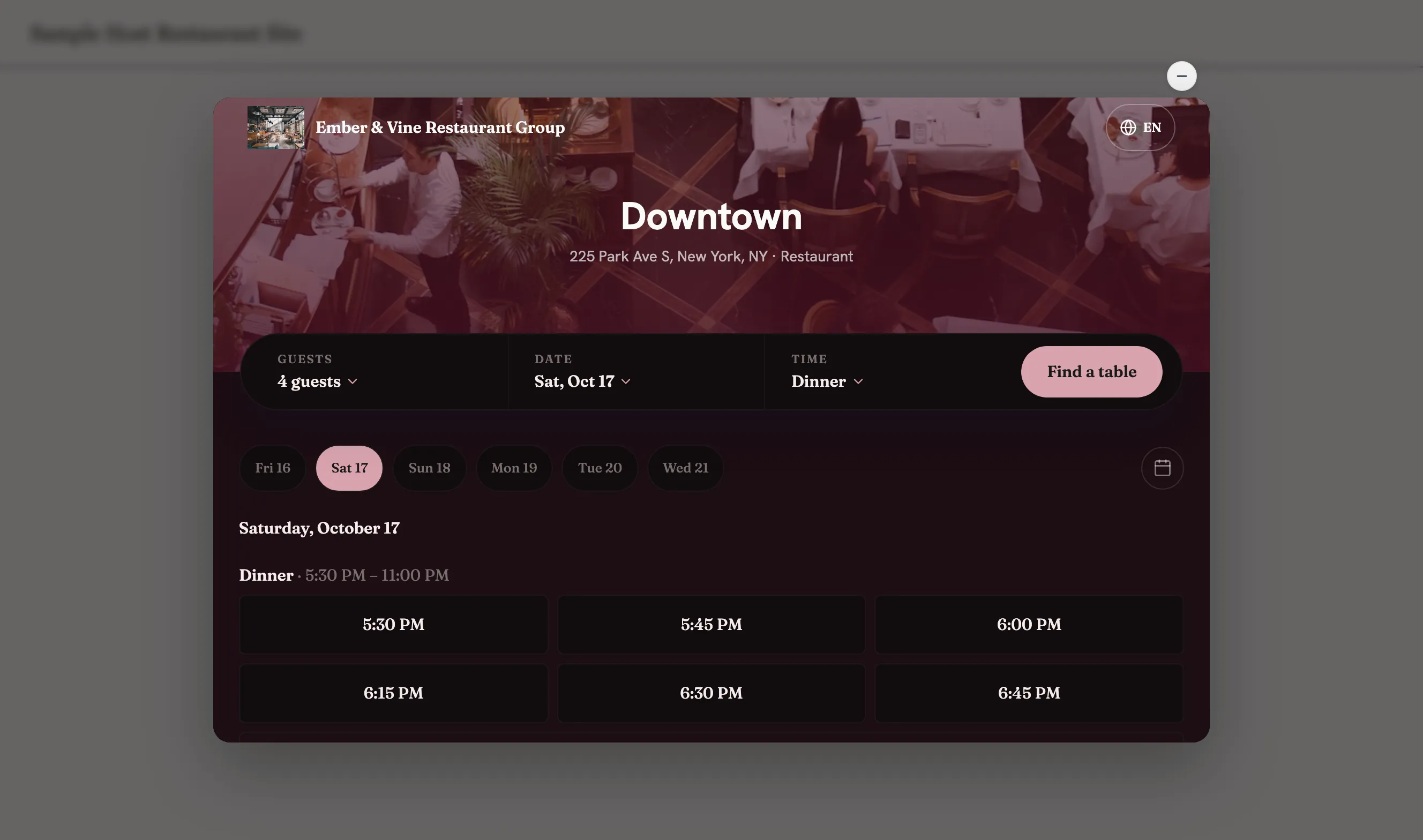
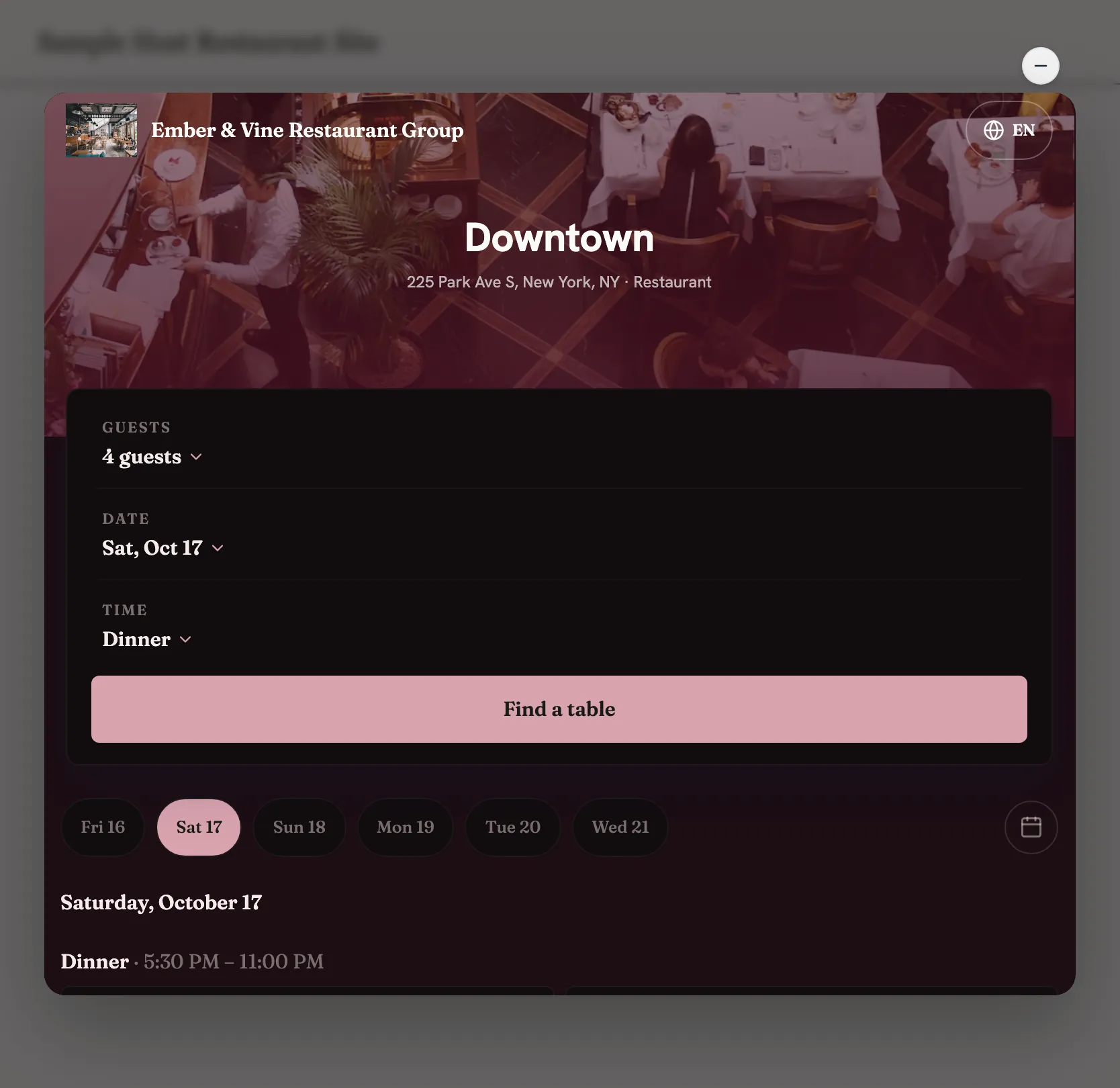
Find a table
Guests pick the date, the party size and an open time, filtered by service.
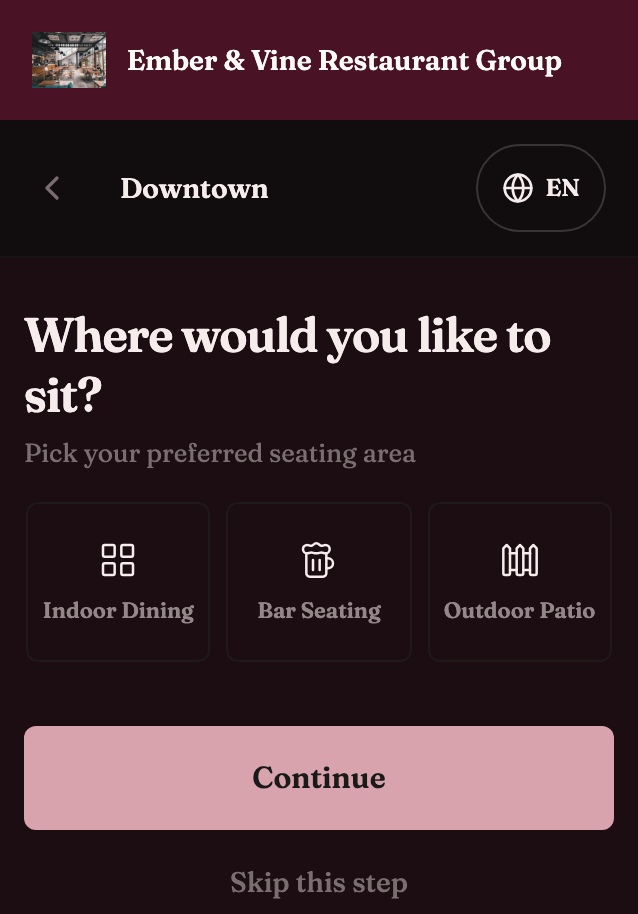
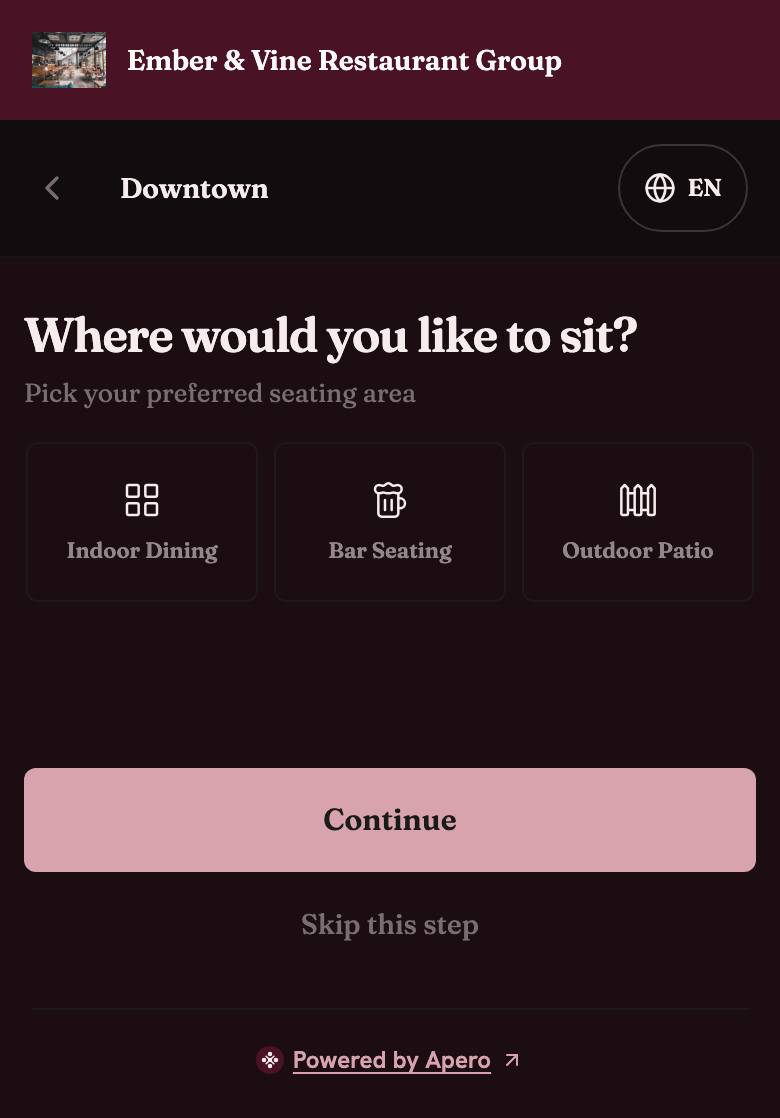
Choose a seating preference
Guests pick where they'd like to sit, when you turn it on.
Add the details
Name, phone, occasion and allergies go to the guest's profile. The table is held while they type.
Get a confirmation
A confirmation with a QR code, a calendar file and links to change or cancel.
Styled in Widget Studio
Pick a preset, your colours, a font and a cover photo. The booking flow on your site follows, with no new code.
Guests book in English, French, Spanish, Portuguese or Arabic, with Arabic shown right to left.
Your booking link
One page in your colours, for your Instagram bio and your emails.
The front door
Guests scan a QR code at the door, join the waitlist and get a text when their table is ready.
Put booking on your website your way.
Paste one script tag on your site, then choose how booking opens.
Inline
The booking flow sits inside your page and grows with its content.
Pop-up window
Any button you choose on your site opens booking over your page. Apero adds no button of its own.
Floating button
A booking button waits in the corner, shrinks to a small circle and opens a compact panel.
<!-- Add data-apero-open to any
     element to open the widget. -->
<button data-apero-open>Book a table</button>

<!-- Apero Booking Widget -->
<script
  src="https://app.aperoreserve.com/embed.js"
  data-venue-id="VENUE_ID"
  data-mode="modal"
  data-install-token="INSTALL_TOKEN"
  data-accent-color="#D9A3AE"
  data-theme="dark"
  data-background-color="#1C0D12"
  async
></script>
Live demo
Book a table at our demo restaurant.
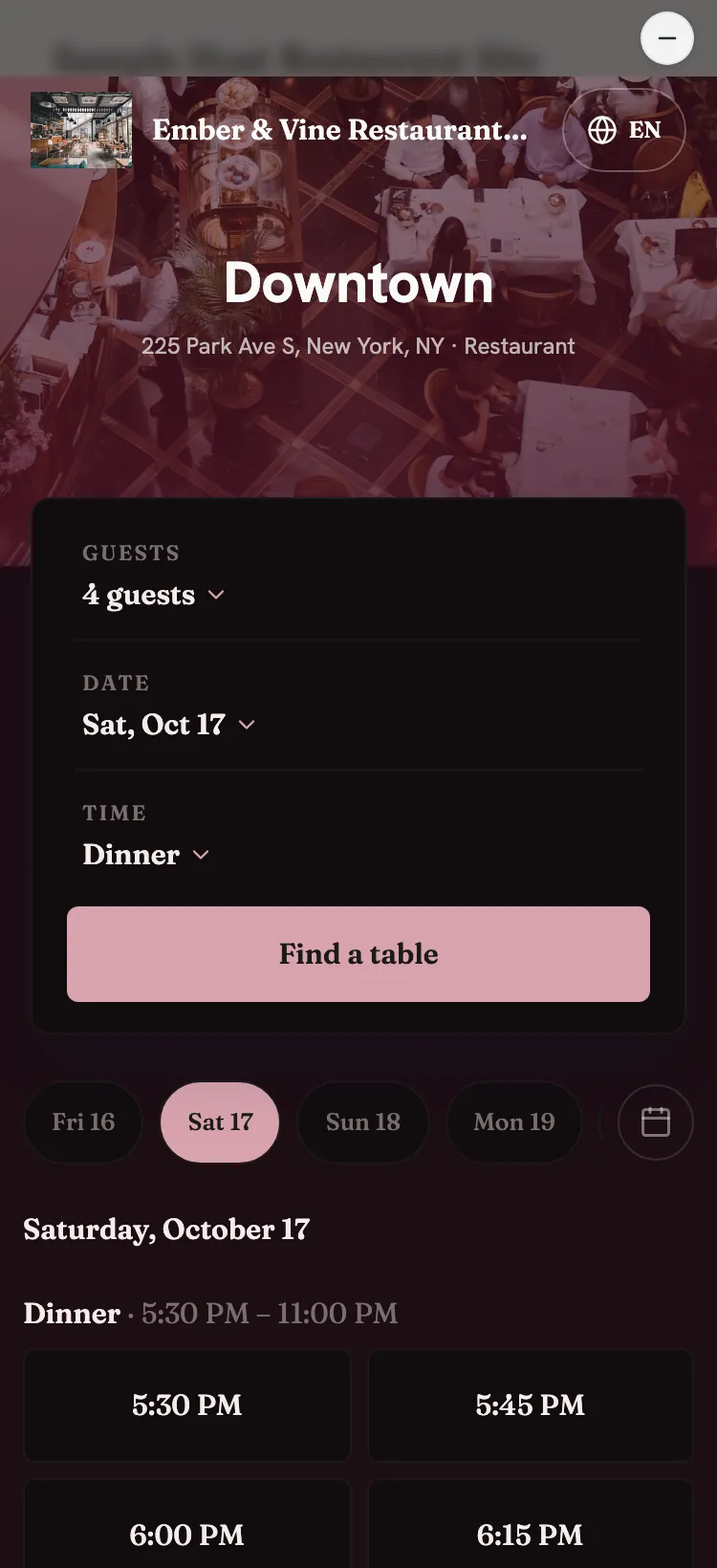
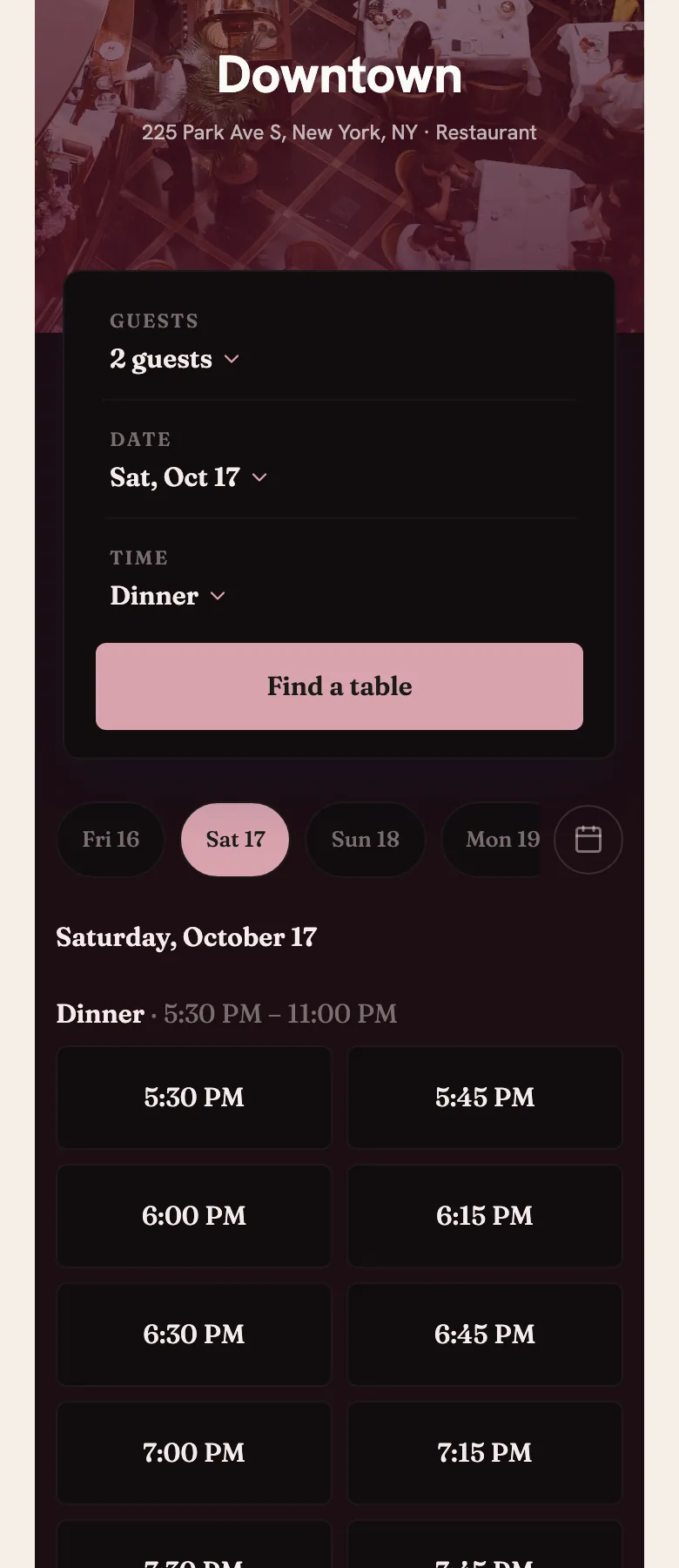
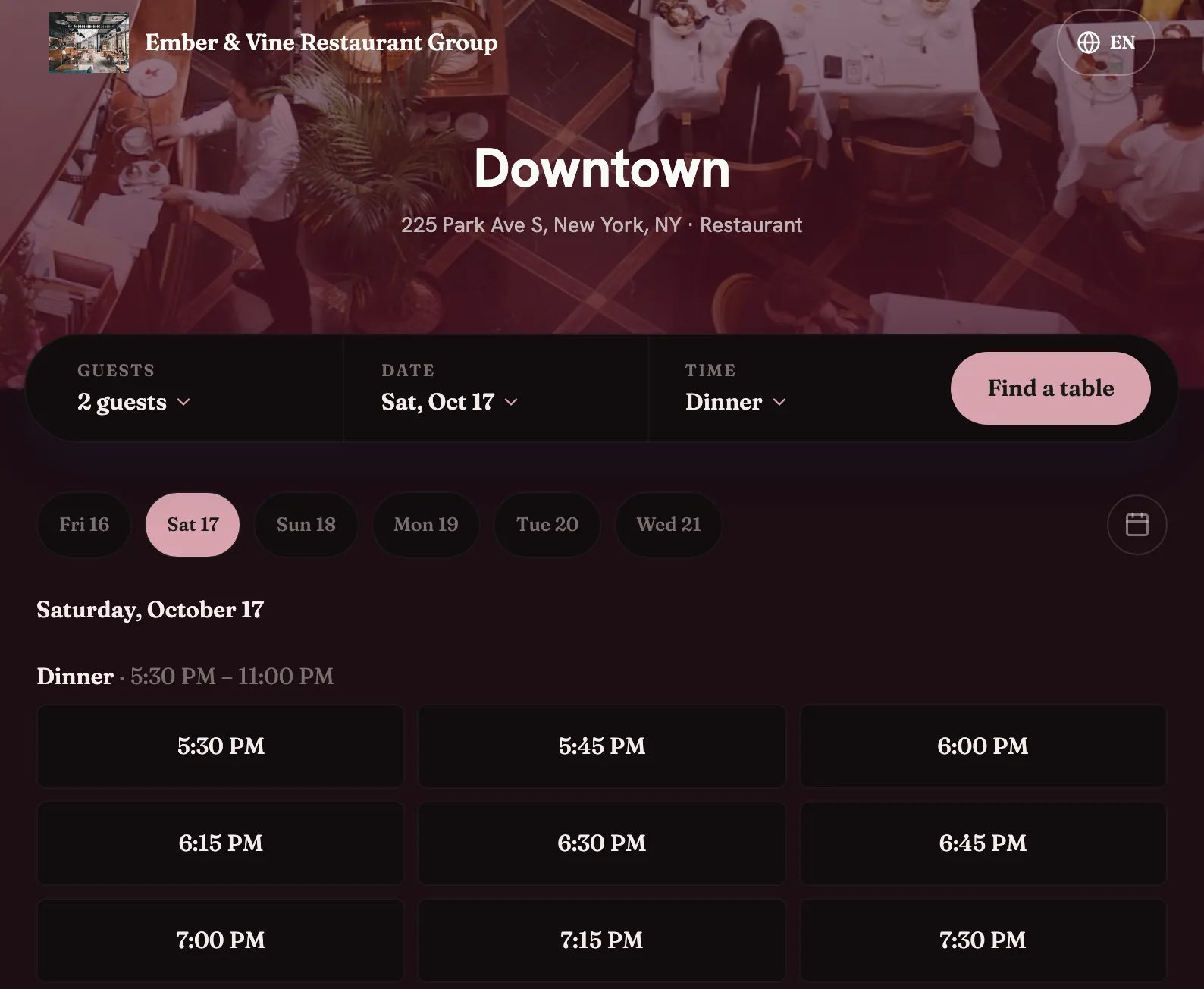
This is the real widget, running inline. Bookings you make here land in our demo restaurant's reservation book.
It's a demo restaurant, so no table is waiting for you.
Reserve with Google is coming soon.
Guests who find you on Google will book without leaving it, straight into your reservation book.
Until then, add your booking link to your Google Business Profile so guests can book from your listing.
Questions about online booking
How much does online booking cost?
Online booking is included in both plans. Standard is $77 a month per location, in CAD, taxes extra.
Which websites does the widget work on?
Any website where you can add a script tag. Choose inline, a pop-up window or a floating button.
Can guests book in French?
Yes. The booking page and widget work in English, French, Spanish, Portuguese and Arabic. They follow the guest's language, or the one you set.
Can I take deposits online?
Yes. Connect your own Stripe account and set a deposit or card-hold policy. Guests see it before they confirm, and the money goes to your account.
Can guests change or cancel on their own?
Yes. The confirmation links to a page where guests change or cancel their booking without calling you.
Do website bookings show up with phone bookings?
Yes. Website, booking page, phone and walk-in bookings all land in one reservation book.
See your booking page in your colours.
Book a demo and try the booking page and every widget mode with our team.