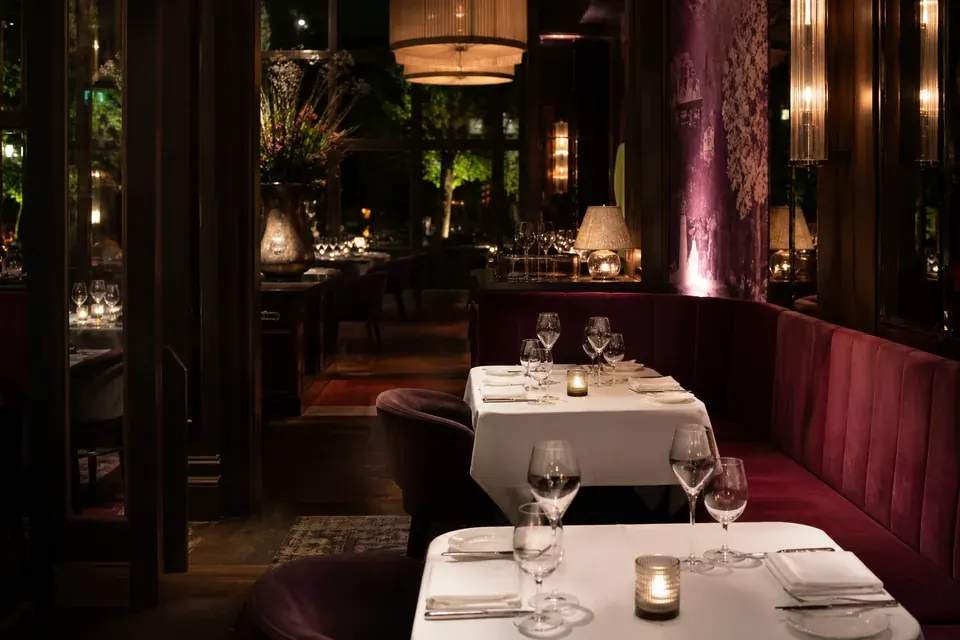
A reservation book that remembers every guest.
Every booking, from Mise, your website or the door, lands in one book with the guest's history attached.


From one visit to the next.
These steps run on their own for every booking, whichever way it came in.
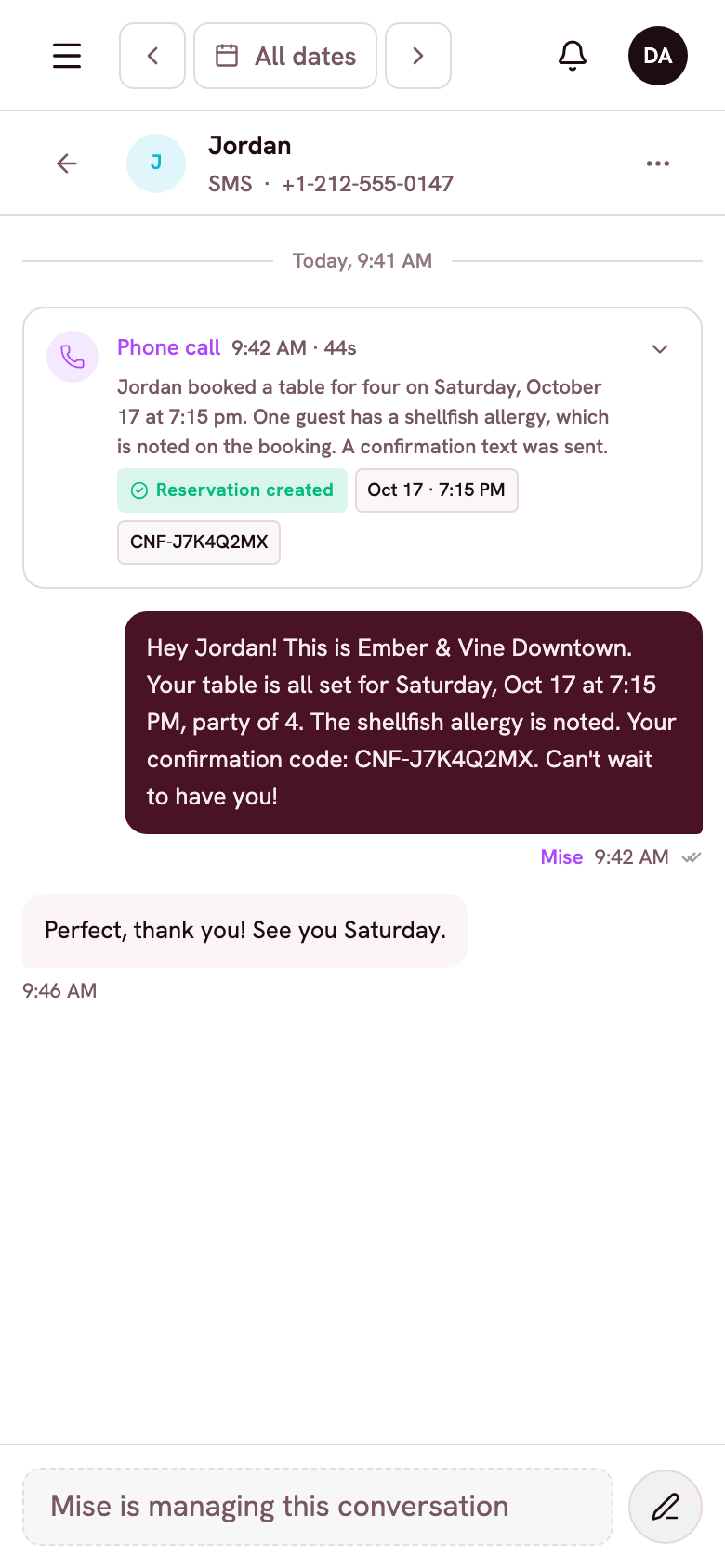
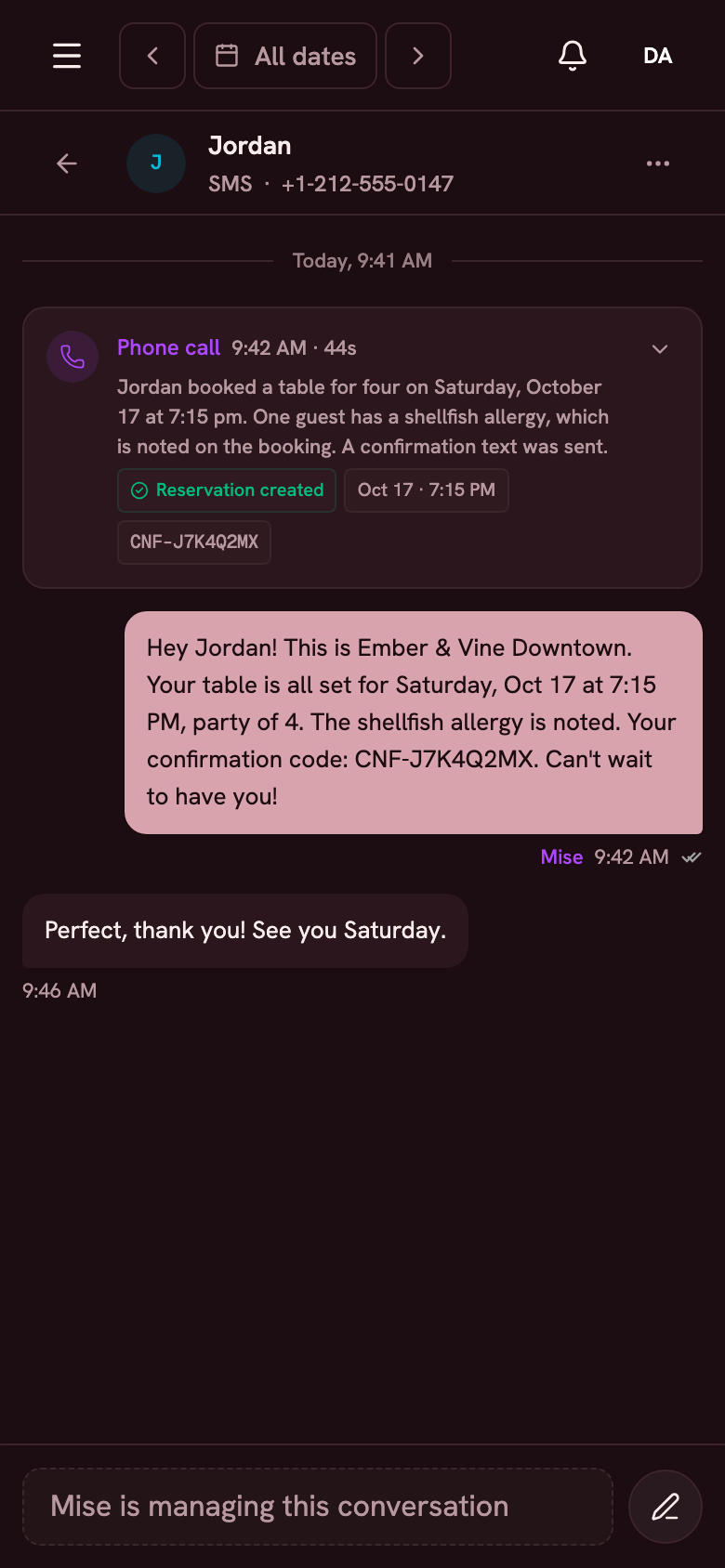
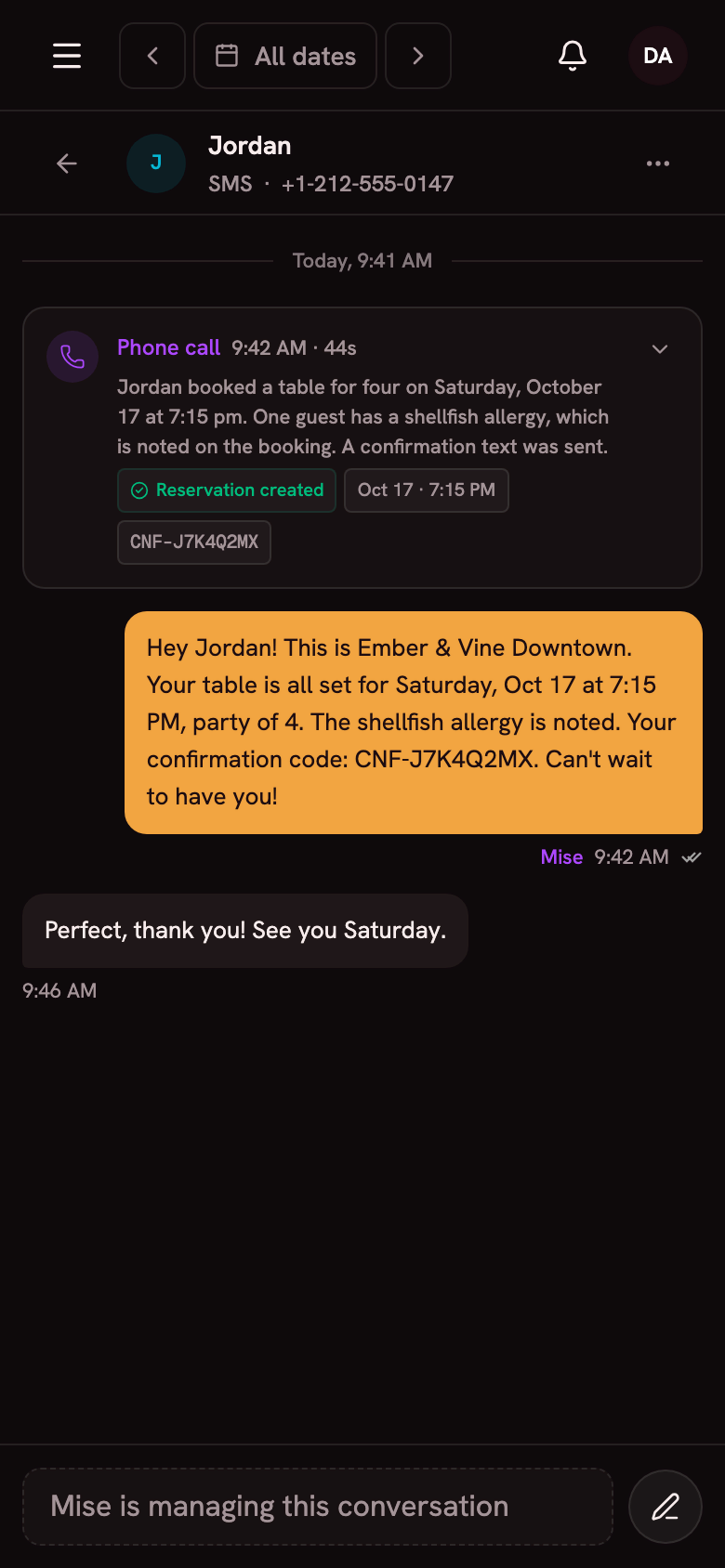
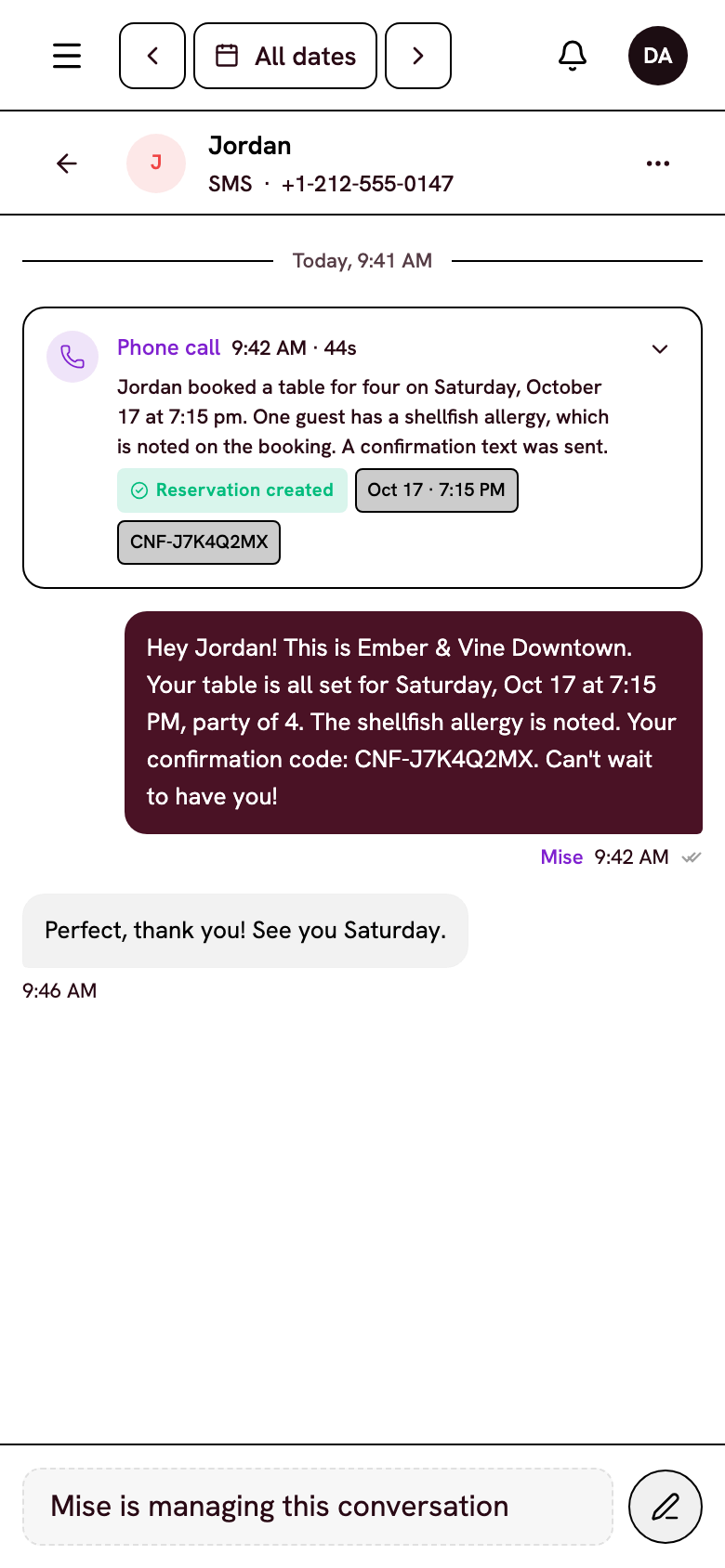
The booking captures the guest
Name, phone, allergies and the occasion go into the guest's profile. After the visit, they stay in your CRM for next time.
A text confirmation holds the table
Guests confirm or cancel by replying to a text, and a reminder goes out before the visit. You know who's coming before service.
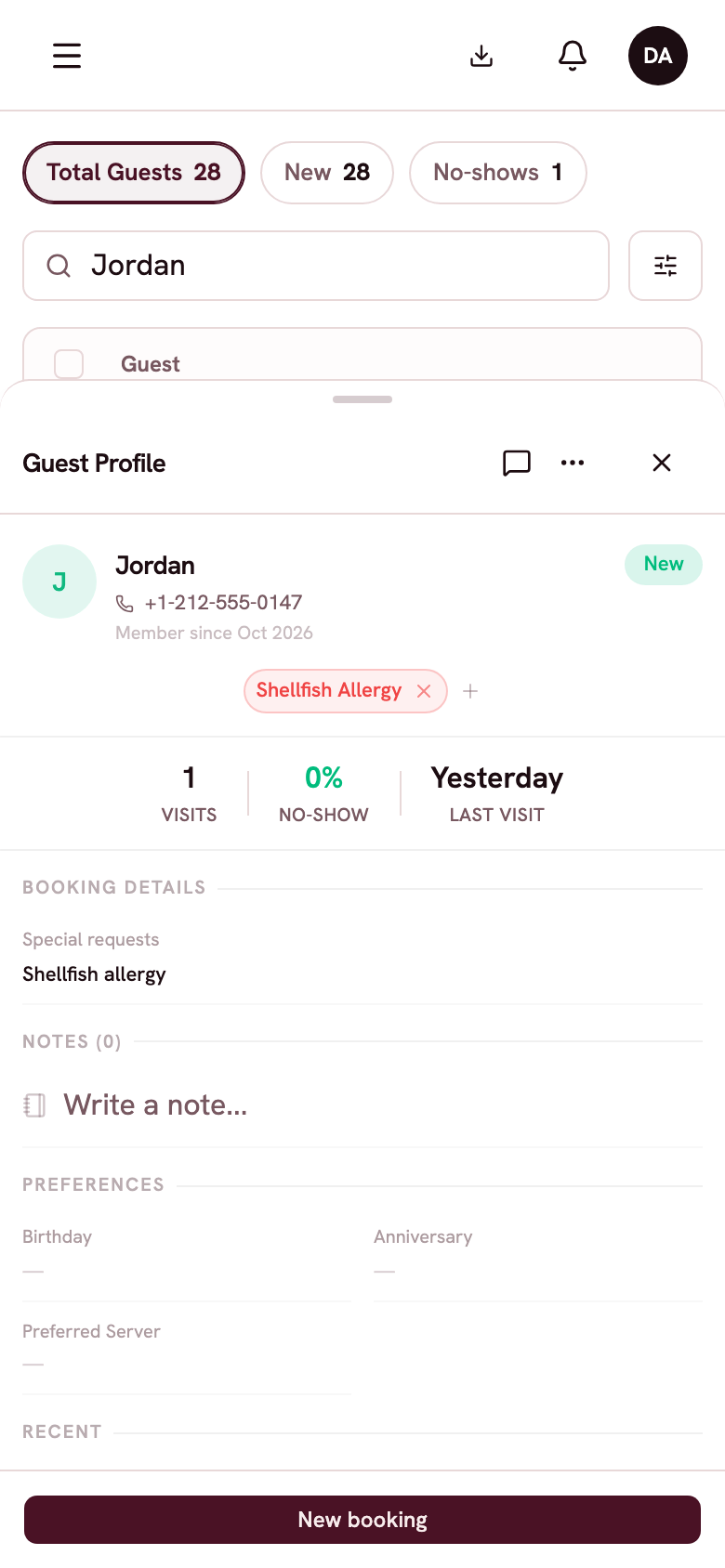
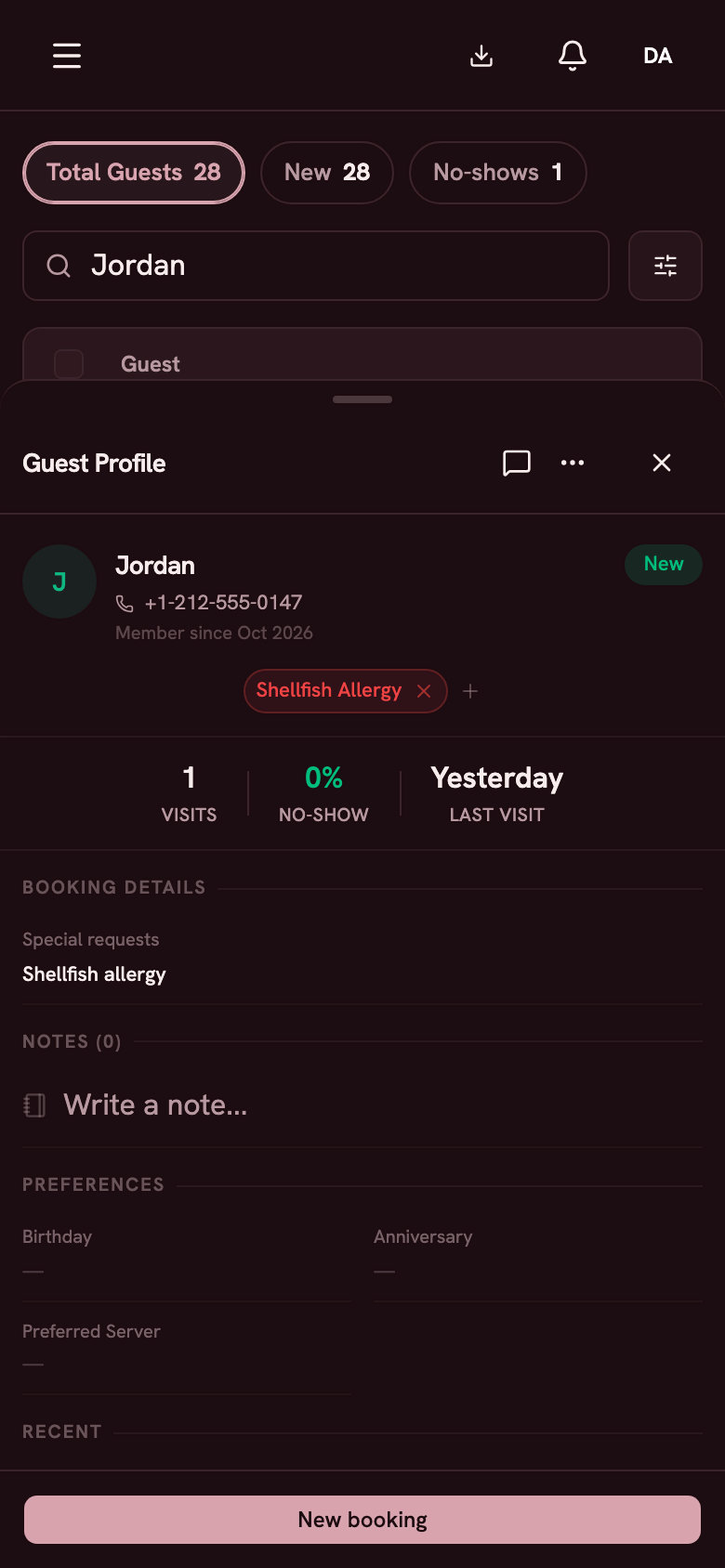
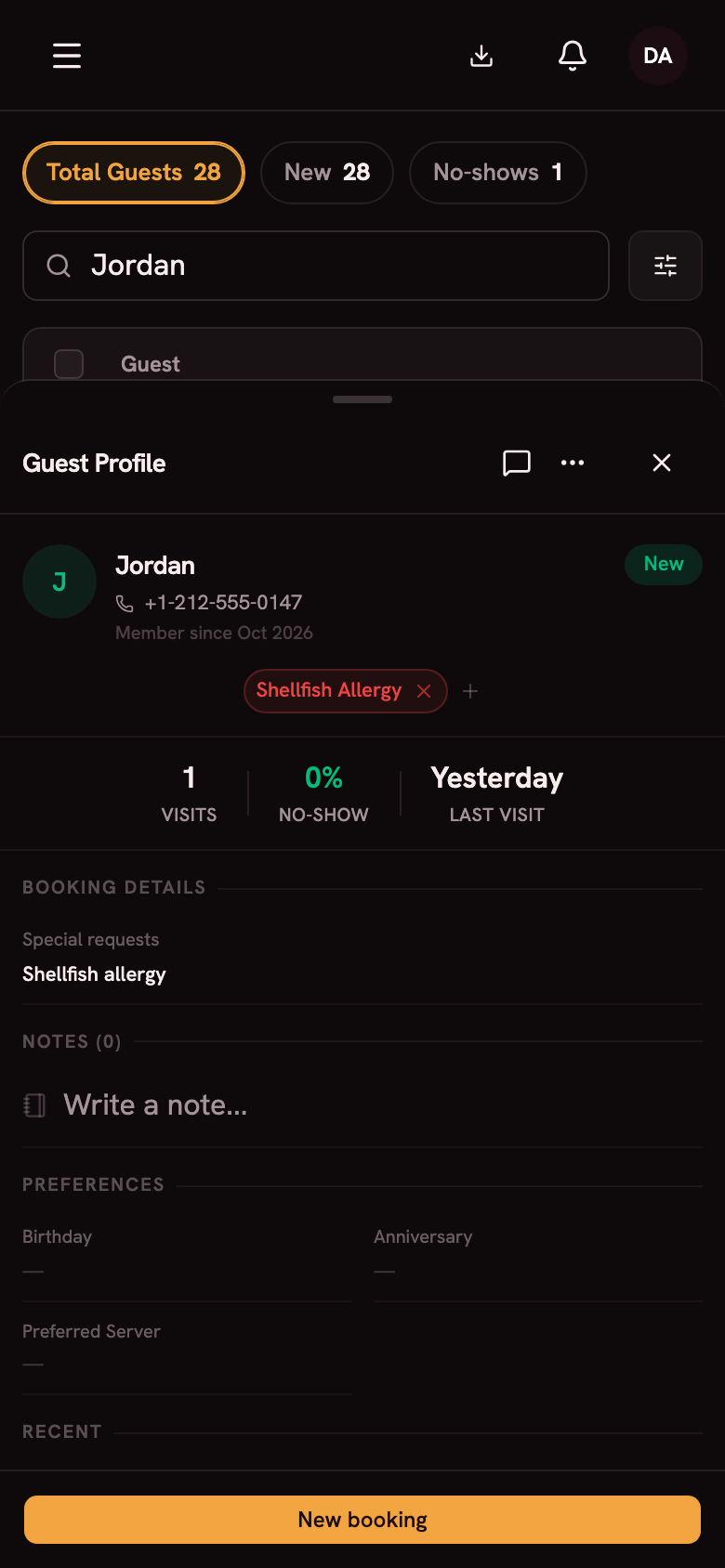
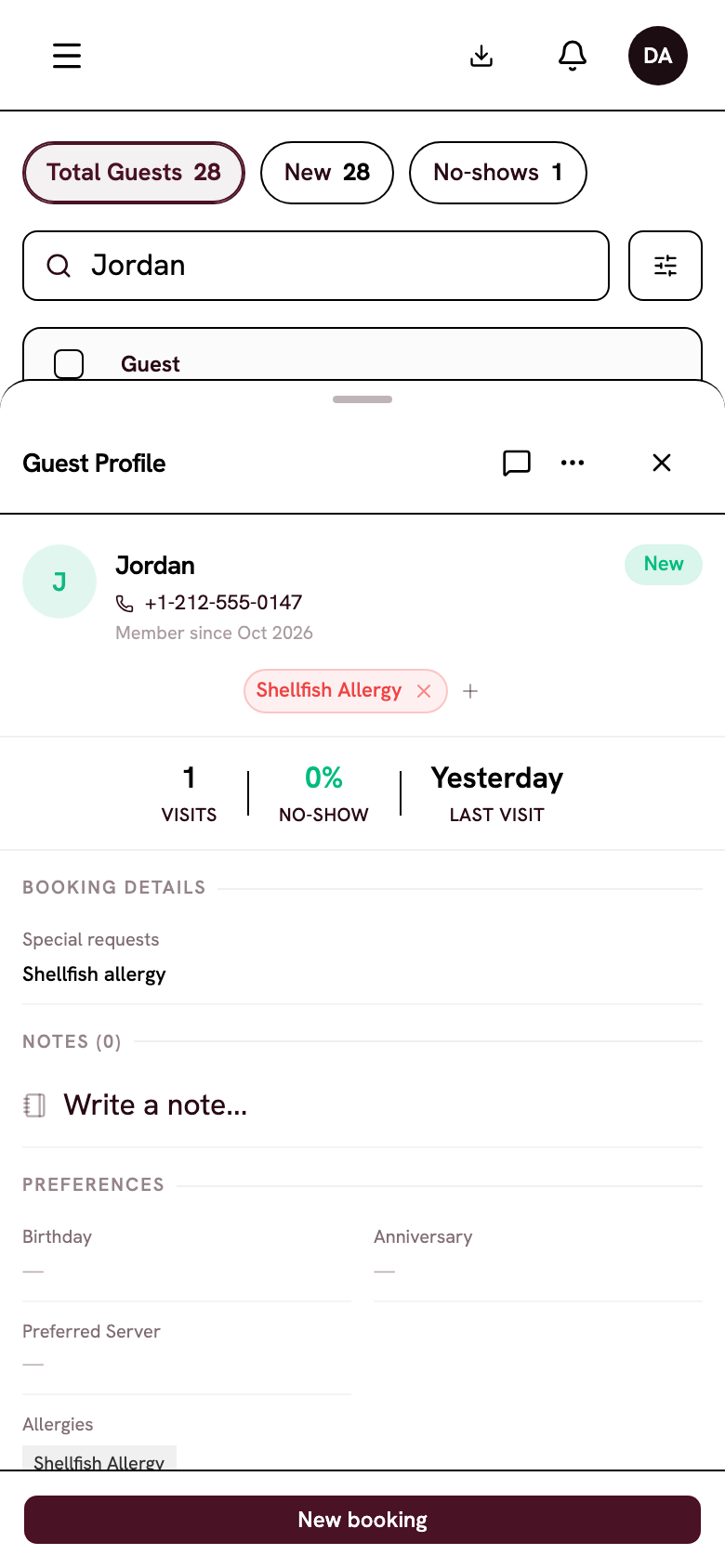
The profile remembers them
Visits, no-shows, allergies, VIP tags and team notes stay on the profile. Your host sees them at the door.
One book for every channel
Mise, your booking page, your website widget, your team and walk-ins all write to the same book. Nothing gets typed twice.
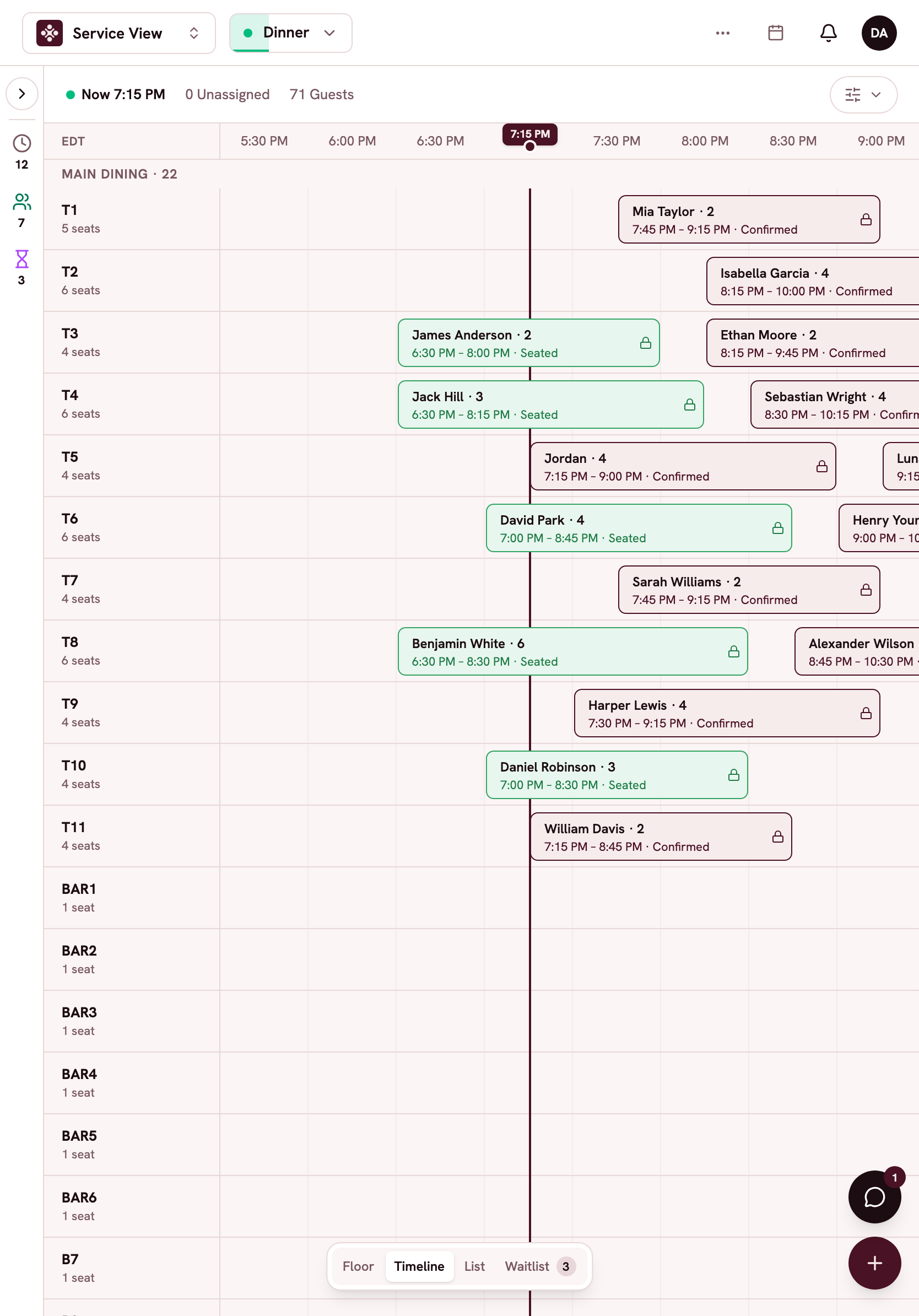
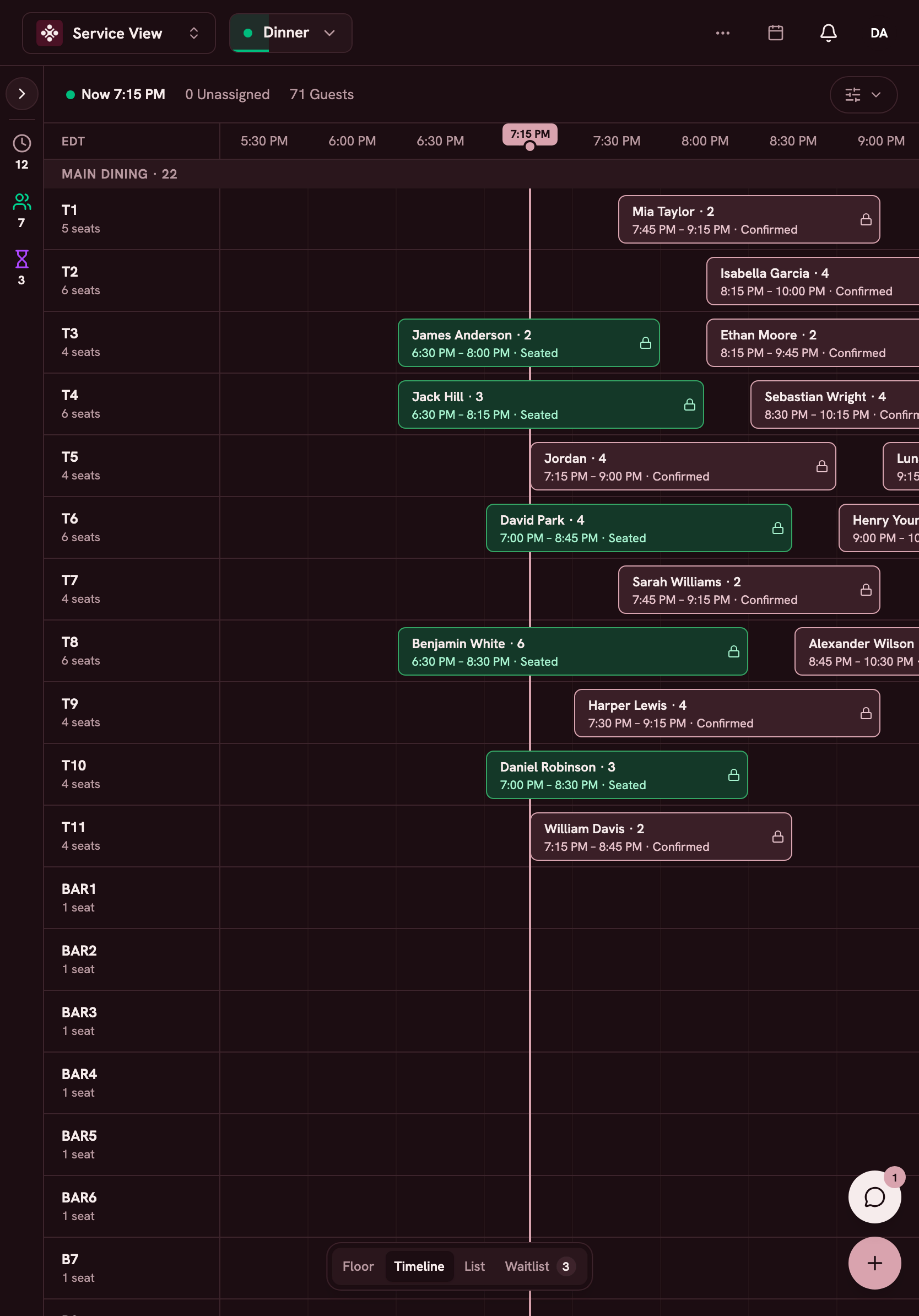
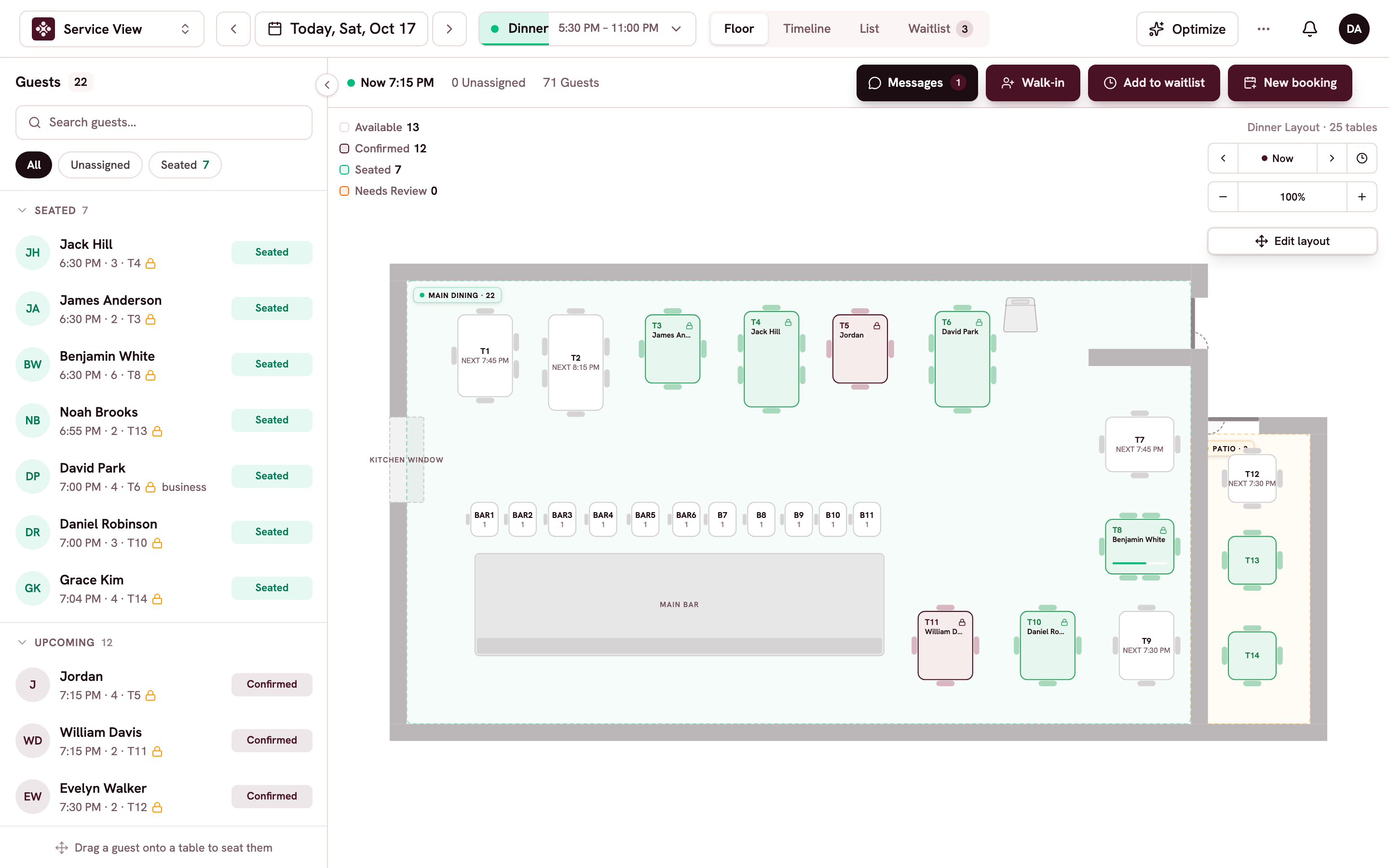
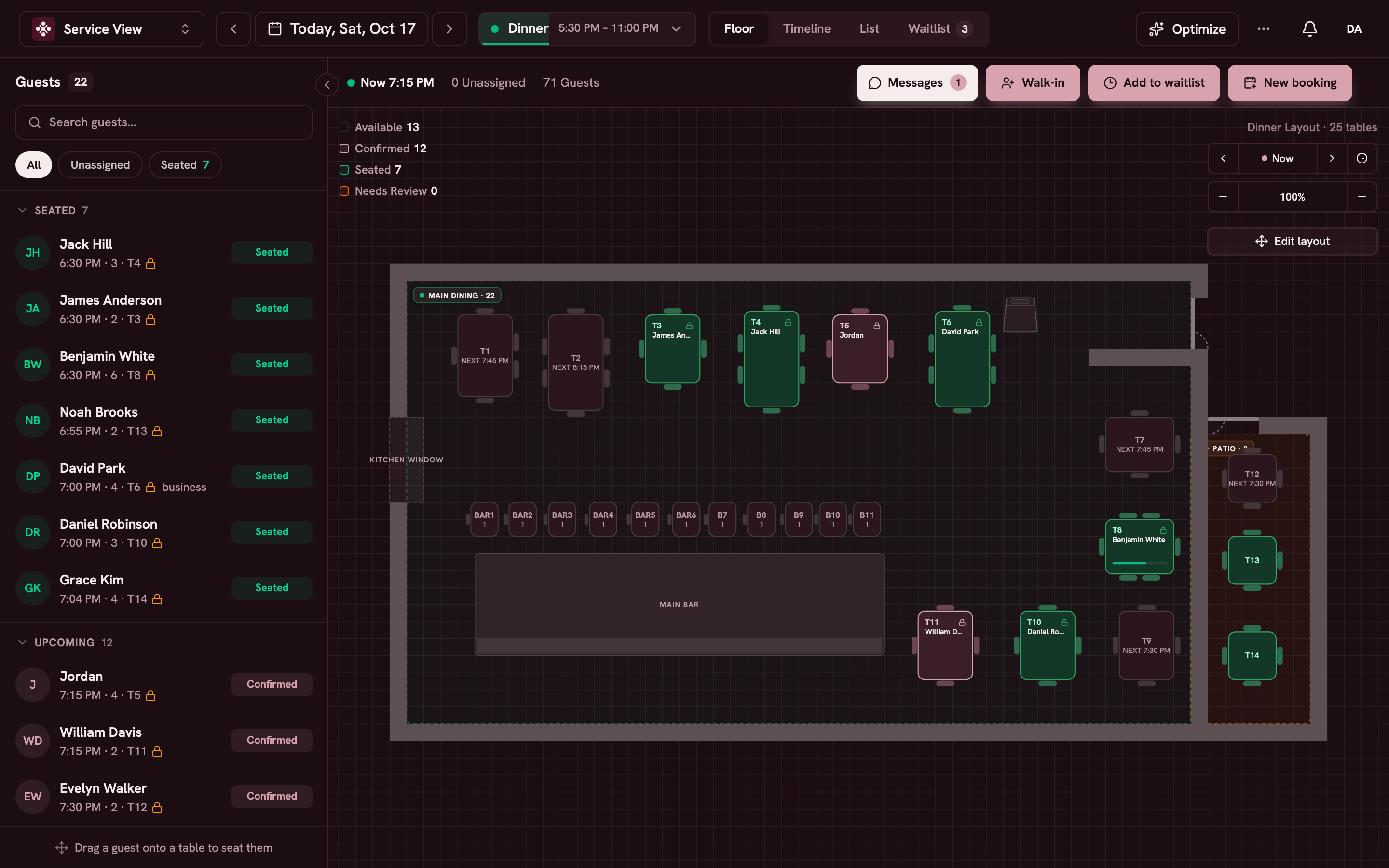
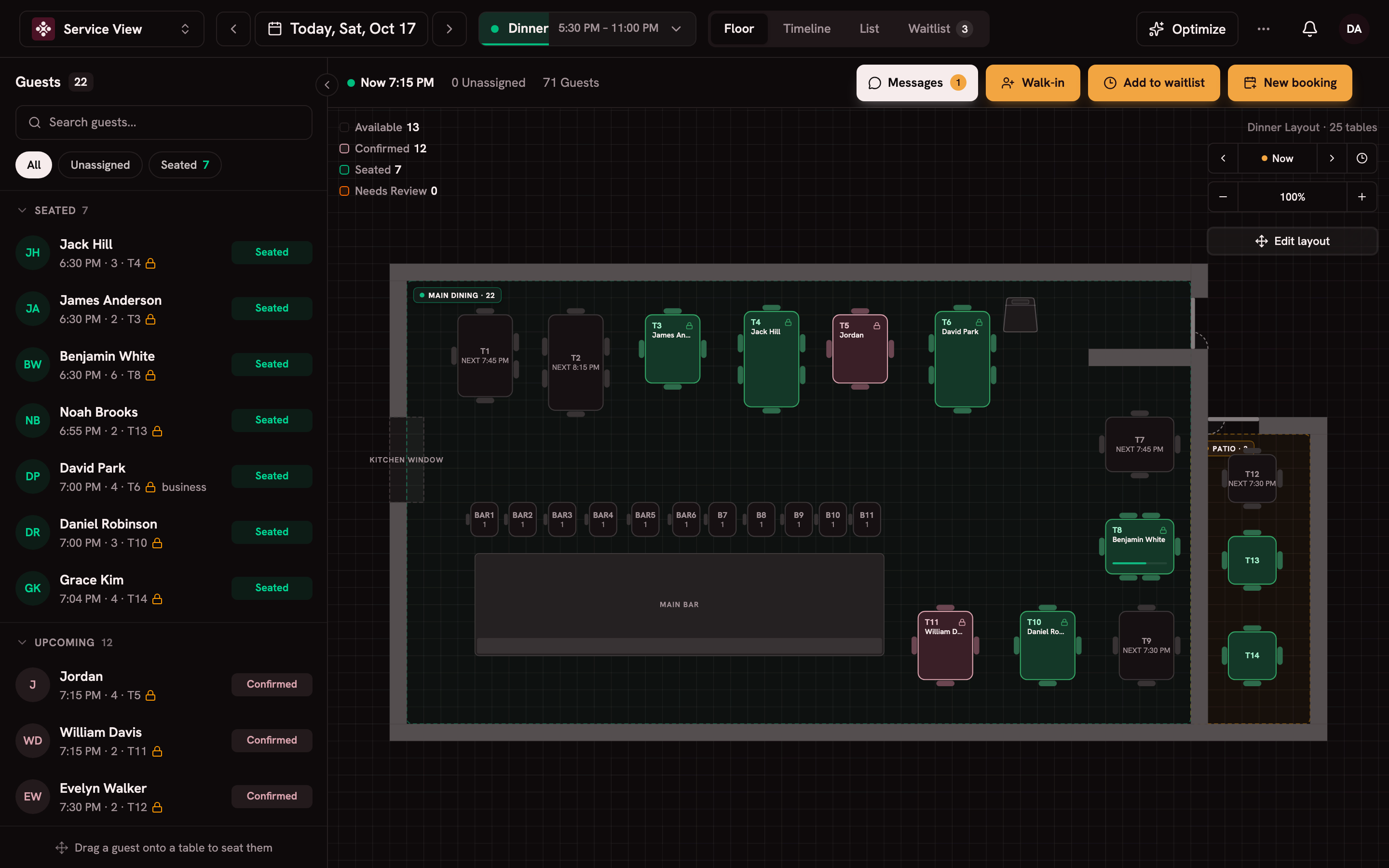
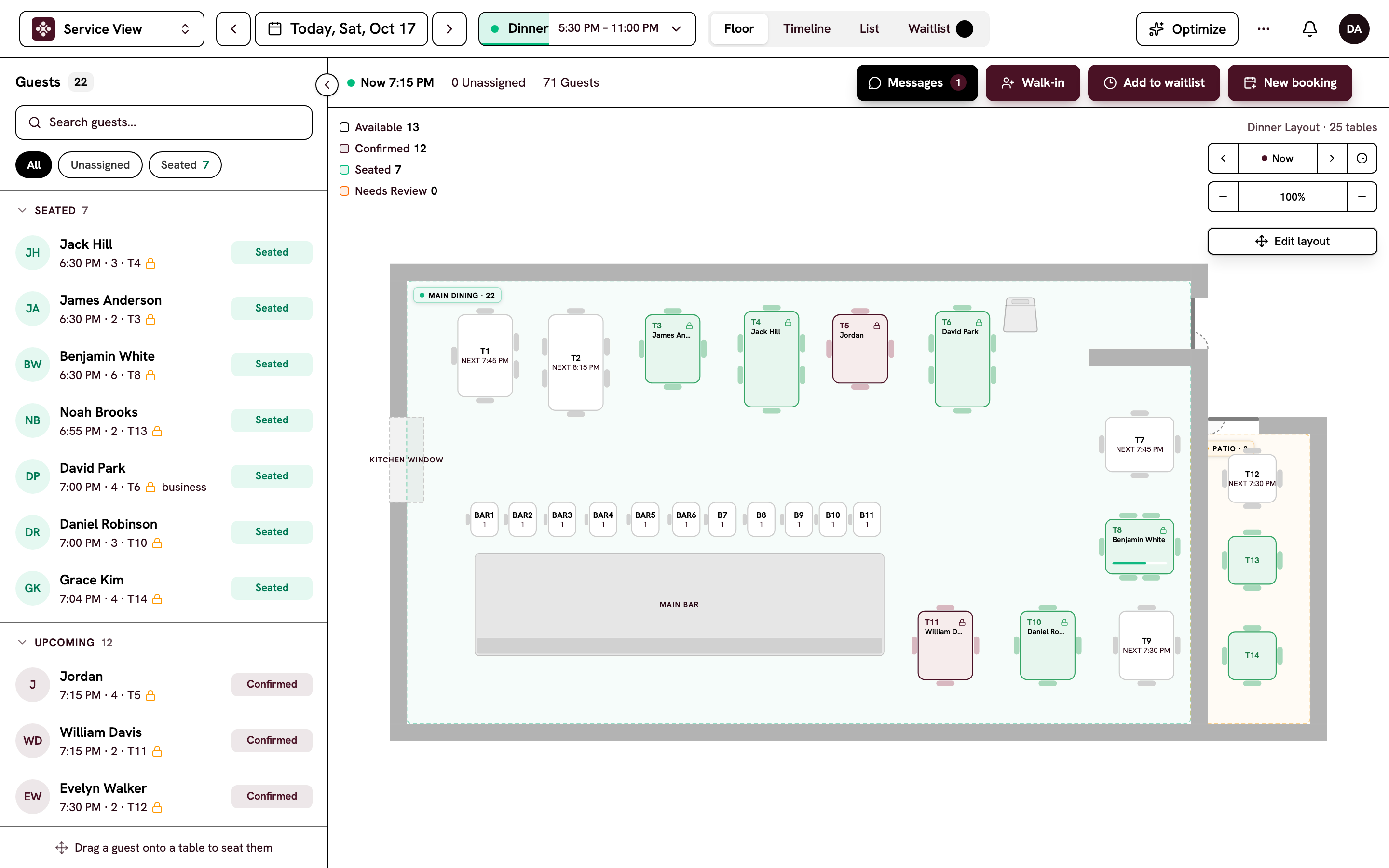
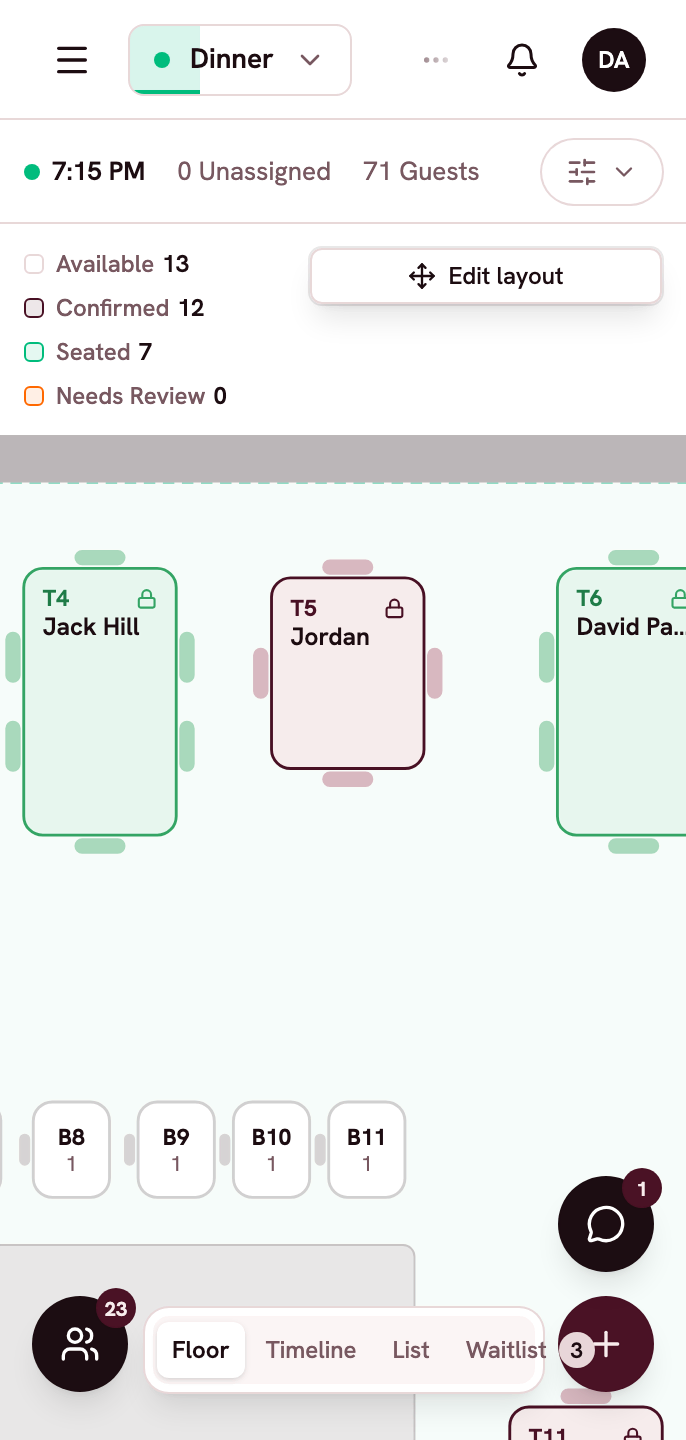
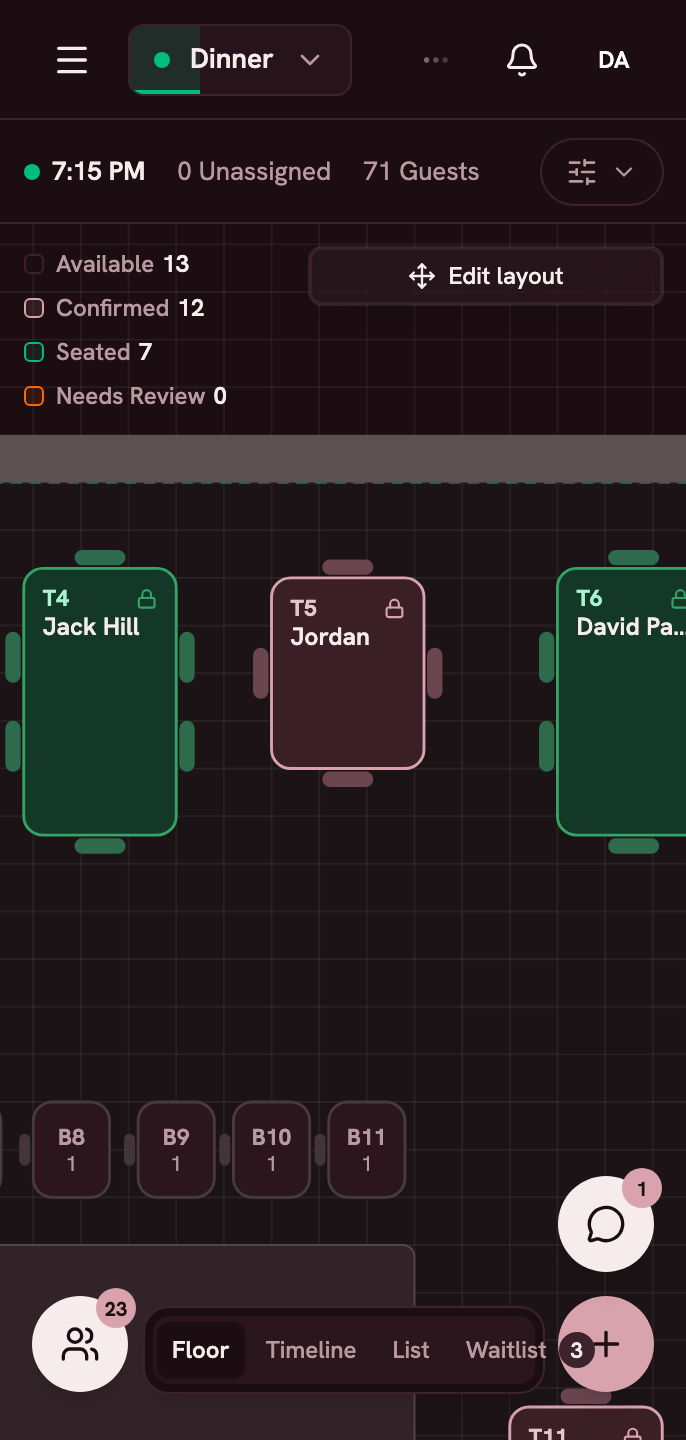
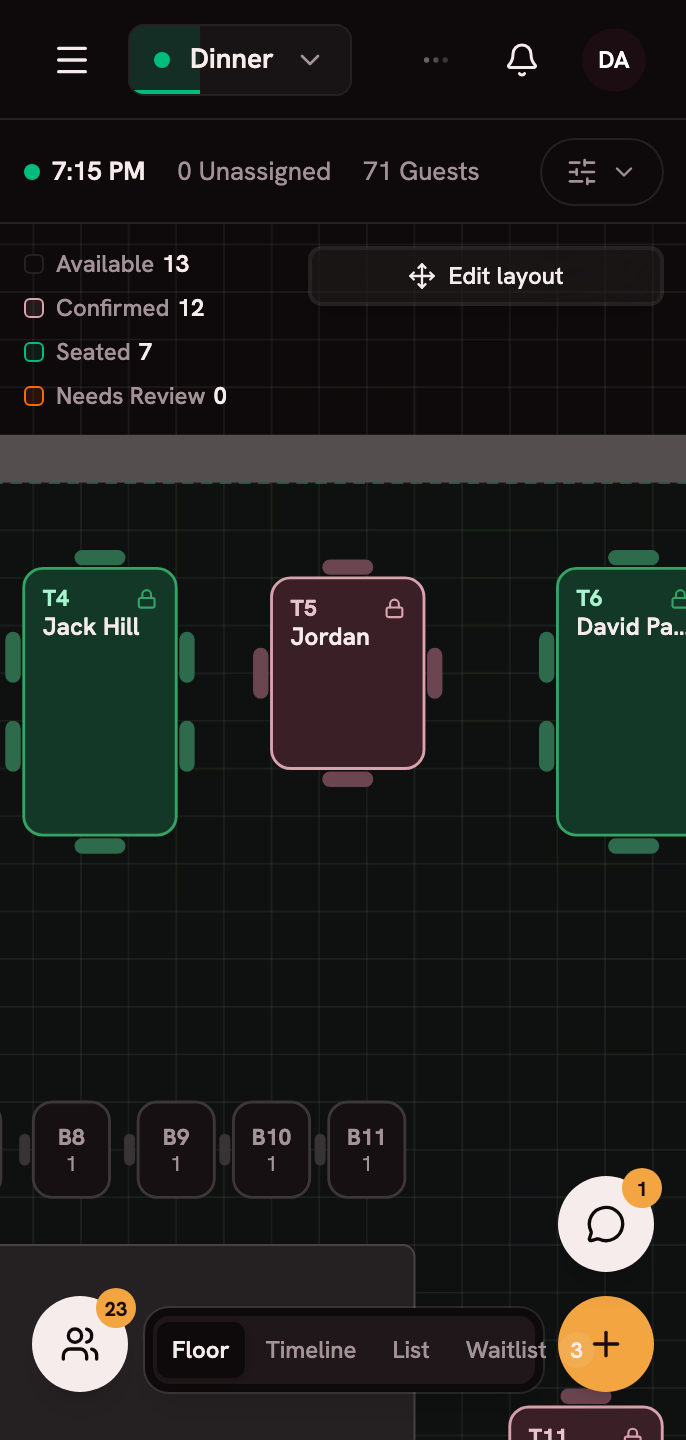
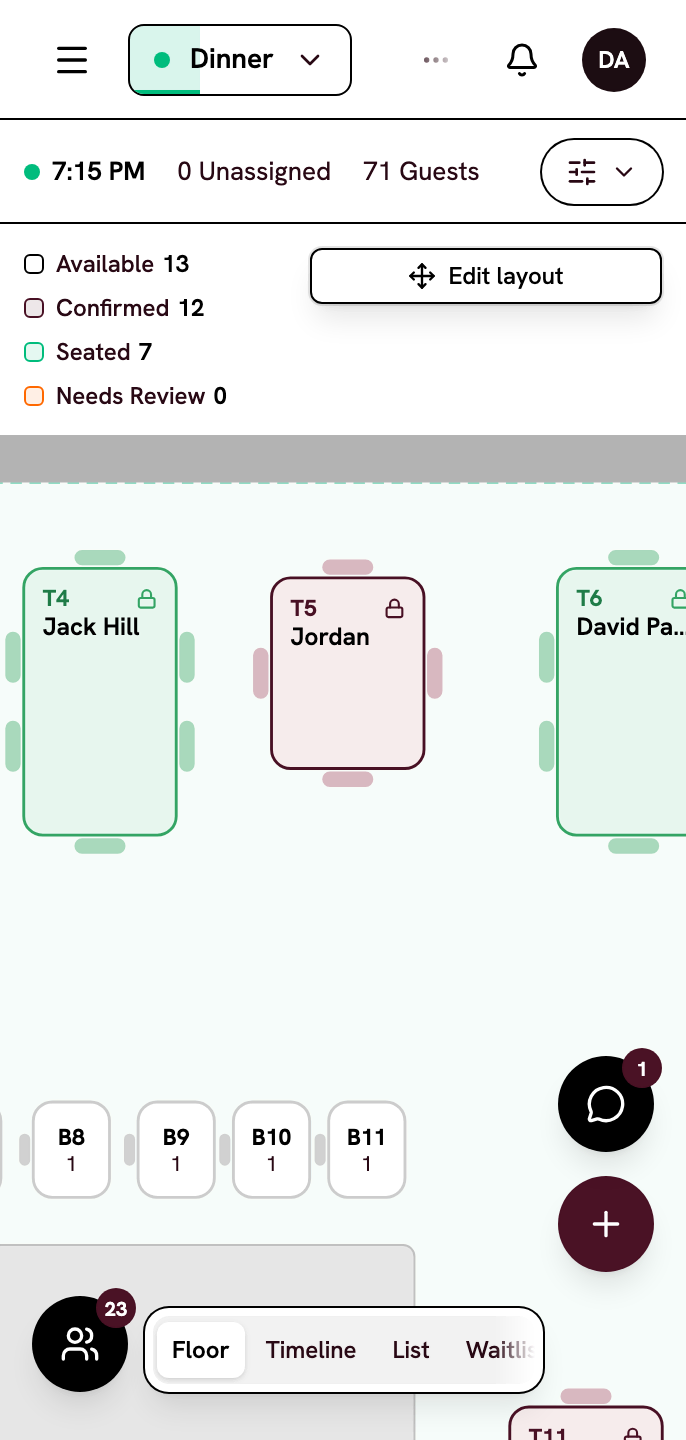
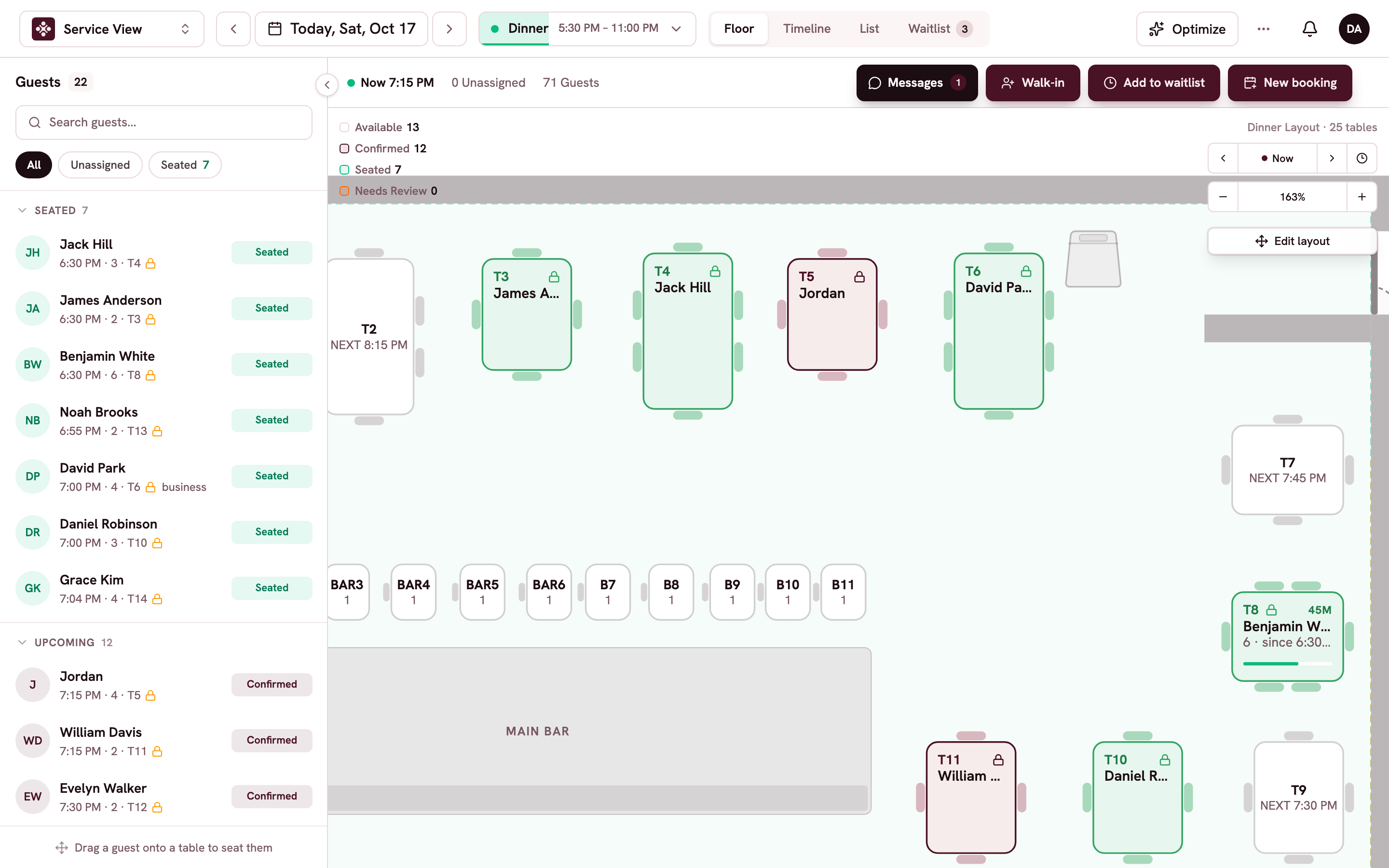
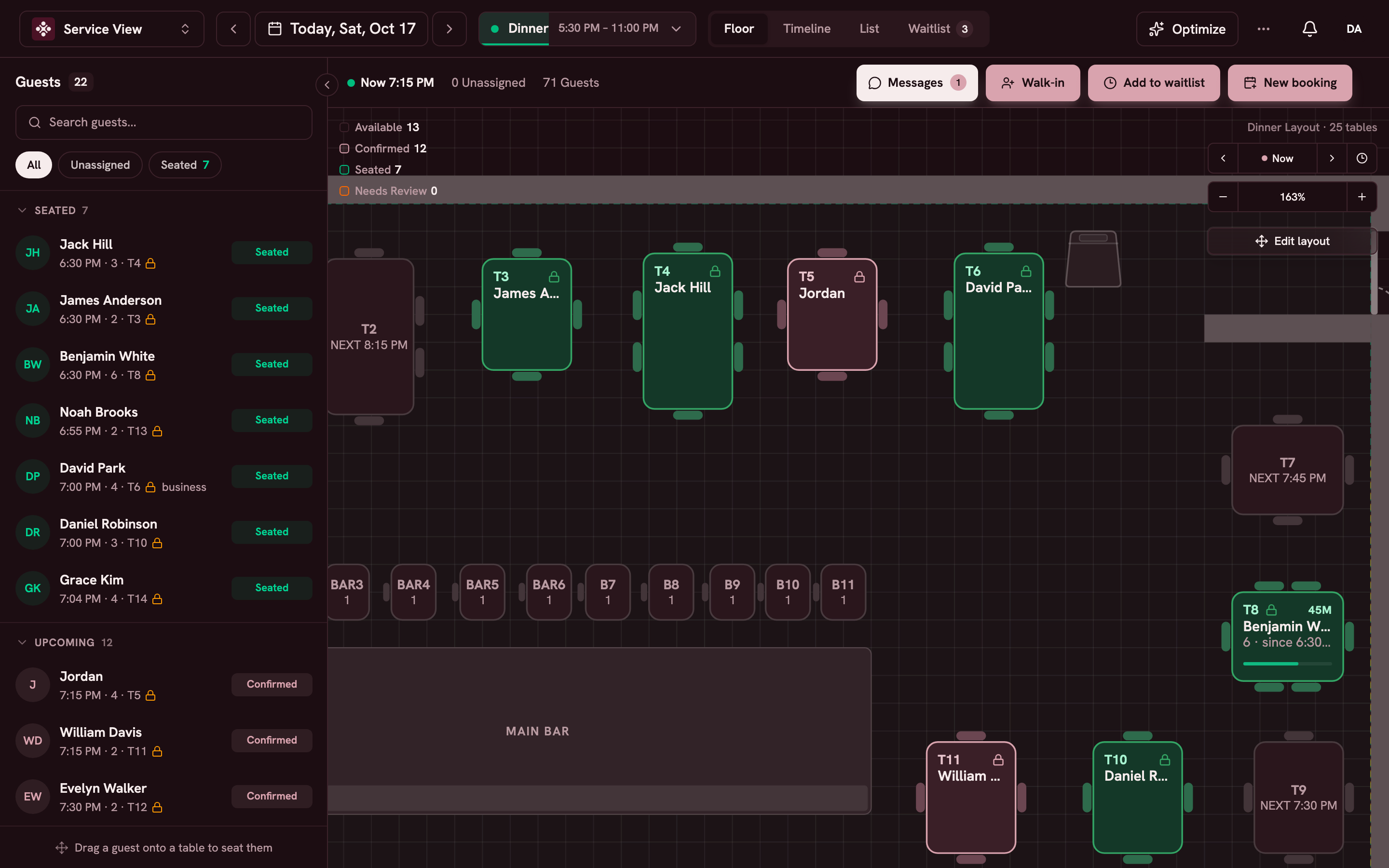
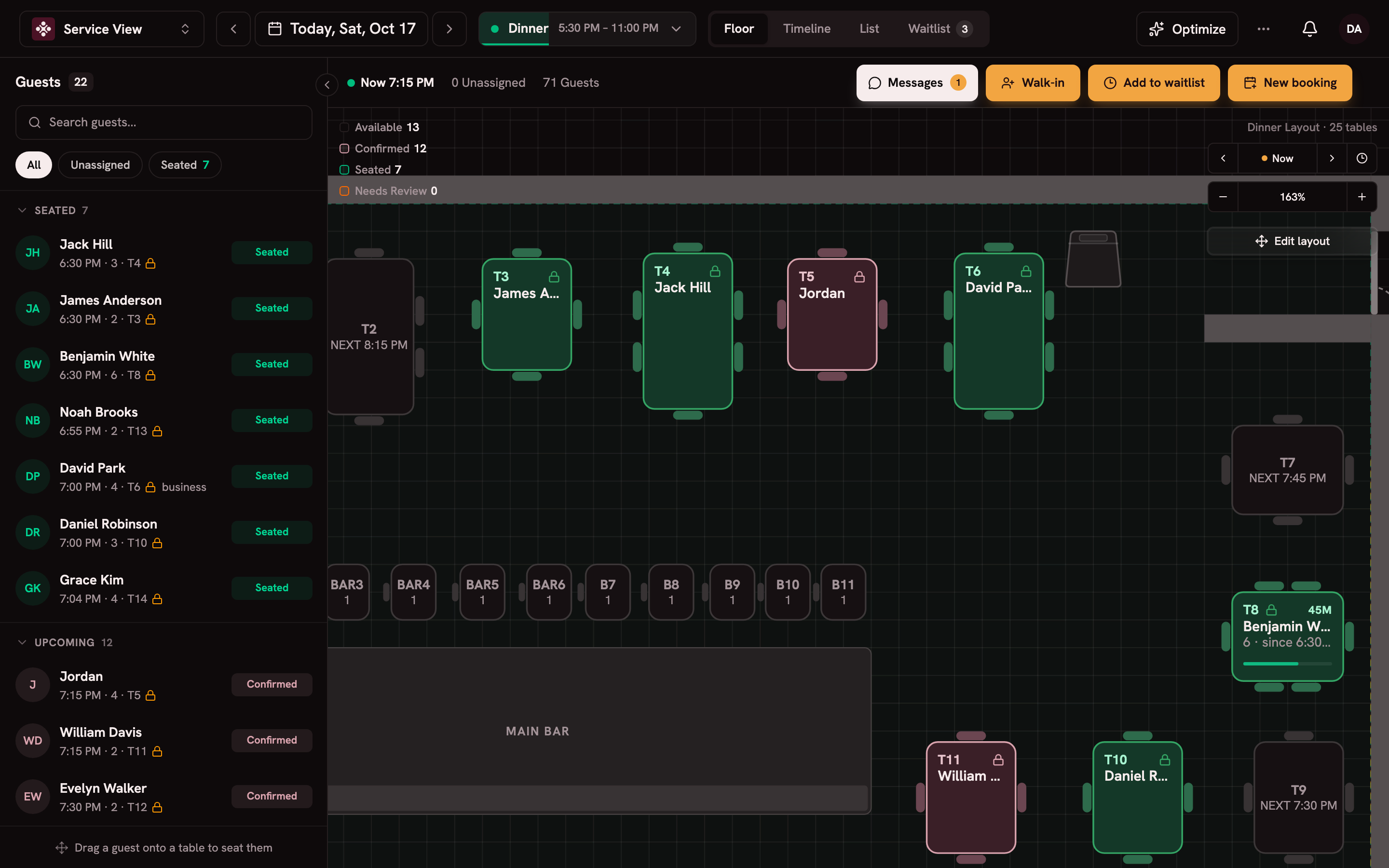
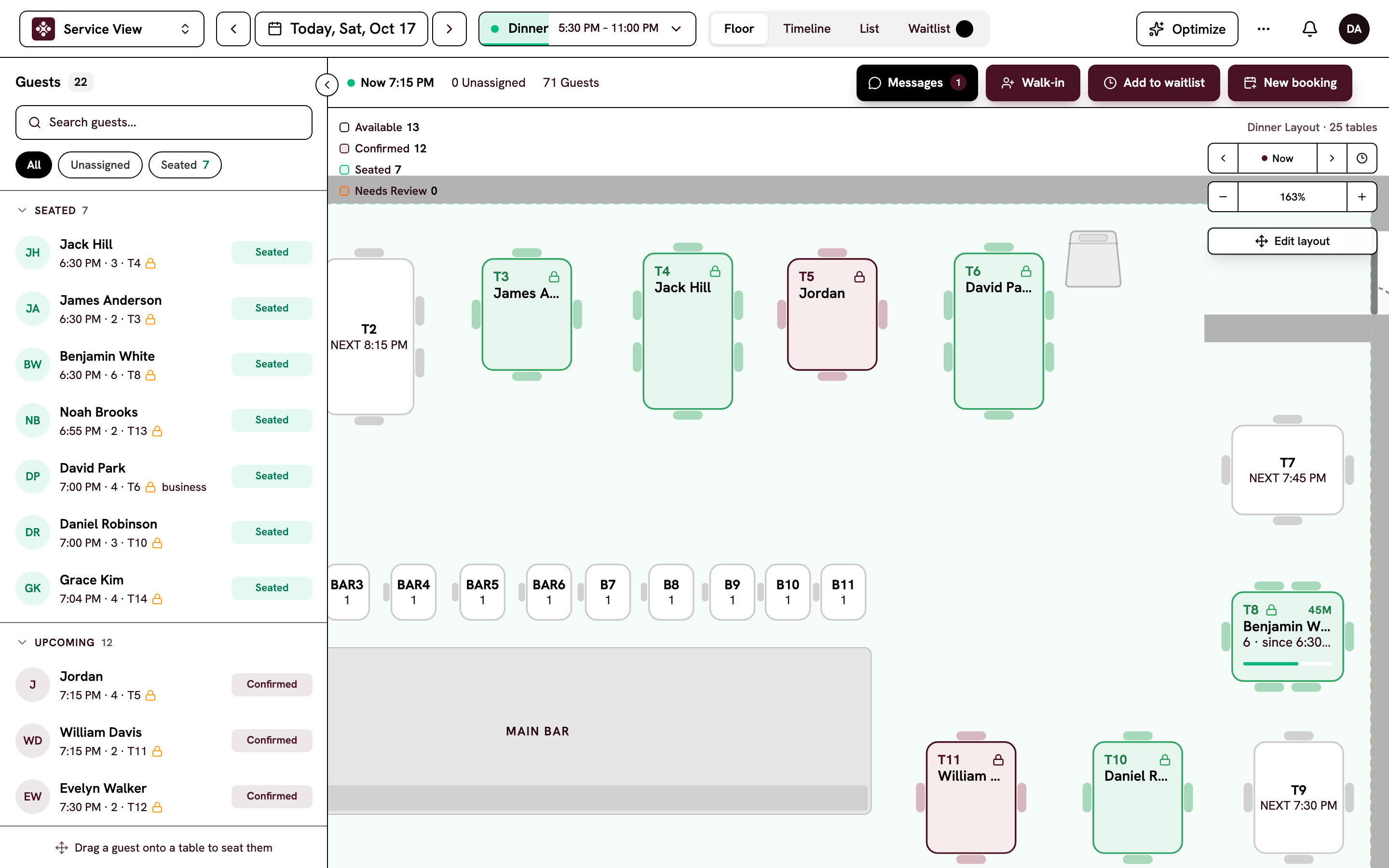
Tonight's floor, on one screen.
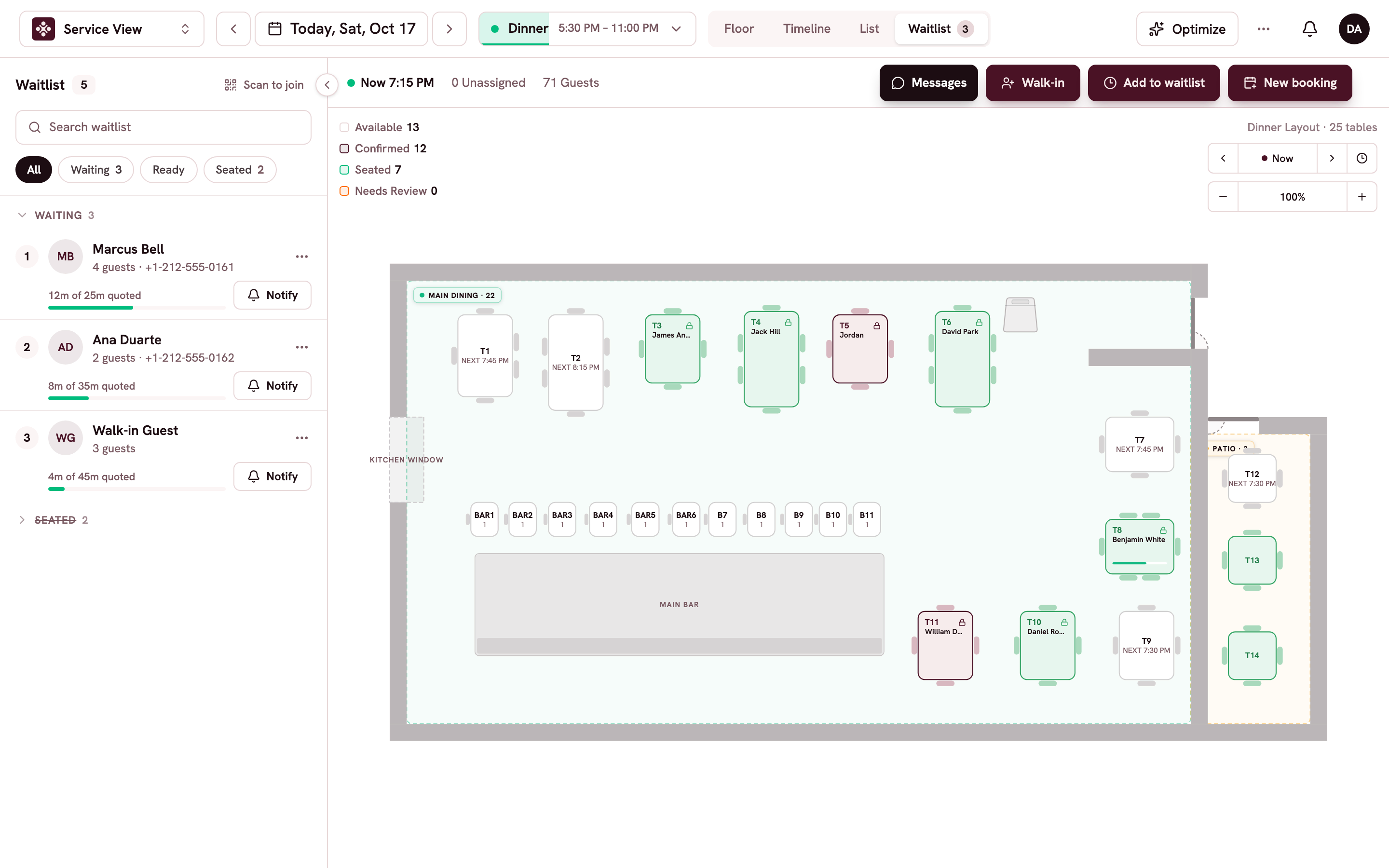
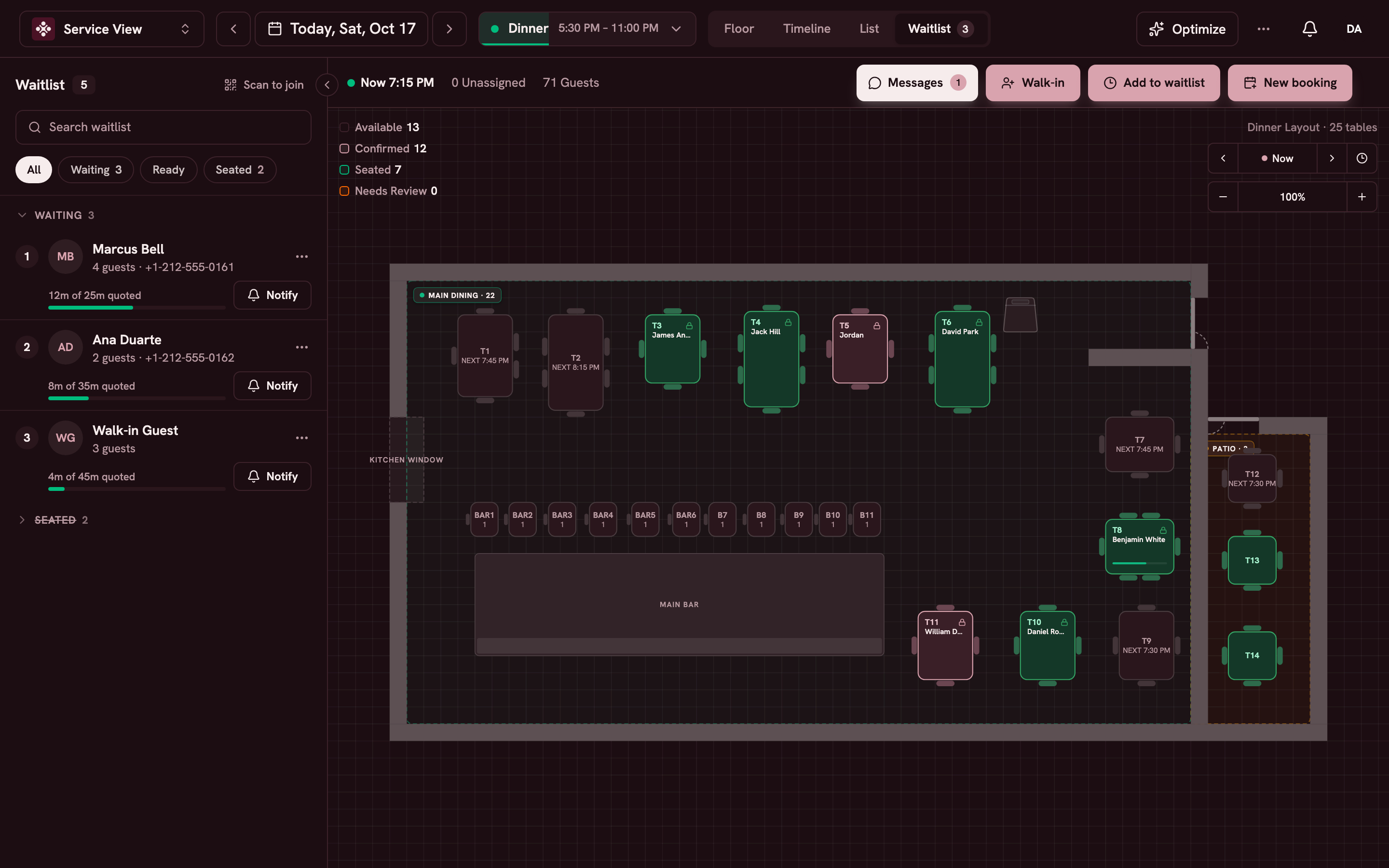
Switch between floor, timeline, list and waitlist. Drag or tap to seat a party, and the whole team sees it live.
Automatic table assignment
Each booking gets a table by your seating rules. Lock a table and it stays put.
Combined tables
Join tables for a large party. Apero adjusts the seat count where the tables meet.
Time travel
Step the clock forward and watch the room fill before it happens.
Pacing by service
Cap arrivals and covers per time slot for brunch, lunch and dinner.
New booking alerts
A chime and an alert when a booking comes in online.
Floor plans you draw
Draw your real room once, with zones and several floors. Bookings and the live floor follow it.
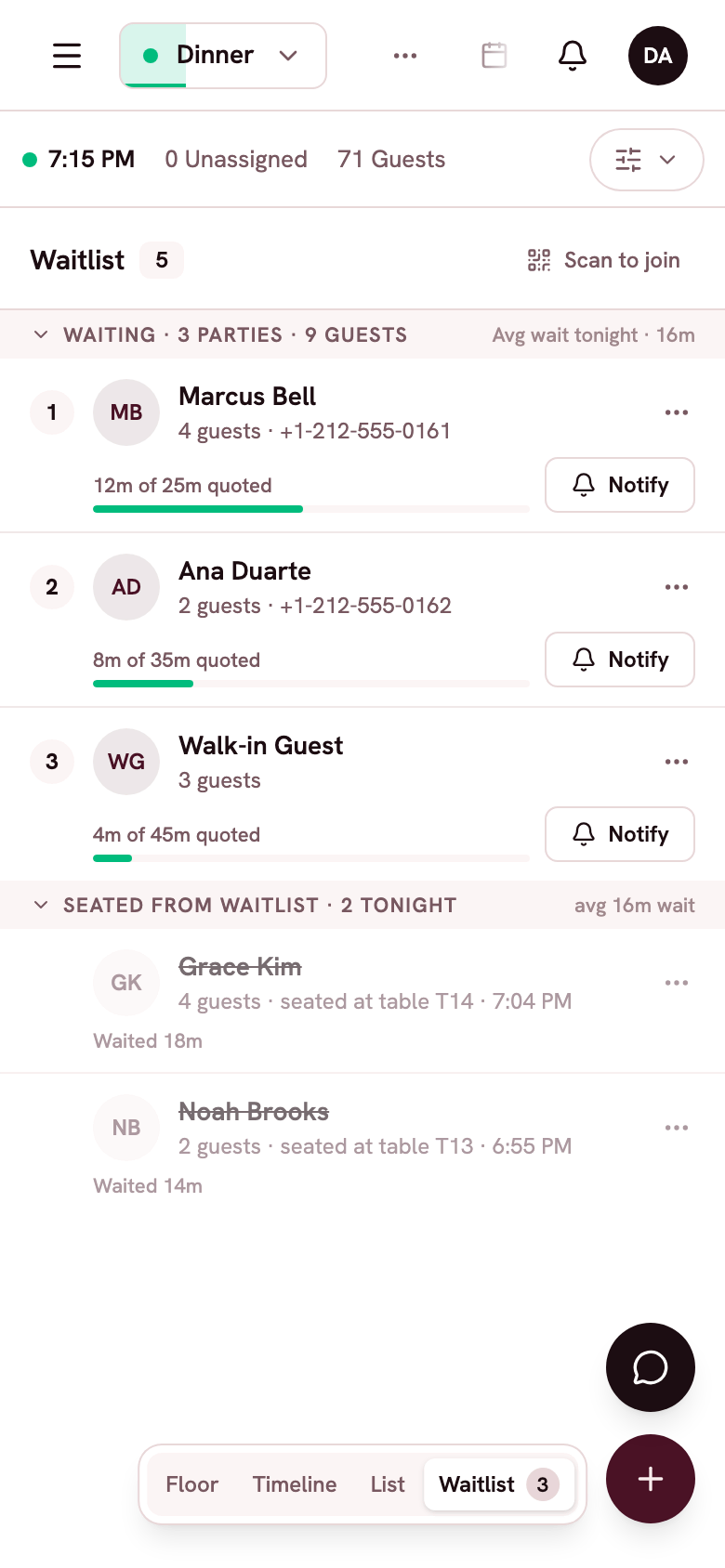
Walk-ins go in the same book.
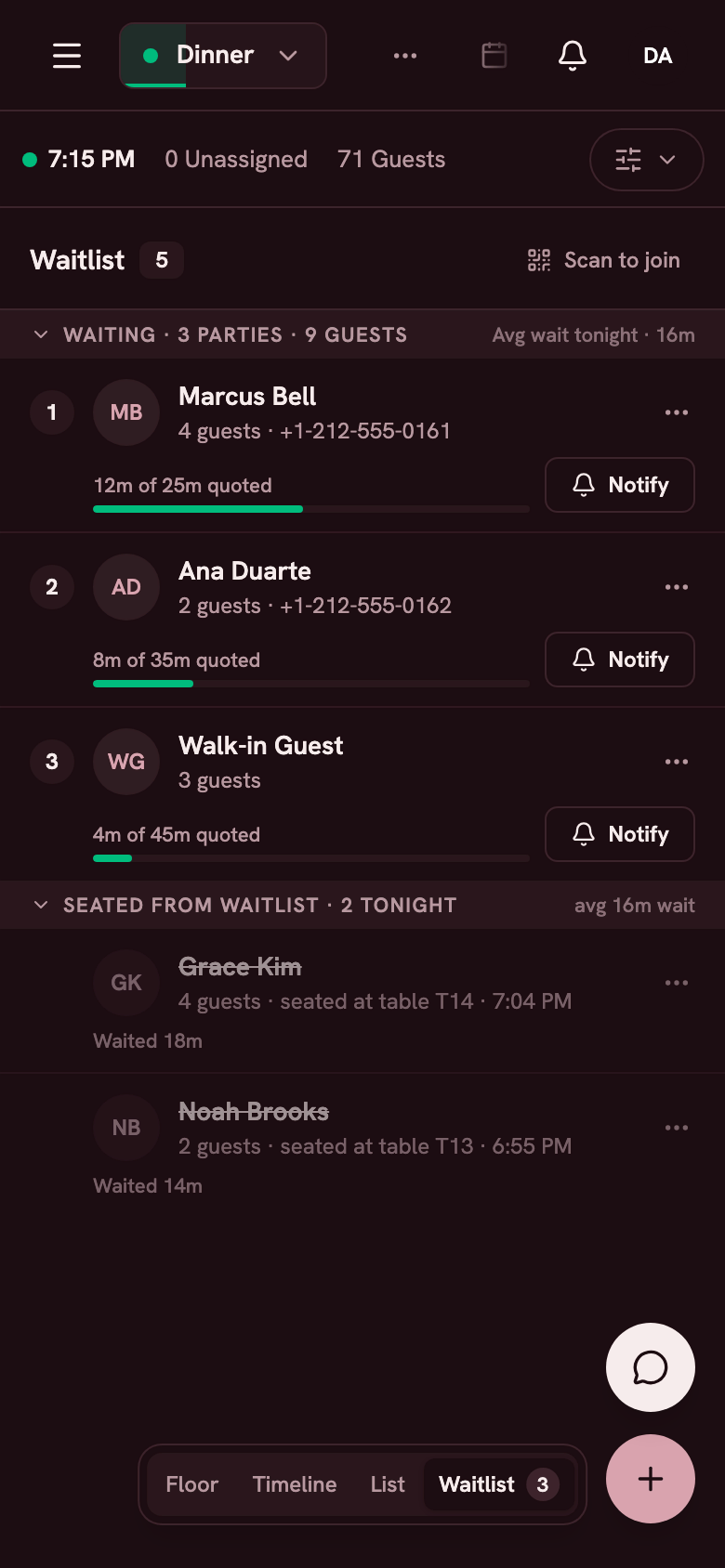
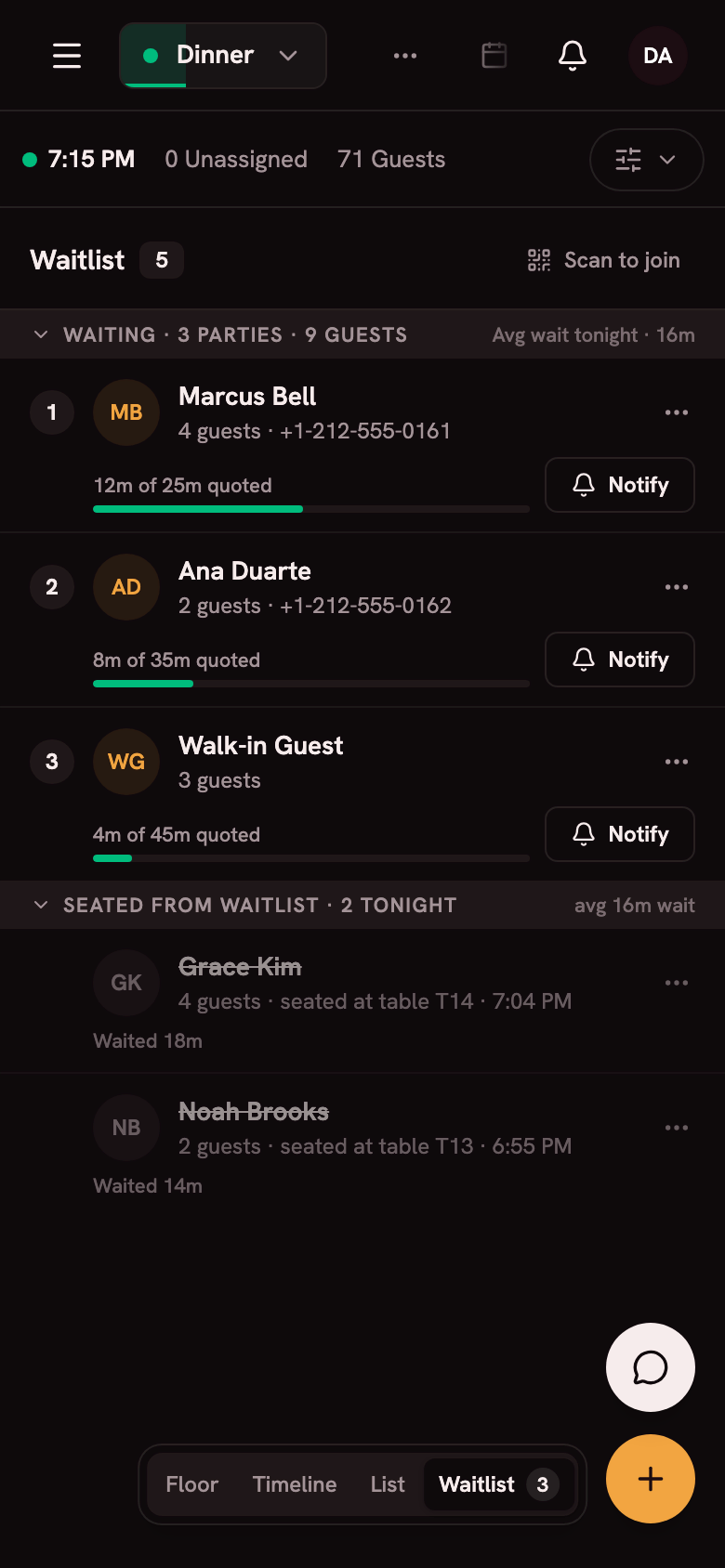
Guests scan a QR code at the door, join the waitlist and get a text when their table is ready.
No paper list
Print the QR code once. Guests add themselves, and your host sees the line.
A seat that fits
Apero tells you when a table that fits the next party opens up. Tap the table to seat them.
Guest-list nights
Run the door from a list of expected, inside and banned guests, with a live headcount.
Questions about the reservation book
Can Apero replace my current reservation system?
Yes. Online booking, the phone with Mise, the floor plan, the waitlist and guest profiles all live in one book. Free migration moves your guests, floor plans and upcoming reservations for you.
Can I take deposits or charge no-show fees?
Yes. Deposits, card holds and no-show fees run through your own Stripe account. Guests see your policy before they book.
Does it work for several locations?
Yes. Each location has its own book, under one account with a shared guest file and roles per location.
Do I need a tablet at the host stand?
No. Apero runs on the phone you already own, so there's no tablet to buy. An iPad at the host stand works too.
Can guests book in French?
Yes. The booking page and guest messages work in English, French, Spanish, Portuguese and Arabic.